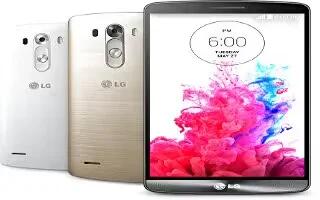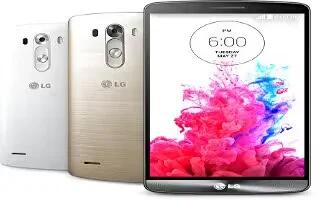
How To Use Hangouts – LG G3
Learn how to use Google Hangouts on your LG G3. The Hangouts application lets you have real-time text conversations with your friends.
Apple, Gadgets, Android, Microsoft
Learn how to use Google Hangouts on your LG G3. The Hangouts application lets you have real-time text conversations with your friends.
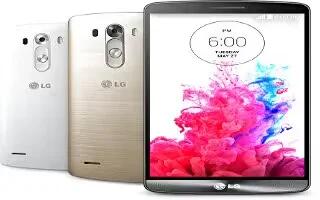
Learn how to use Gmail on your LG G3. Gmail can be configured when you first set up your phone.
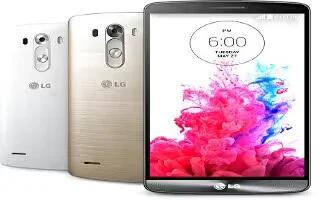
Learn how to use Google Play Store on your LG G3. Play Store lets you browse through and download thousands of fun and useful applications and games.
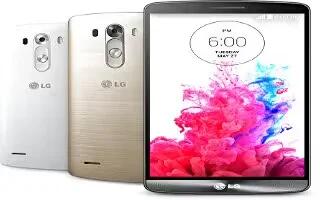
Learn how to use Google Maps on your LG G3. Google applications, including mobile versions of Gmail, Hangouts, Google Calendar, and Google Maps.
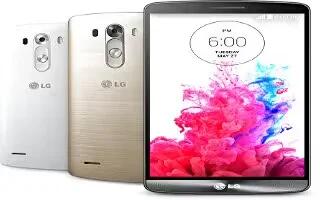
Learn how to use social media on your LG G3. With your phone, you can enjoy social networking and manage your micro-blog in on-line communities.
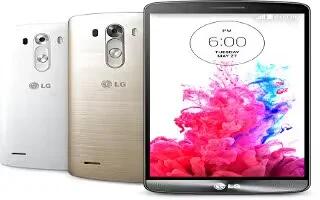
Learn how to join and separate contacts on your LG G3. When you have two or more entries for the same contact, you can join them into a single entry.
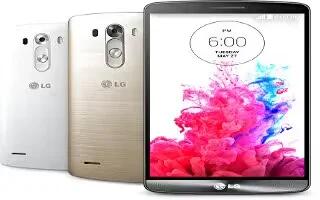
Learn how to use groups in contacts on your LG G3. You can add contacts on your phone and synchronize them with the contacts.
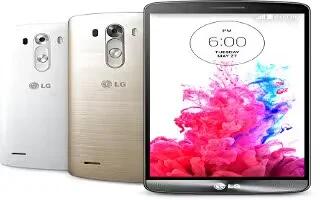
Learn how to use widgets on your LG G3. Add dynamically updating widgets to your Home screen to allow quick access to applications without opening the full application.
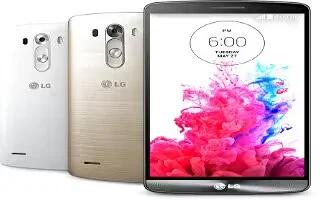
Learn how to create folder on your LG G3. You can create application folders to hold similar applications if you wish.
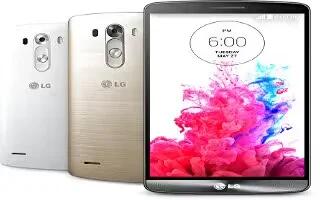
Learn how to take screenshot on your LG G3. There are three methods in LG G3 to capture the screen.
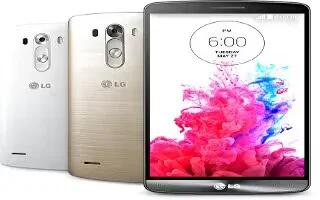
Learn how to use VPN on your LG G3. From your phone, you can add, set up, and manage virtual private networks that allow you to connect and access.
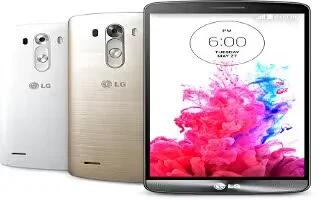
Learn how to use Miracast on your LG G3. You can mirror phone screen and sound onto LG Miracast dongle or TV wirelessly.
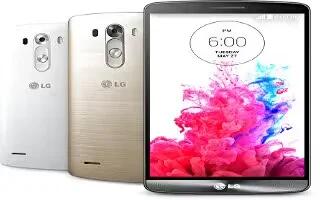
Learn how to use NFC on your LG G3. To use NFC, make sure your device is switched on, and activate NFC if disabled.
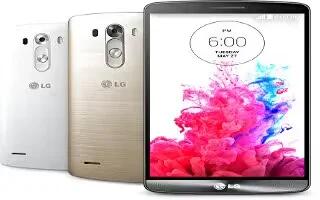
Learn how to update software on your LG G3. You can update your phone either directly from internet or through OTA update.
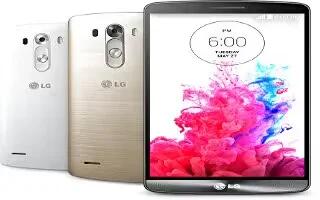
Learn how to move contacts from your old device to your new LG G3. Add contacts to your phone and synchronize them with the contacts in your Google account.
Learn how to use LG PC Suite for your LG G3. “LG PC Suite” PC software is a program that helps you connect your device to a PC via a USB cable and Wi-Fi.
Learn how to use backup and reset on your LG G3. Change the settings for managing your settings and data.