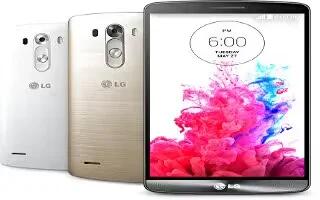
How To Use Battery Saver – LG G3
Learn how to use battery saver on your LG G3. The Battery charge information is displayed on a battery graphic along with the percentage of the remaining charge and its status.
Apple, Gadgets, Android, Microsoft
Learn how to use battery saver on your LG G3. The Battery charge information is displayed on a battery graphic along with the percentage of the remaining charge and its status.
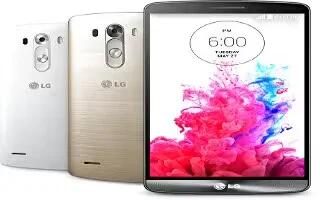
Learn how to use dual window on your LG G3. The two split-screen can be viewed at the same time on your device.
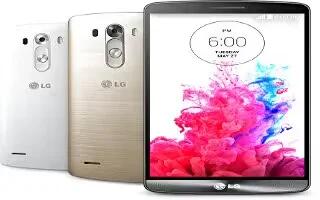
Learn how to use gestures on your LG G3. Using this settings, you can answer calls, fade out ringtone, make calls silent, snooze or stop alarm, pause video, etc.
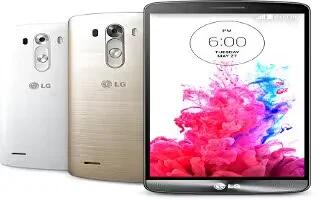
Learn how to use security settings on your LG G3. You can change content lock, encrypt, SIM lock, password and more settings.
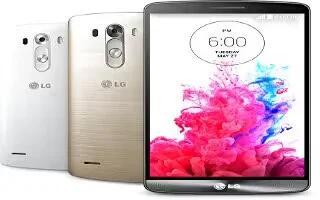
Learn how to use one handed operation on your LG G3. You can change dial keypad, LG Keyboard and lock screen operations in this section.
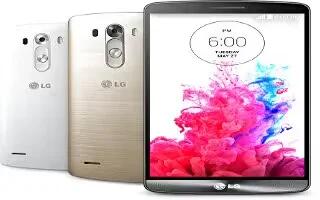
Learn how to use location services on your LG G3. Turn on location service, your phone determines your approximate location using GPS, Wi-Fi and mobile networks.
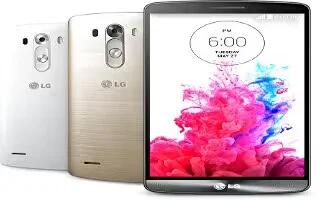
Learn how to use language and input settings on your LG G3. Use the Language & input settings to select the language for the text on your phone.
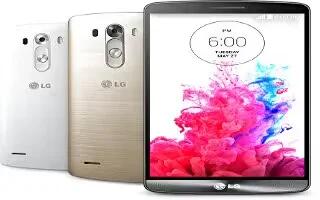
Learn how to customize display settings on your LG G3. You can change home screen, lock screen, font, brightness, tv, daydream settings etc.
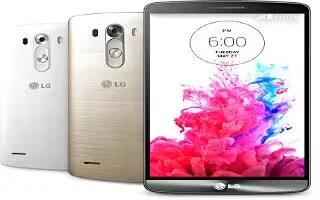
Learn how to use sound settings on your LG G3. You can change sound, volume, vibration and much more settings on this section.
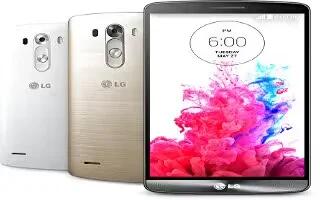
Learn how to use call settings on your LG G3. Configure phone call settings such as call forwarding and other special features offered by your carrier.
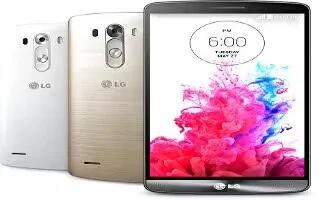
Learn how to use Chrome on your LG G3. Use Chrome to search for information and browse webpages.
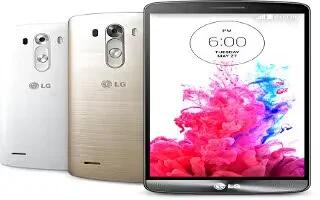
Learn how to use browser on your LG G3. Use this application to browse the Internet. Browser gives you a fast, full-color world of games, music, news, sports, entertainment and much more.
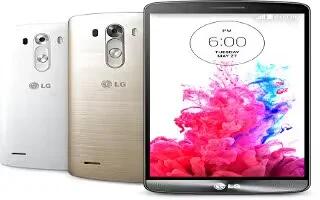
Learn how to voice search on your LG G3. Use this application to search webpages using voice.
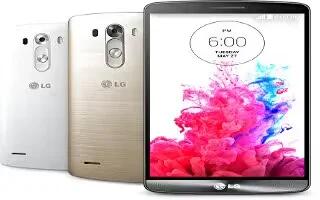
Learn how to configure Google plus app on your LG G3. Use this application to stay connected with people via Googles social network service.
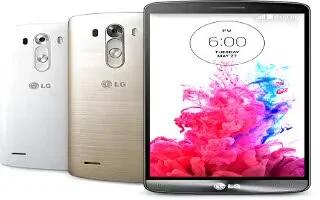
Learn how to use tasks on your LG G3. This task can be synchronized with MS Exchange account. You can create task, revise it and delete it in MS outlook or MS Office Outlook Web Access.
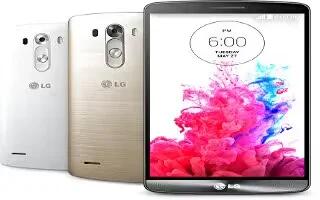
Learn how to use voice recorder on your LG G3. Use the voice recorder to record voice memos or other audio files.
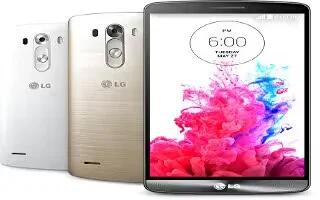
Learn how to use calendar on your LG G3. You can create events, set reminders using this builtin app on your device.
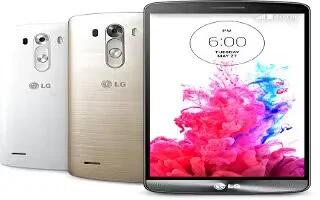
Learn how to use calculator on your LG G3. You can make both simple and complex calculations using this inbuilt app in your device.







