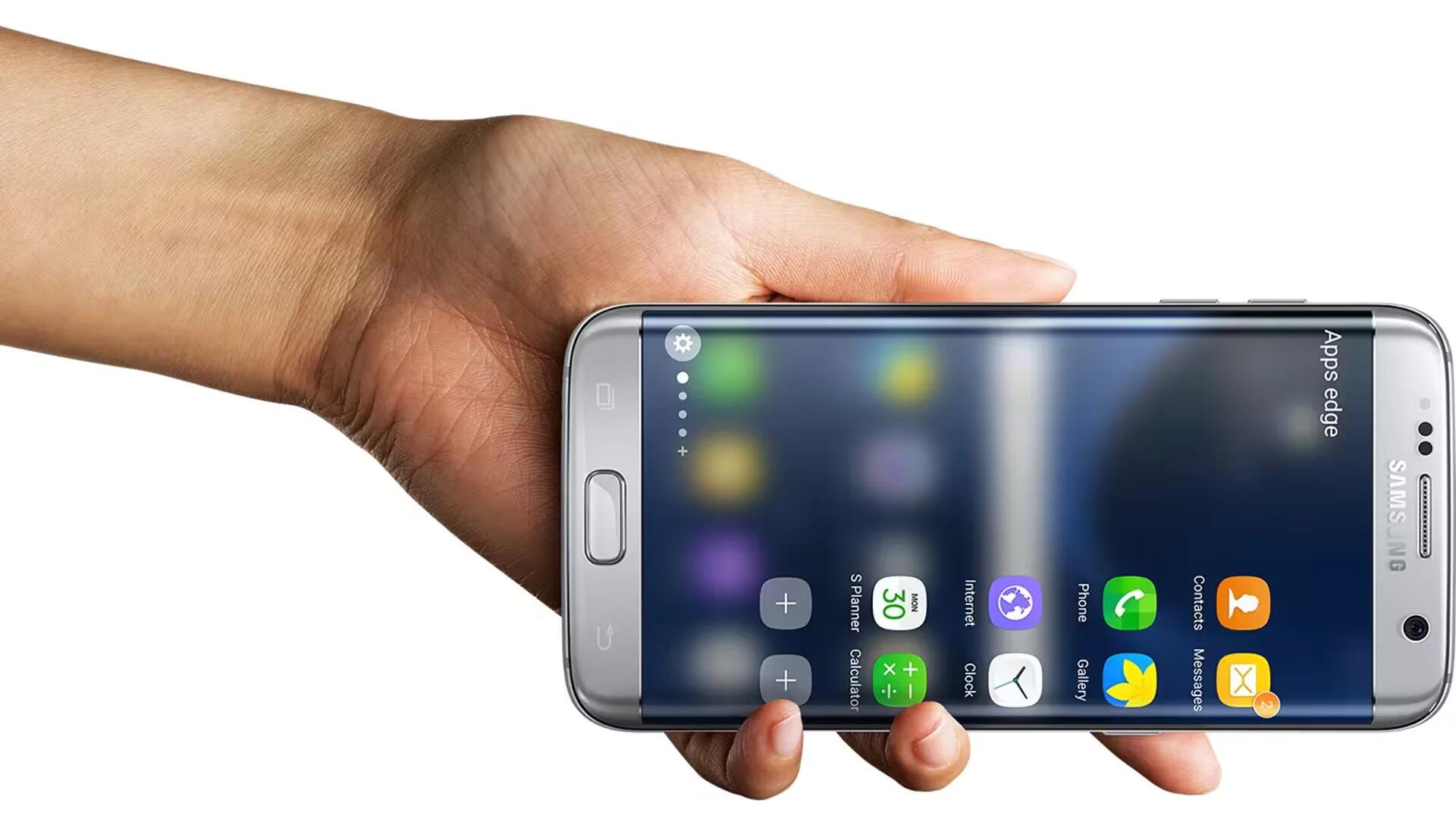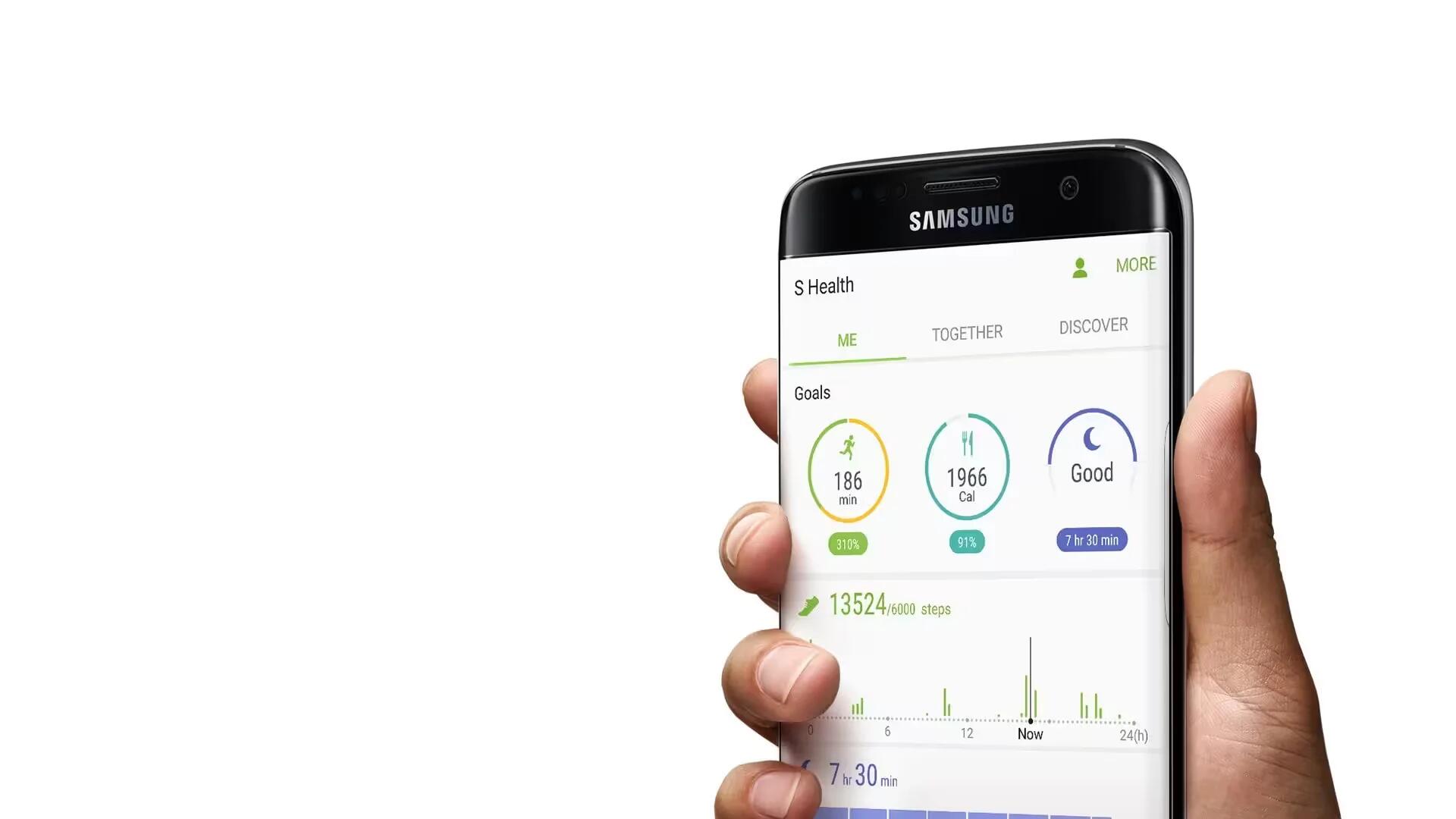
What Is Samsung S Health & How To Use It?
The S Health is a mobile health application featured on Galaxy devices, which helps you to reach your personal fitness goals.
Apple, Gadgets, Android, Microsoft
The S Health is a mobile health application featured on Galaxy devices, which helps you to reach your personal fitness goals.
Now, Samsung has decided to officially confirm and detail Bixby today via an exceedingly poetic press release.
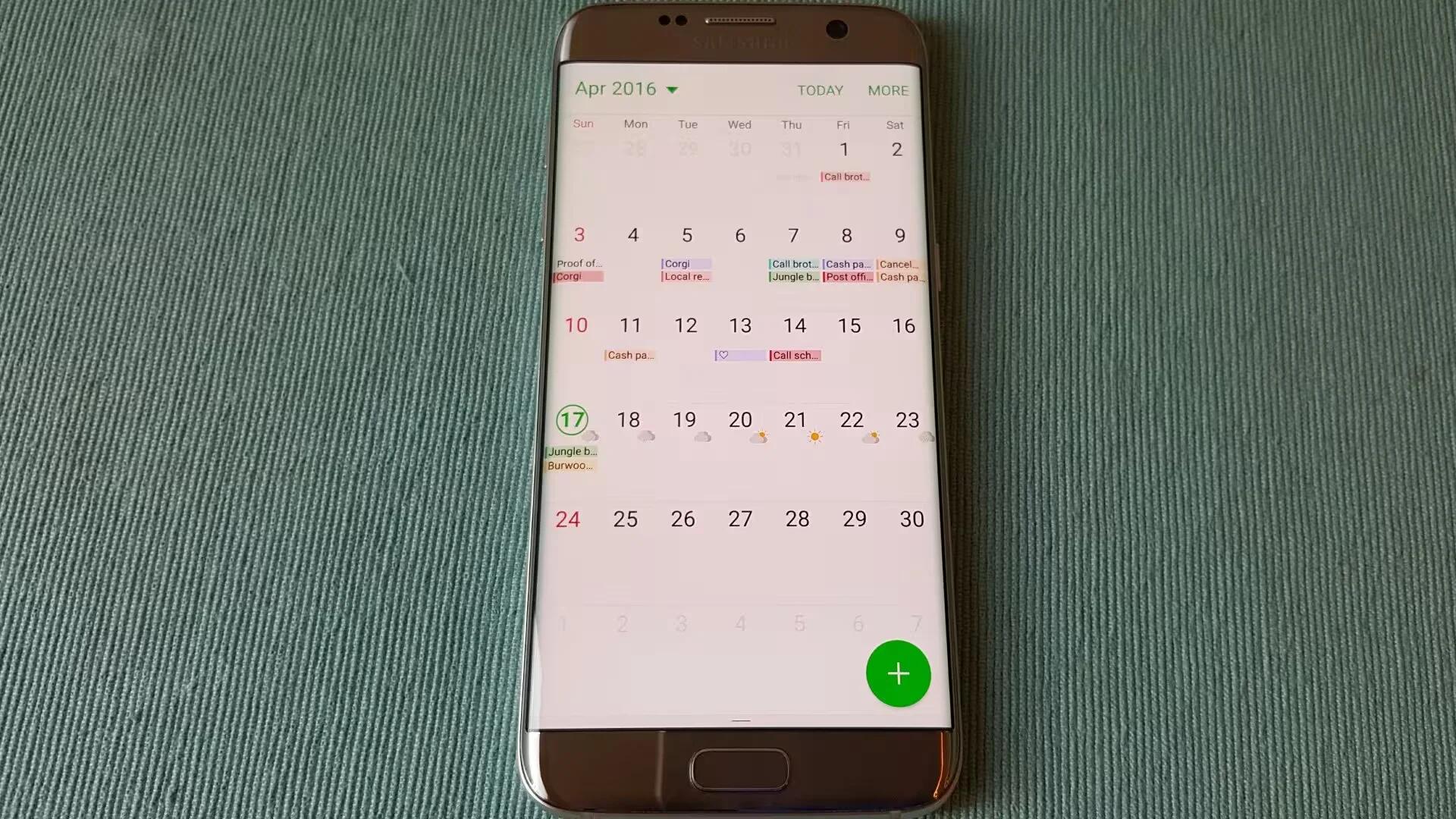
Learn how to use Samsung S planner to manage your schedule by entering upcoming events or tasks in your planner.
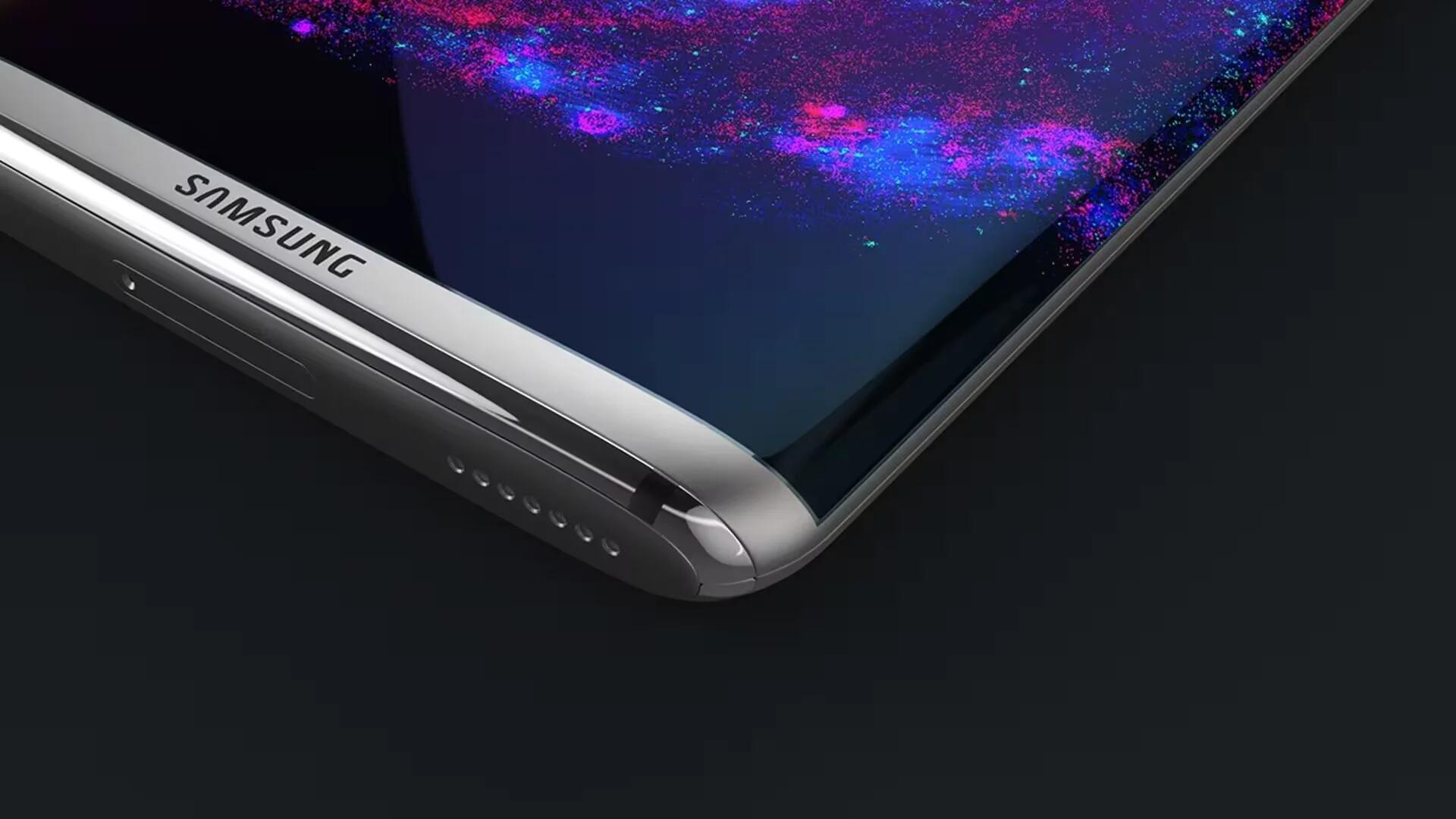
The Samsung Galaxy S8 Plus with the Exynos 8995 processor has recently turned up on the GeekBench benchmarks with the model number SM-G955F.
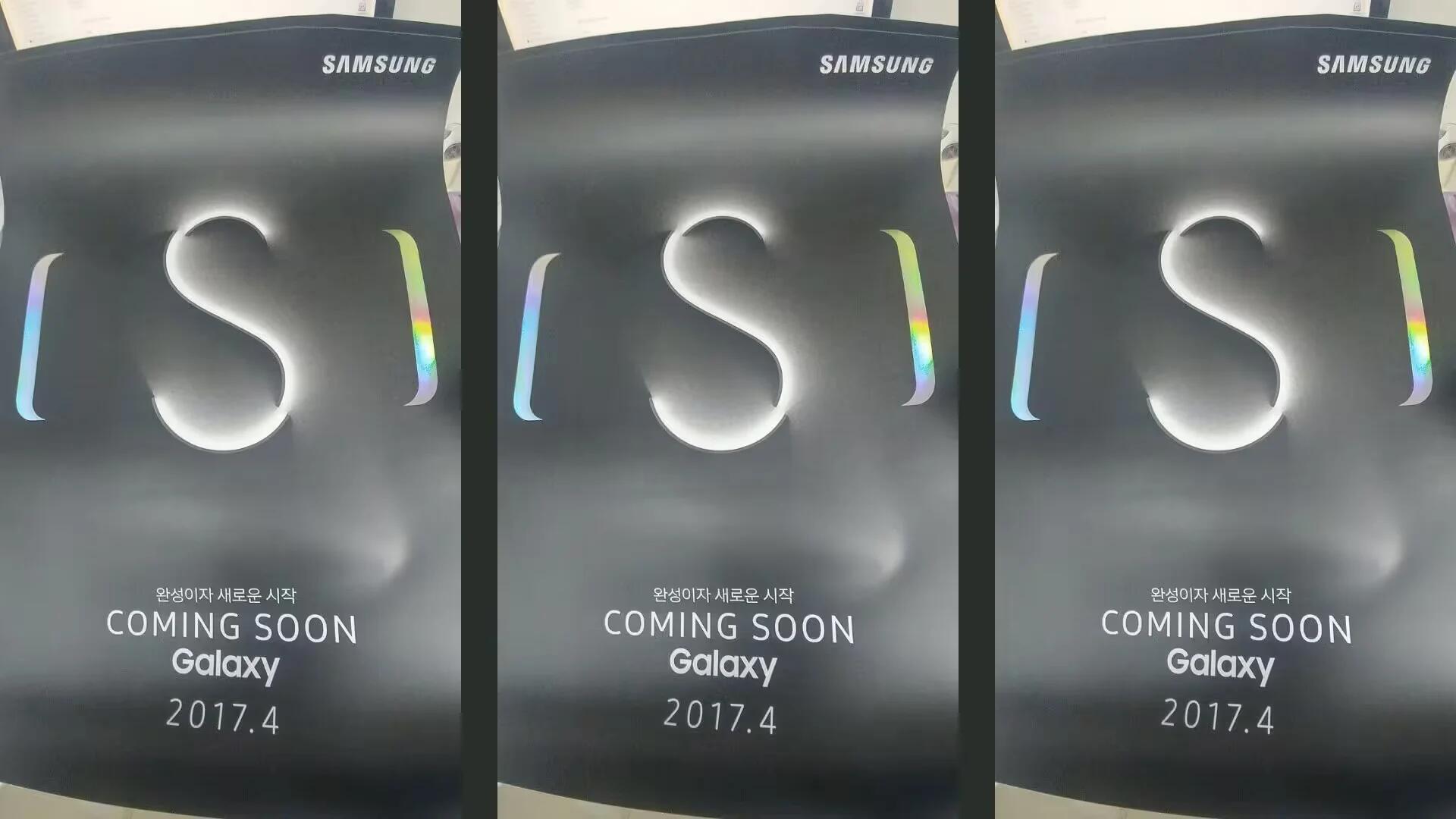
The new leak reveals the Galaxy S8 event poster with a large “S” in the middle of a device, which we expect to see by this month end.
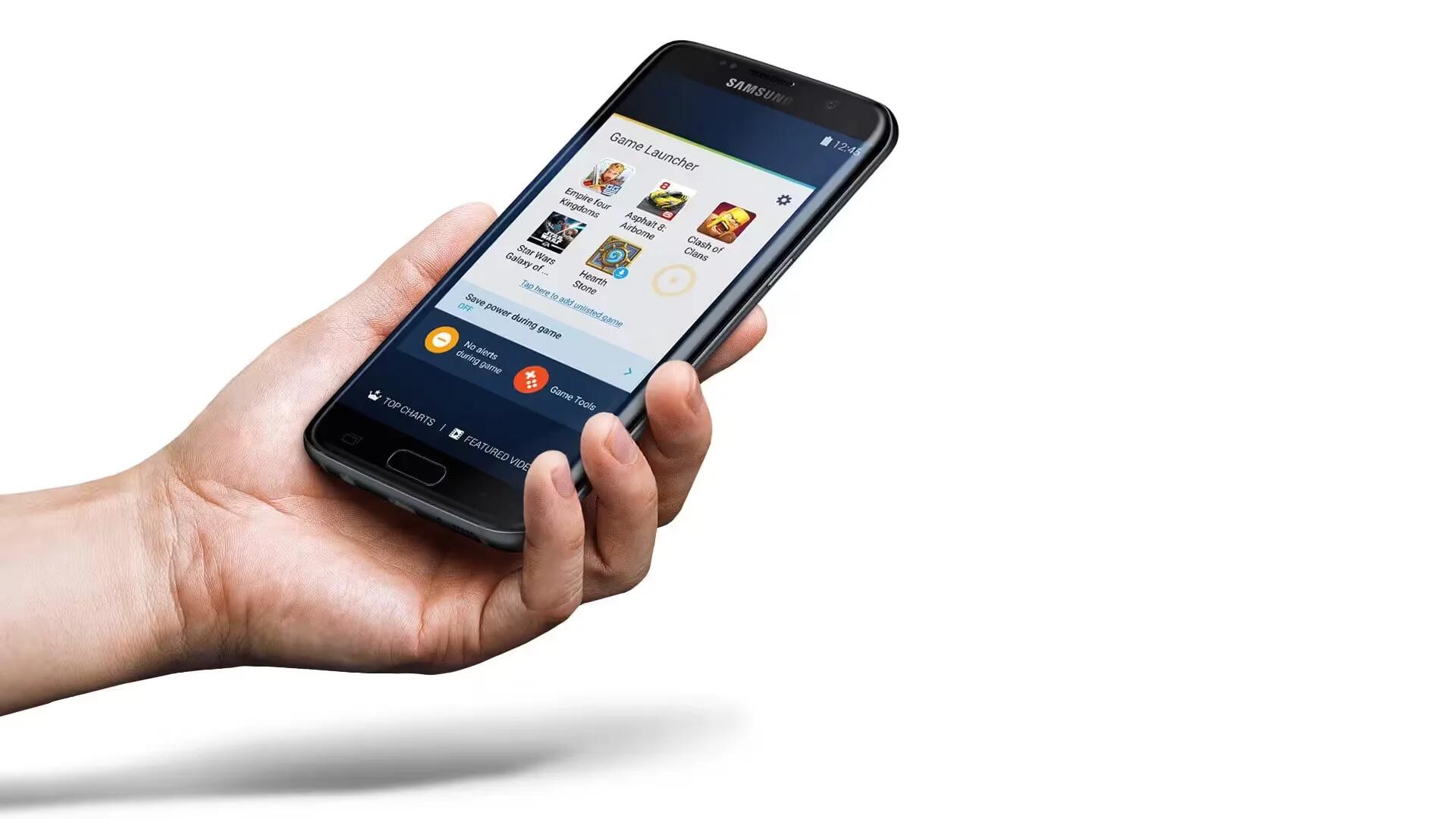
Samsung’s Game Launcher gathers your games and provides a set of tools that dramatically improve your mobile gaming experience.
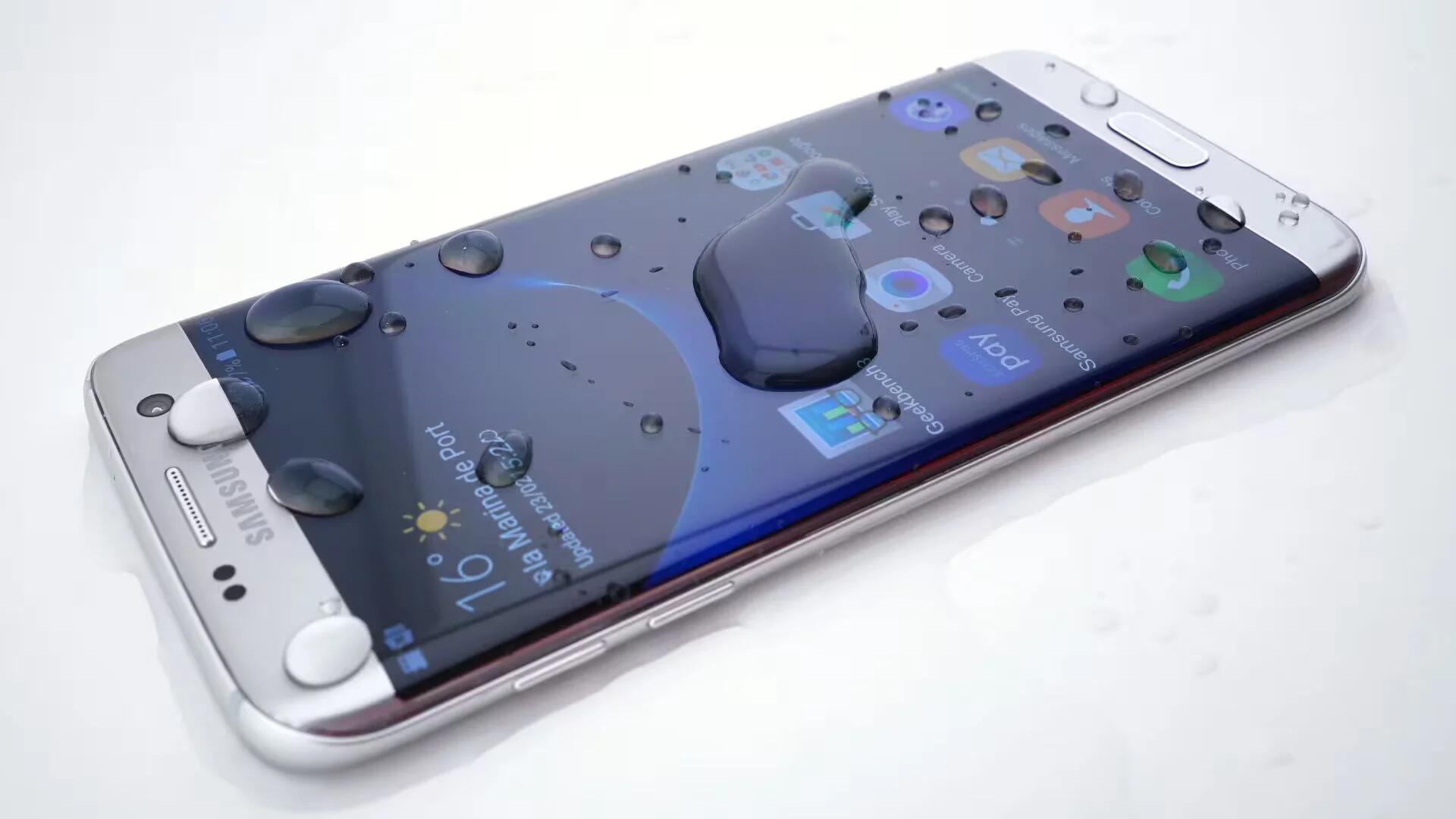
Samsung Galaxy S7 and S7 Edge comes with some basic security and privacy features. Here are some tweaks to help keep your data private

Here we will see how to install, manage and uninstall apps in Galaxy S7 and Galaxy S7 Edge using both Google Play and Galaxy Apps.
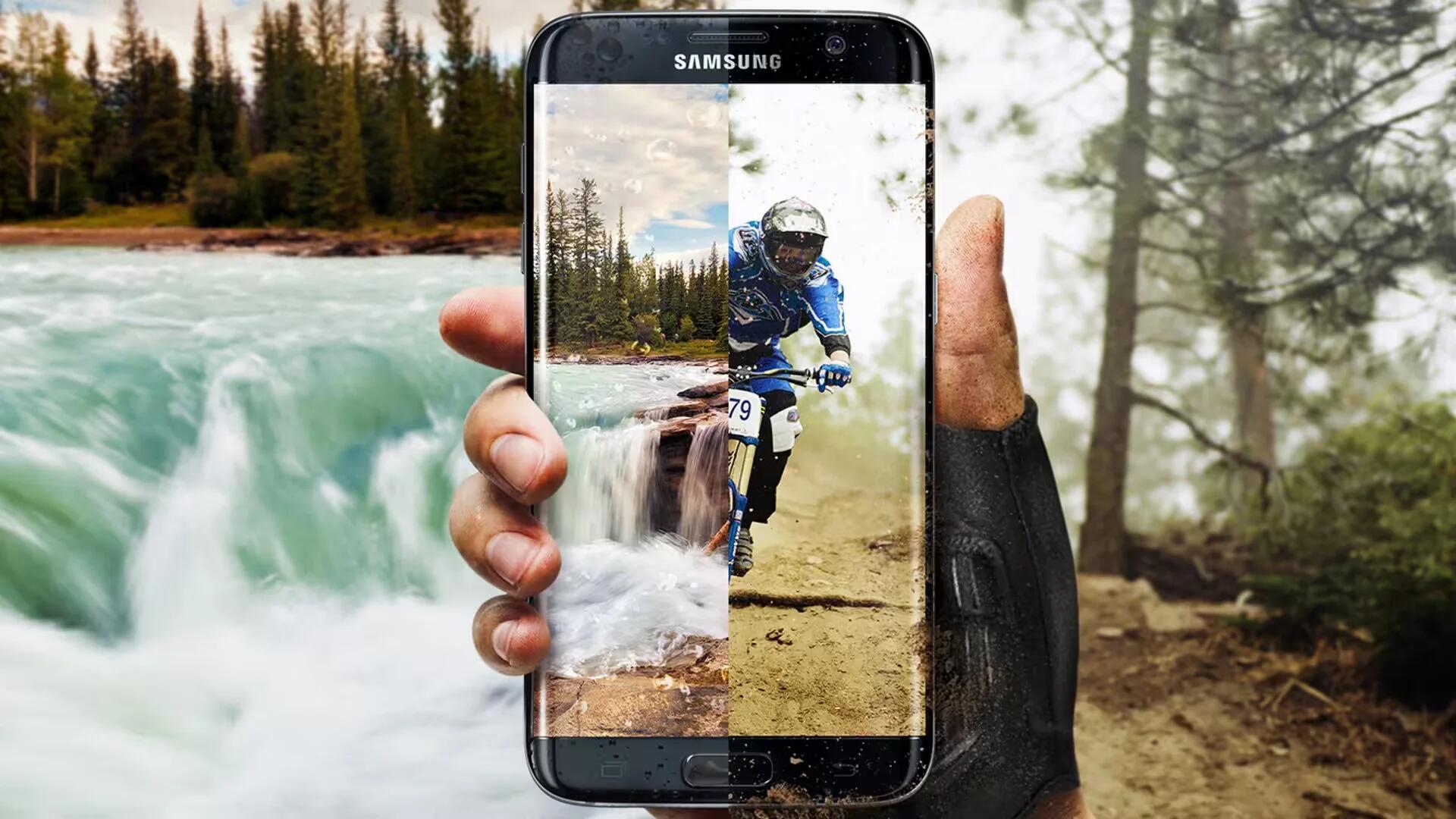
Here is an overview of all options you can find in the Lock screen and security section of the Settings screen in Galaxy S7 and S7 Edge.
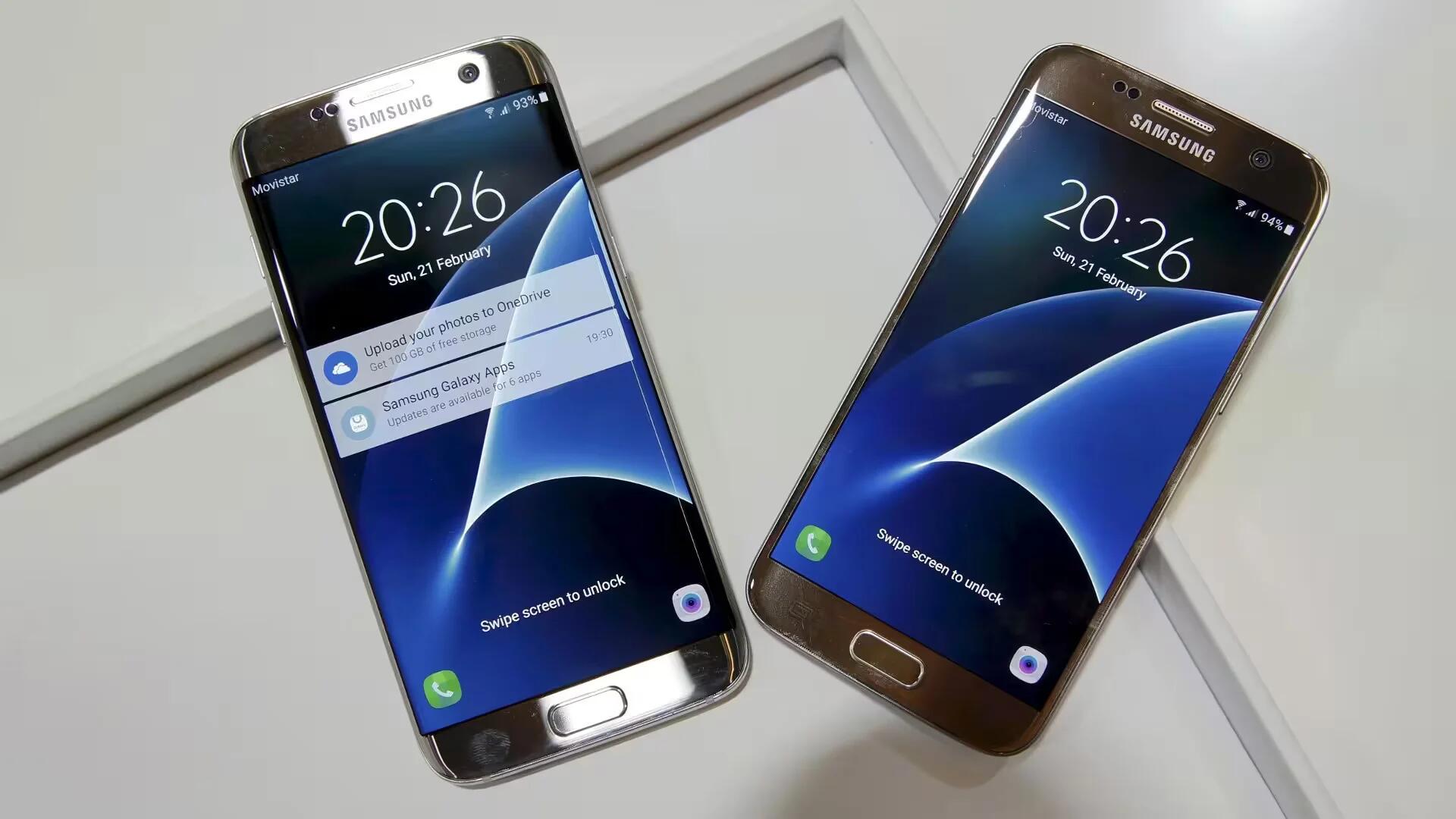
Here is how you can effectively use Galaxy S7 and Galaxy S7 Edge fingerprint scanner to improve the security of our device.
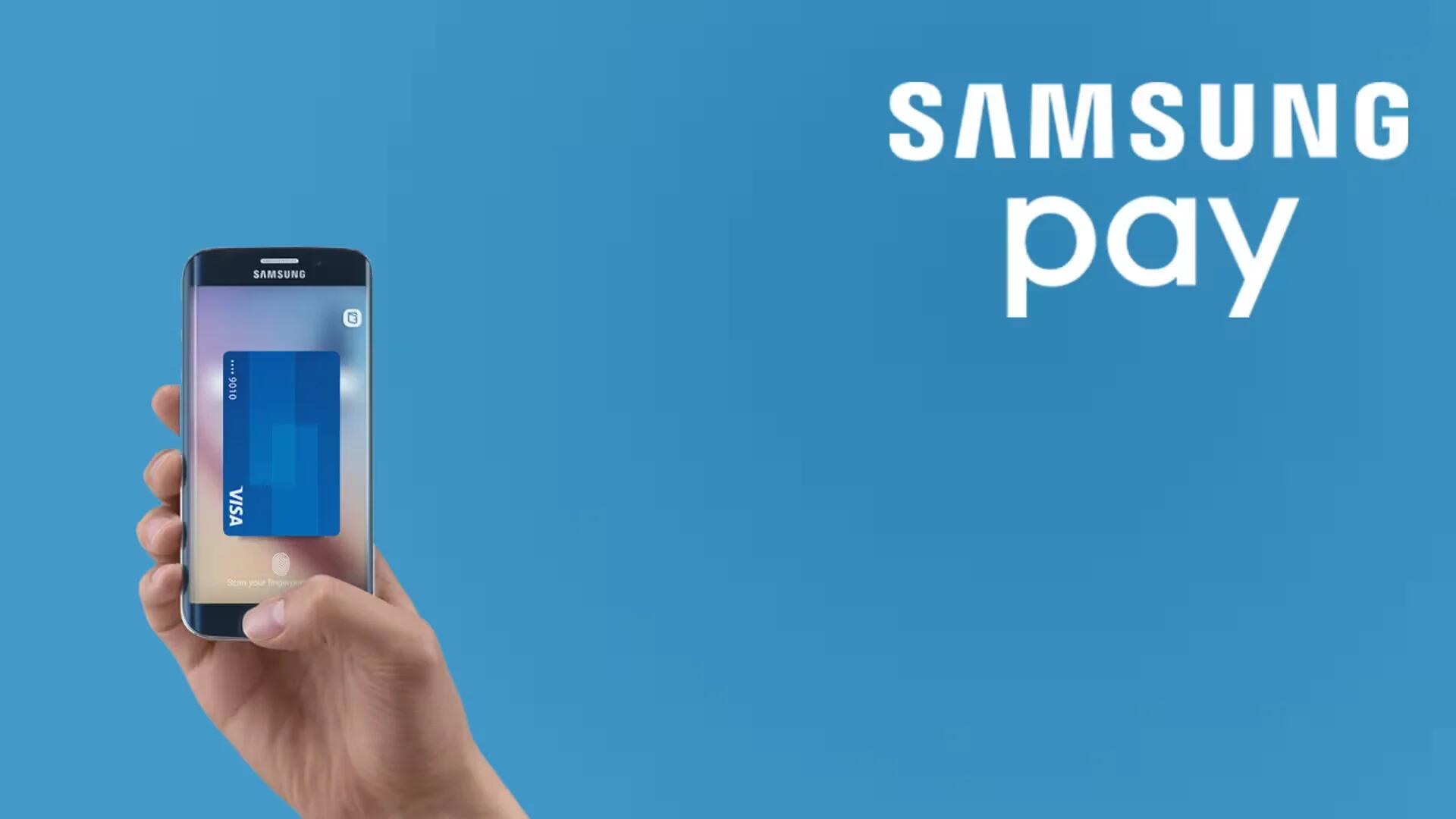
Samsung Pay has all the features of Android Pay, while supporting both NFC and MST. Here we explain how to use it to make your payments.
Here we will explain how to connect your Galaxy S7 / S7 edge to a PC, so that you can backup your data before updating your handset.
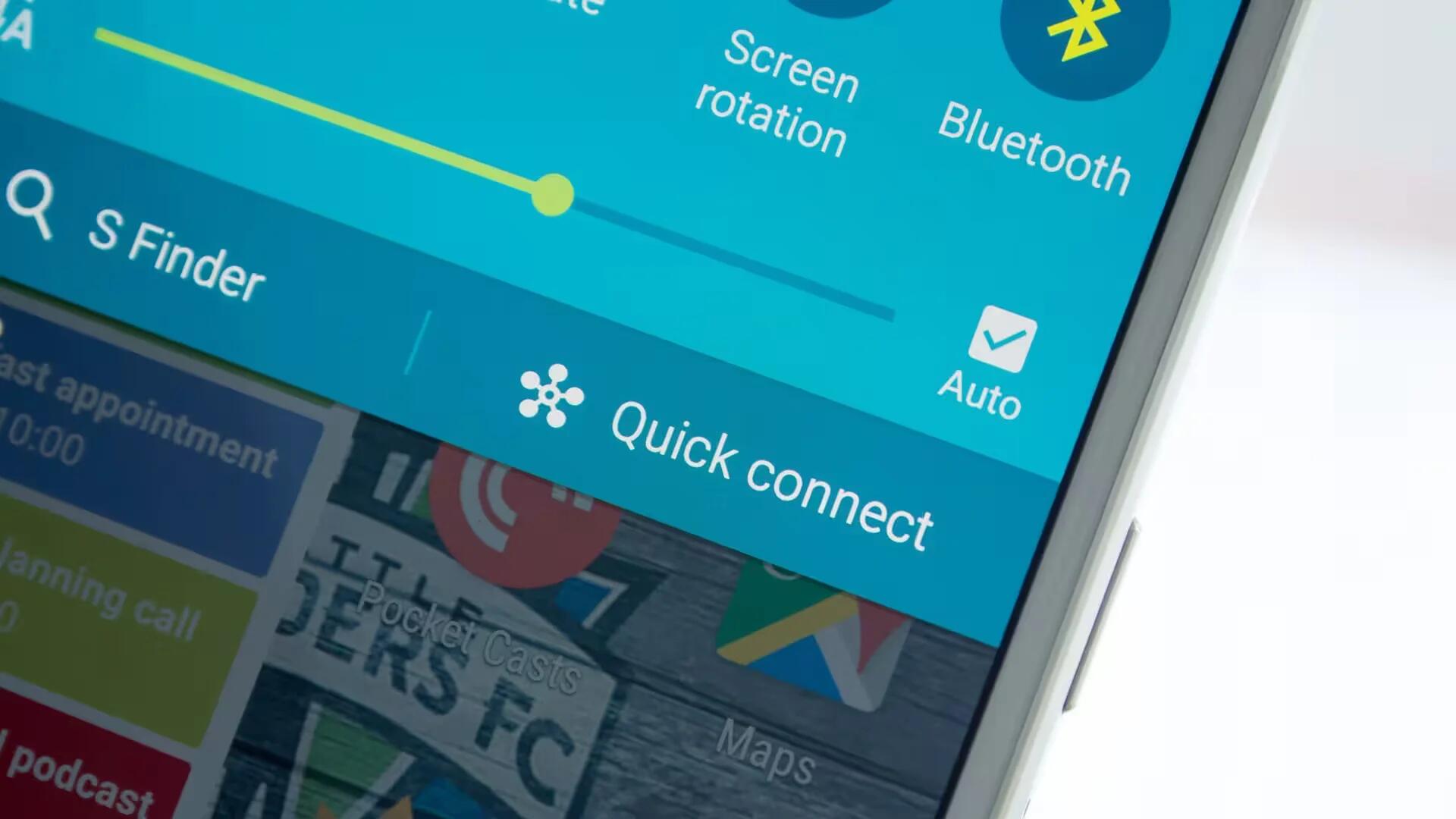
Samsung’s Quick Connect feature in Galaxy S7 and S7 Edge allows you to easily connect with nearby devices such as Bluetooth headsets or TVs.
Learn how to enter text on your Samsung Galaxy S7 and Galaxy S7 Edge using on-screen QWERTY keyboard, Gesture input and Voice input.
Learn how to take screenshot in your Galaxy S7 and Galaxy S7 Edge with traditional home and power key combo or by using motions and gestures.
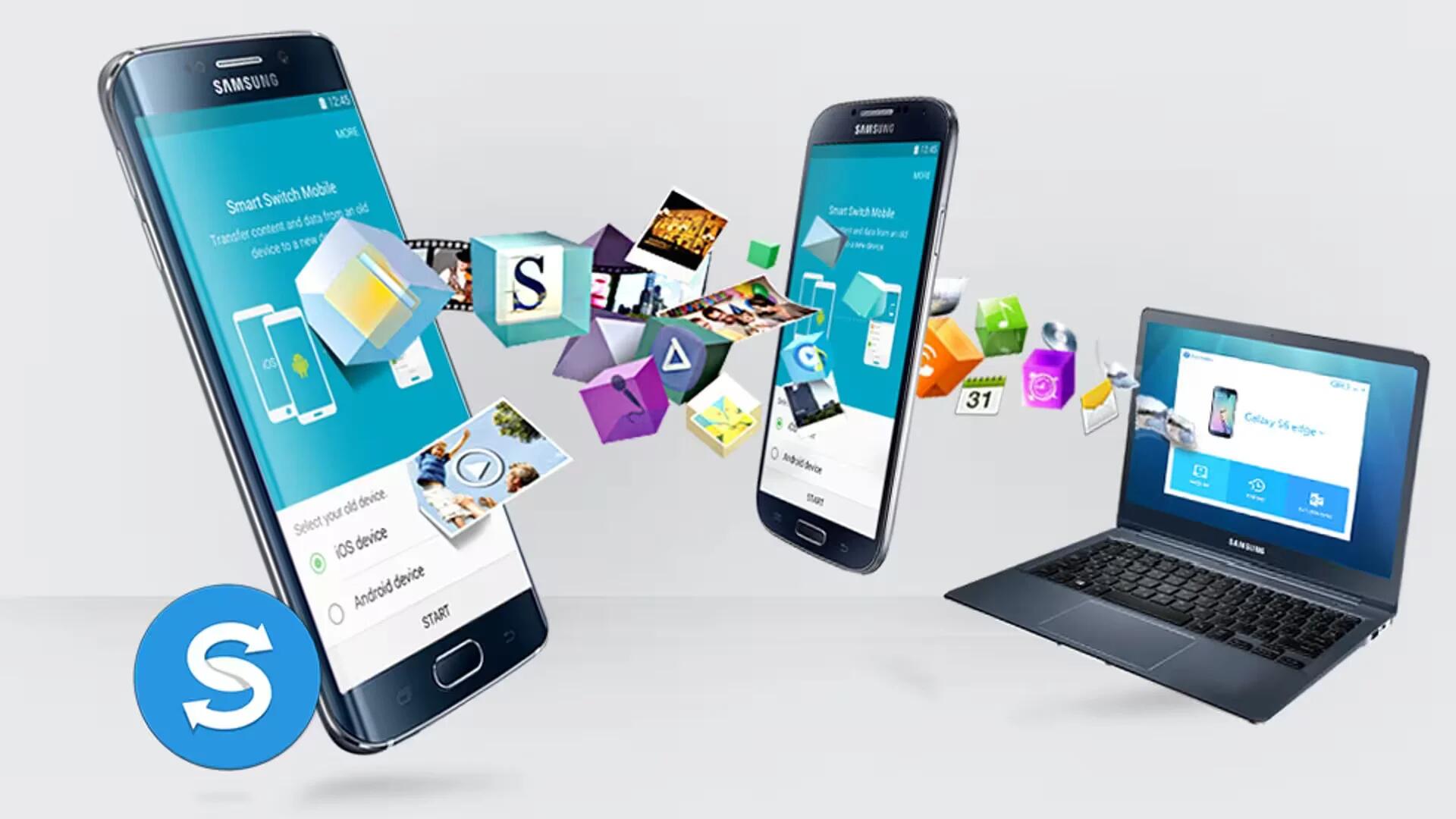
You can transfer data from a previous device to your device via Samsung Smart Switch. In this article we will show you how to do it.
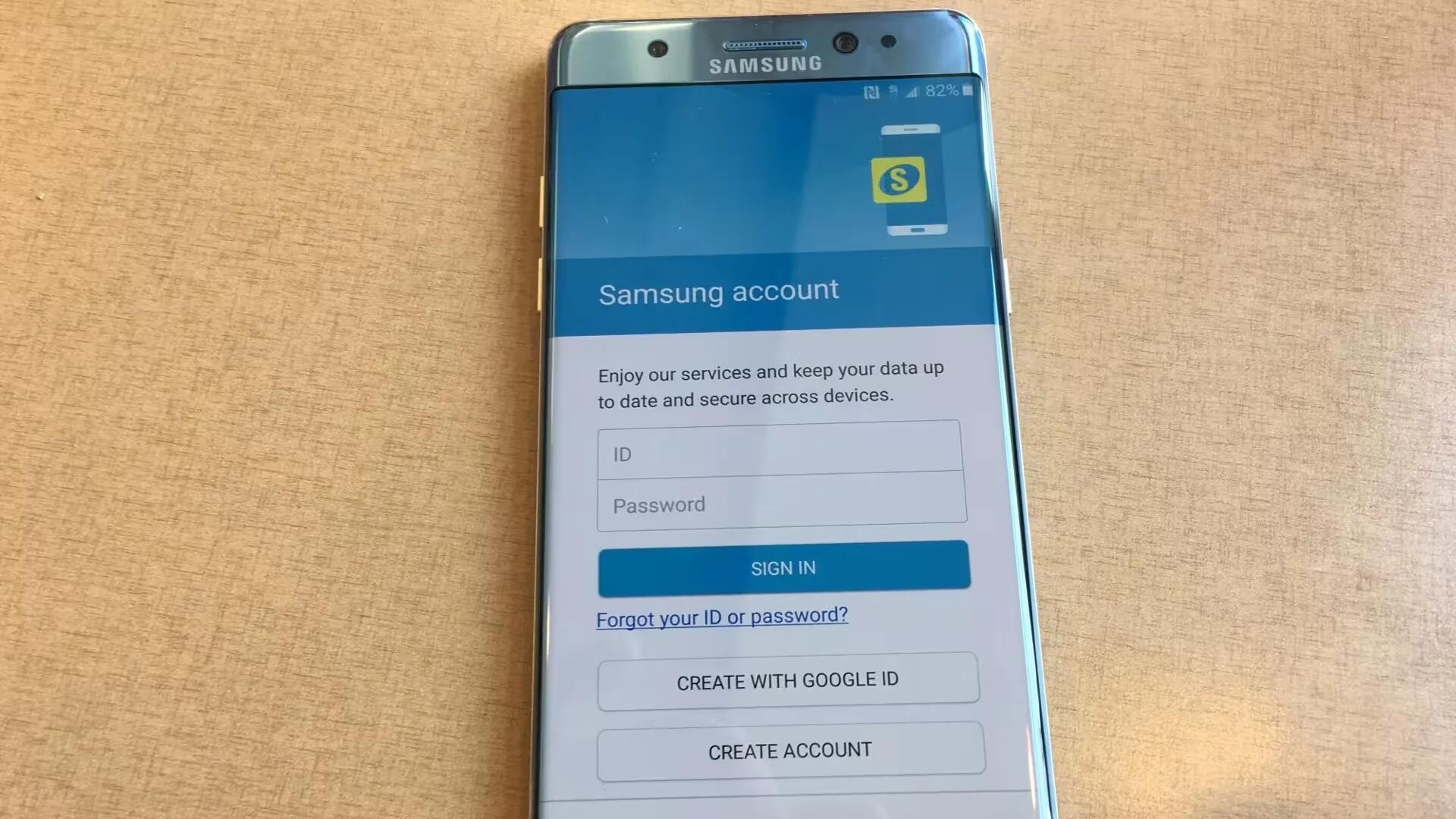
Samsung account allows you to use a variety of Samsung services. In this article, we will show you how to register / delete an account.