How To Use S Health On Samsung Galaxy Note 4
Learn how to use S Health on your Samsung Galaxy Note 4. S Health helps you manage your wellness and fitness. Set fitness goals, check your progress,
Apple, Gadgets, Android, Microsoft
Learn how to use S Health on your Samsung Galaxy Note 4. S Health helps you manage your wellness and fitness. Set fitness goals, check your progress,
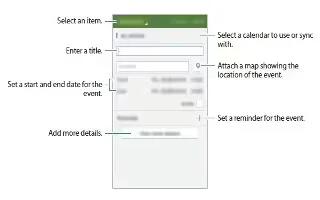
Learn how to use S planner on your Samsung Galaxy Note 4. Manage your schedule by entering upcoming events or tasks in your planner.
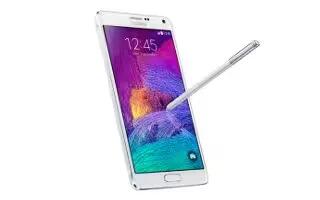
Learn how to use S finder on your Samsung Galaxy Note 4. Use this app to search for content with a keyword on the device. You can apply filters, view history.

Black Friday is now less than a week away, but T-Mobile decided it had to start its Black Friday promotions early and has announced some great deals already.

Whether you can relate to a grumpy brother, self-conscious sister, busy father, or the imaginative sound loops of comedian and voice talent, Reggie Watts, the Samsung Galaxy Note 4 can cater to all of them
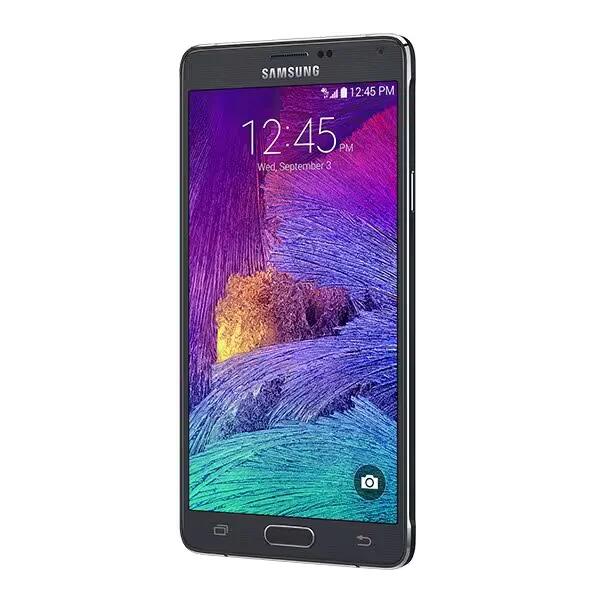
Following a firmware update focused on improving battery life, Samsung Galaxy Note 4 owners are now treated with another one targeting performance and stability.
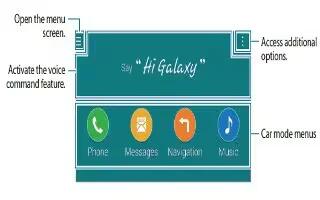
Learn how to use car mode apps on your Samsung Galaxy Note 4. Use this mode to control the device while you are driving. You can listen to messages and music
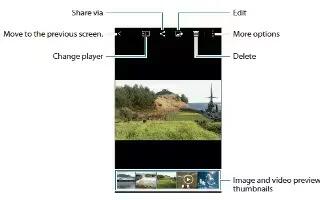
Learn how to use gallery on your Samsung Galaxy Note 4. View and manage photos and videos stored in the device.
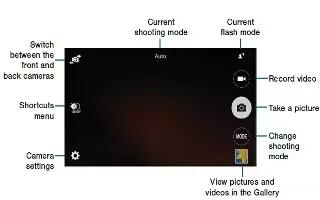
Learn how to use video camera settings on your Samsung Galaxy Note 4. The available options may vary depending on the mode and which camera is being used.
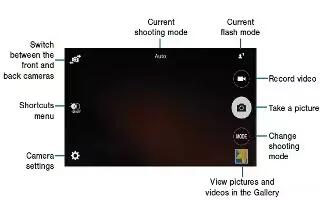
Learn how to use video camera on your Samsung Galaxy Note 4. Take pictures with your devices front or back camera. Tap Camera on the All apps screen.
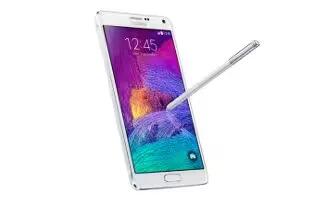
Learn how to use Email on your Samsung Galaxy Note 4. Add your email accounts to receive emails and reply to them.
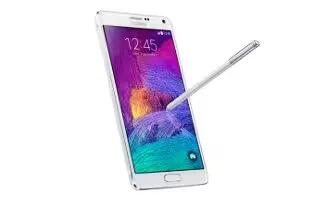
Learn how to use contacts on your Samsung Galaxy Note 4. Create new contacts or manage contacts on the device. You can move contacts from other devices
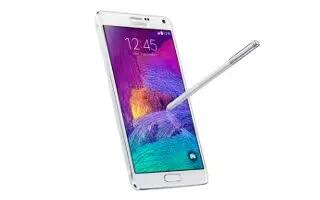
Learn how to setup accounts on your Samsung Galaxy Note 4. Some apps used on your device require a registered account. Create accounts to have the best
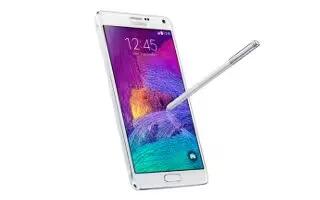
learn how to use Samsung Smart Switch on your Samsung Galaxy Note 4. You can transfer data of the previous device to a new device via Smart Switch.
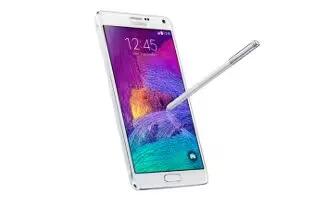
Learn how to use private mode on your Samsung Galaxy Note 4. In private mode, you can hide items in Gallery, Video, Music, Voice Recorder, My Files, and S Note.
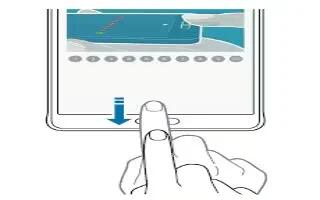
Learn how to use finger scanner on your Samsung Galaxy Note 4.In order for fingerprint recognition to function, fingerprint information needs to be registered