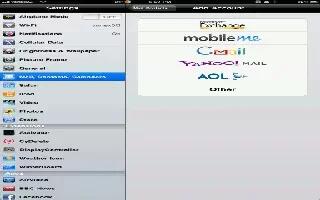
How To Organize Mail On iPad
You can setup the mail accounts and customize settings of your mail accounts on your iPad. Continue reading the article on how to use it
Apple, Gadgets, Android, Microsoft
You can setup the mail accounts and customize settings of your mail accounts on your iPad. Continue reading the article on how to use it
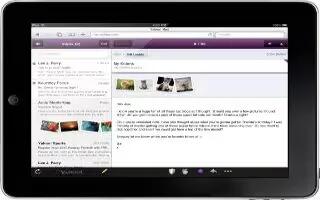
iPad displays image attachments in many commonly used formats (JPEG, GIF, and TIFF) inline with the text in email messages. iPad can play
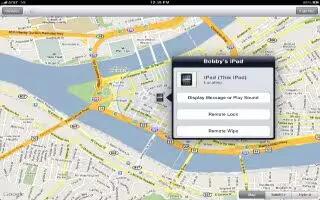
Find My iPad can help you locate a lost or misplaced iPad using an iPhone, iPod touch, or another iPad. You can also use Find My iPad using a Mac
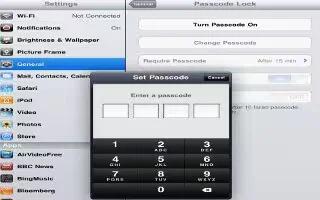
Security features help protect the information on iPad from being accessed by others. Continue reading the article for protecting your iPad.
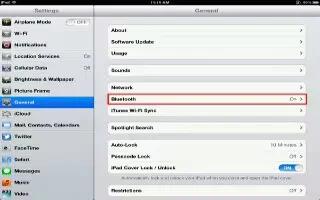
You can use iPad with the Apple Wireless Keyboard and other Bluetooth devices, such as Bluetooth headphones. You must first pair a Bluetooth device

Learn how to use airplay on iPad. You can stream music, photos, and video wirelessly to your HDTV or speakers using AirPlay and Apple TV.

You can use Twitter on your iPad, follow the simple steps below. Sign in to your Twitter account (or create a new account) in Settings
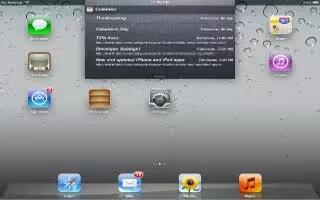
Notification Center displays all your alerts in one place, you can use the notifications alert on iPad easily; for more details continue reading
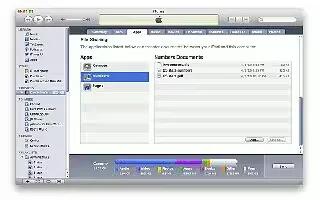
You can use File Sharing on iPad. It lets you transfer files with the Dock Connector to USB Cable between iPad and your computer, using iTunes.
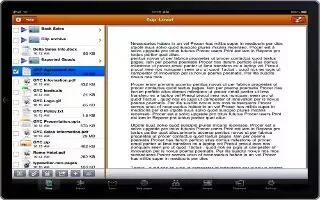
You can print a document through iPad. AirPrint uses your Wi-Fi network to send print jobs wirelessly to your printer. Tap document and Print option
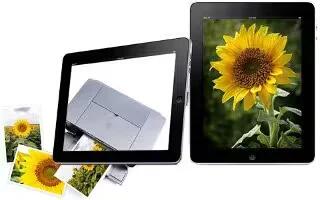
You can use Printing on iPad. iPad can print wirelessly to Air Print-enabled printers. Mail: email messages and viewable attachments
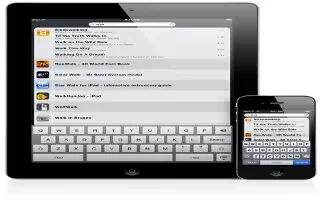
You can use Search for searching iPads built-in apps, which includes Mail, calendar, Music, Video, Notes, and contacts. You can also search app,
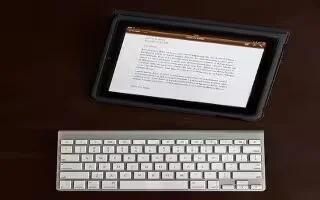
Learn how to use Apple wireless keyboard on iPad. You can use an additional keyboard for an iPad instead of using the onscreen keyboard
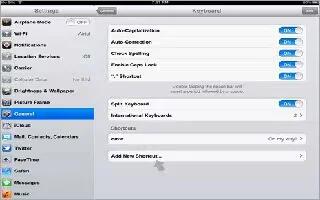
Learn how to use shortcuts while typing on iPad. Shortcuts let you type just a few characters instead of a longer word or phrase.
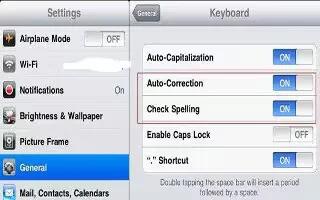
Learn how to use auto correct and spell check on iPad. For many languages, iPad automatically corrects misspellings or makes suggestions
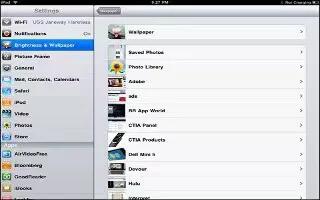
Learn how to change wallpaper on iPad. You can choose the images or photos you want to use as wallpaper for your Lock screen and your Home screen.
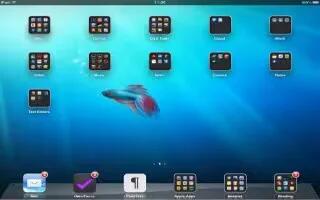
Learn how to use folder for organizing home screen on iPad. You can use folders to organize icons on the Home screen. You can put up to 20 icons
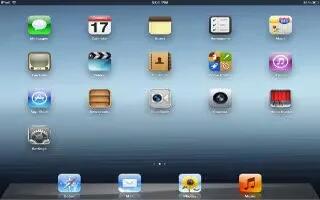
You can customize the layout of app icons on the Home screen; including the icons in the Dock along the bottom of the screen.







