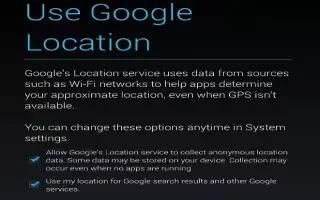
How To Use Control Location Reporting And History On Nexus 7
Learn how to use control location reporting and history on Nexus7. Location reporting refers to the ability of tablet to report current location.
Apple, Gadgets, Android, Microsoft
Learn how to use control location reporting and history on Nexus7. Location reporting refers to the ability of tablet to report current location.
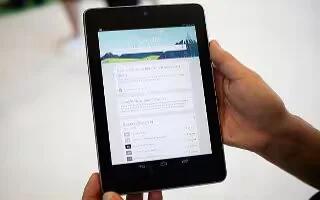
Learn how to turn off Google Now on Nexus 7. In addition to stopping the display of Google Now cards, turning off Google Now also returns settings
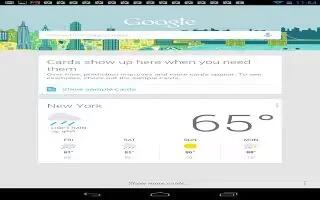
Learn how to use Google now cards on Nexus 7. A Google Now card is a short snippet of useful information that slides into view right
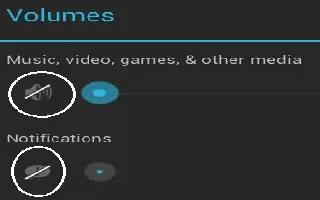
Learn how to change sound settings on Nexus 7. Your tablet uses sounds to communicate, including notifications, alarms, and navigation feedback.
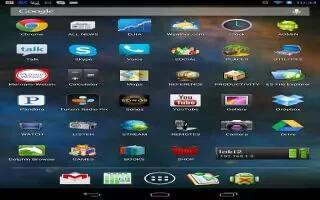
You can organize your Home screen on your Google Nexus 7. Go to the Home screen where you want to place the widget. Follow the simple steps below.
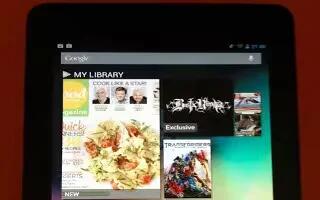
Learn how to use Apps on Nexus 7. To see all your apps, touch All Apps icon in the Favorites tray on any home screen. Continue reading the article
Learn how to manage download on Nexus 7. To manage most downloads; touch the Downloads icon on the All Apps screen. The content can be downloaded
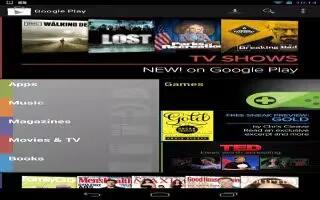
You can customize your Google Play settings on your Nexus 7. To adjust Google Play settings, switch accounts, or get help, Follow the steps below.
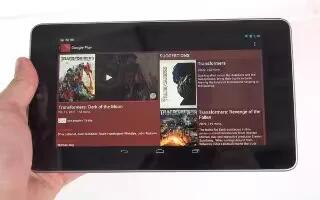
You can shop on Google Play on your Nexus 7. To launch the Google Play Store app, touch the Play Store icon in your Favorites at Home screen.
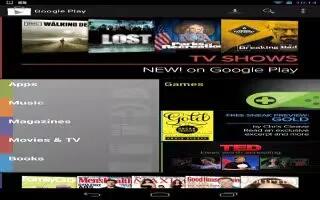
Learn how to use Google play on Nexus 7. Google Play brings together all your favorite content in one place movies, books, music, magazines, apps,
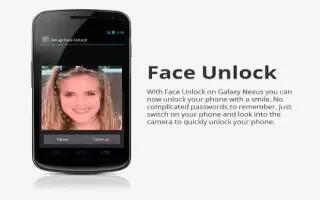
Learn how to use face unlock on Nexus 7. Depending how you use your phone, want to set some form of automatic screen lock to prevent unauthorized
Learn how to use touch and type on Nexus 7. Use your fingers to manipulate icons, buttons, menus, the onscreen keyboard, items on the touchscreen
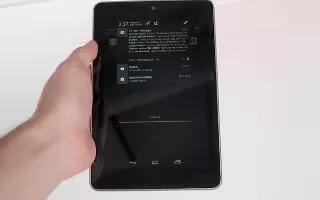
Learn how to use Notifications on Nexus 7. Notifications alert you to the arrival of new messages, calendar events, and alarms, on-going events,
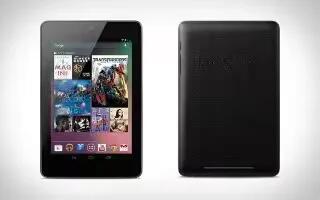
Learn how to use Google Now on Nexus 7. Google Now is about getting you just the right information, at just the right time, swipe up for Google Now
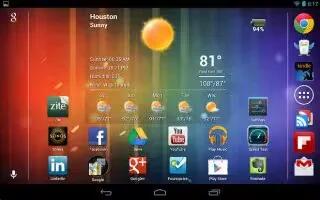
You can browse home screens on Nexus 7. To move between the Home Screens swipe left or right. Follow the simple steps below.
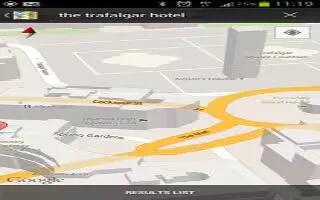
Learn how to use maps on Samsung Galaxy S3. You can use Google Maps on your Samsung Galaxy S3, it is a mapping service to find your locations.
Google Goggles is an image recognition application designed by Google for iPhones and Android devices. By snapping a photo using your devices camera, the app will provide search results based on the object, landmark, or text present in the image. You can also use the app to translate text by simply taking a picture. You can translate the text using the Google Goggles app, follow the simple steps below
You can locate your Android Smartphone and Tablet using Google. For that you need a Google Apps account, Google Apps Device Policy App installed on your device, Google Apps account linked to your App. Its easy to do that, follow the simple steps below







