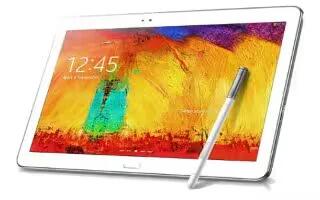
How To Use Playlists In Music App – Samsung Galaxy Note Pro
Learn how to use playlists in music app on your Samsung Galaxy Note Pro. Playlists are used to assign songs to a list of preferred media.
Apple, Gadgets, Android, Microsoft
Learn how to use playlists in music app on your Samsung Galaxy Note Pro. Playlists are used to assign songs to a list of preferred media.
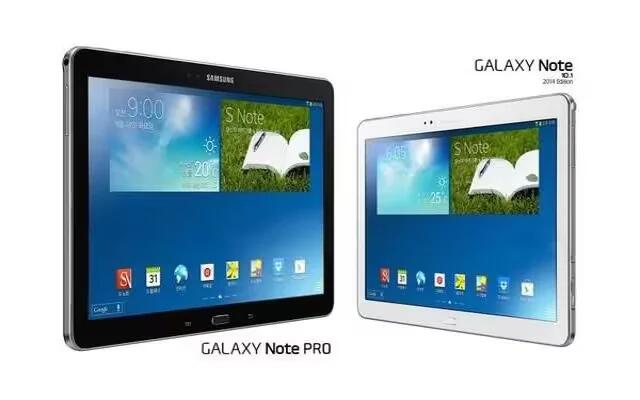
Learn how to use Music Player App on your Samsung Galaxy Note Pro. Use the Music application to listen to music.
Learn how to use Email Settings on your Samsung Galaxy Note Pro. Use the Email Settings to configure your Email preferences.
Learn how to switch between email accounts on Samsung Galaxy Note Pro. Email enables to review and create email using various email services.
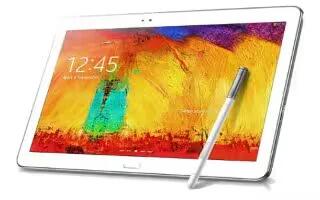
Learn how to use corporate Email account on your Samsung Galaxy Note Pro. Use the following procedure to configure your tablet to synchronize.
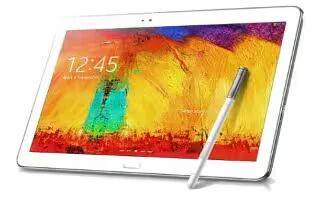
Learn how to create Email account on your Samsung Galaxy Note Pro. Use Email to view and manage all your email accounts in one application.
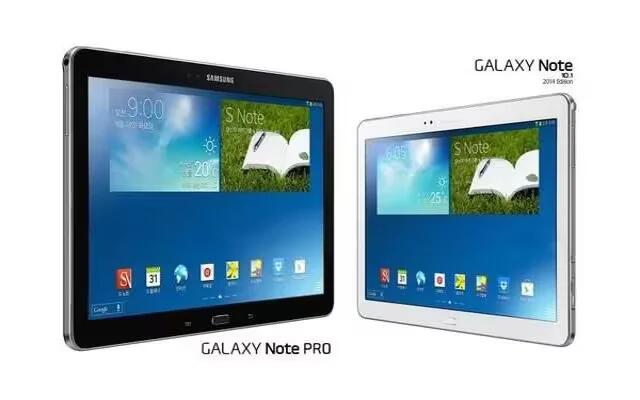
Learn how to use Gmail on your Samsung Galaxy Note Pro. Send and receive email with Gmail, Googles web-based email service.
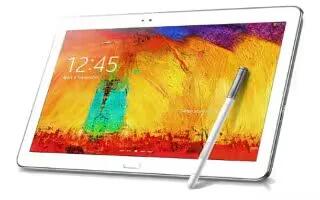
Learn how to use favorite contacts on your Samsung Galaxy Note Pro. Mark contact records with a gold star to identify them as favorites.
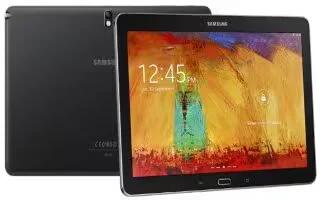
Learn how to use Groups on your Samsung Galaxy Note Pro. Assign contacts to Groups to make searching for contacts faster or to quickly send messages.
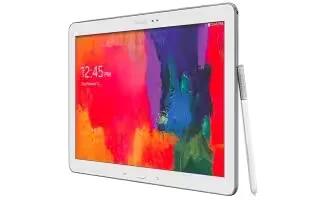
Learn how to share contact information on Samsung Galaxy Note Pro. You can send a contacts information using Bluetooth to other Bluetooth devices.
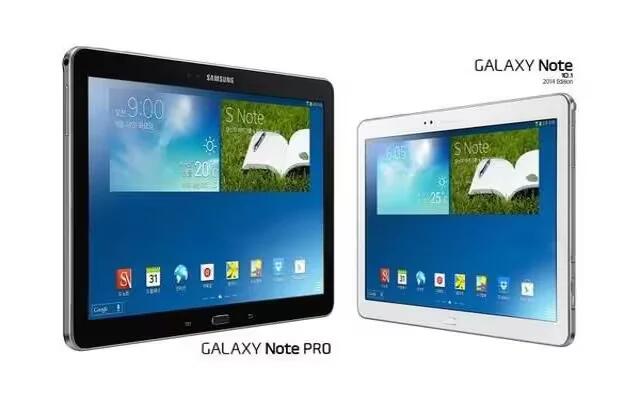
Learn how to link contacts on your Samsung Galaxy Note Pro. Your device can synchronize with multiple accounts, including Google, Corporate Exchange.
Learn how to use Contacts Display Options on your Samsung Galaxy Note Pro. Store contact information for your friends, family, and colleagues etc.
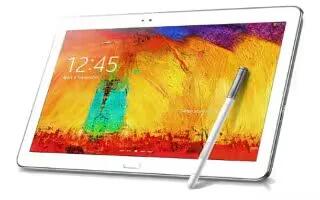
Learn how to use contacts on your Samsung Galaxy Note Pro. Store contact information for your friends, family, and colleagues to quickly access info.
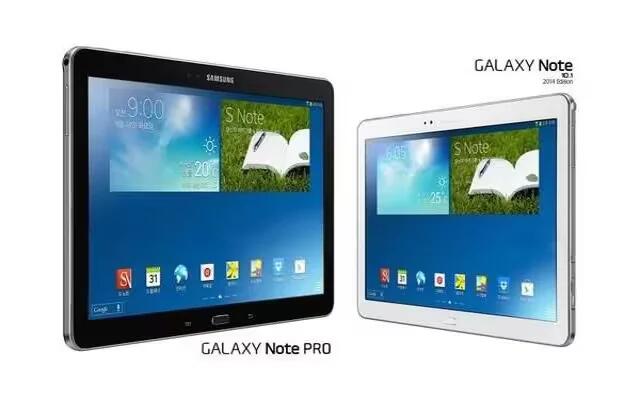
Learn how to create Samsung Account on your Samsung Galaxy Note Pro. Create a Samsung Account for access to Samsung apps and services.
Learn how to create Google account on your Samsung Galaxy Note Pro. In order to utilize device to the fullest extent, you will need to create a Google Account.
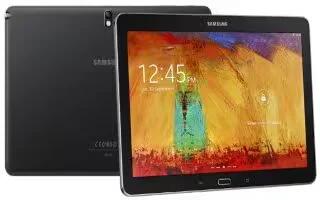
Learn how to use accounts on your Samsung Galaxy Note Pro. With synchronization, information on your device is updated with any information.
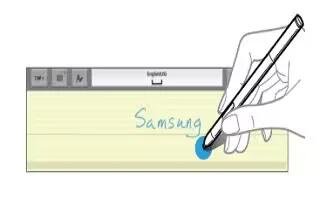
Learn how to enter text using handwriting on your Samsung Galaxy Note Pro.You can enter text simply by using finger to handwrite letters on screen.
Learn how to Enter Text on your Samsung Galaxy Note Pro. This section describes how to select the desired text input method when entering.







