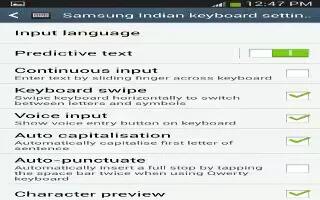
How To Configure Samsung Keyboard – Samsung Galaxy Tab 3
Learn how to configure Samsung Keyboard on Samsung Galaxy Tab 3. You can configure predictive text, swiftkey flow, Cursor control etc.
Apple, Gadgets, Android, Microsoft
Learn how to configure Samsung Keyboard on Samsung Galaxy Tab 3. You can configure predictive text, swiftkey flow, Cursor control etc.
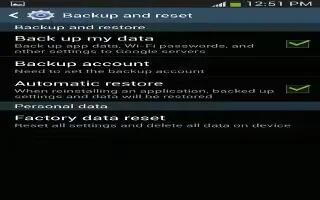
Learn how to backup and restore on your Samsung Galaxy Tab 3. You can also back up your data to the Google server and reset your device.
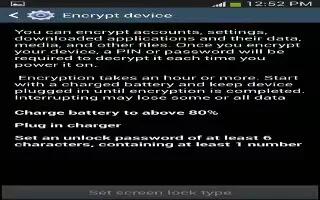
Learn how to use encrypt on Samsung Galaxy Tab 3. To require a numeric PIN or password to decrypt your tablet each time you power it on.
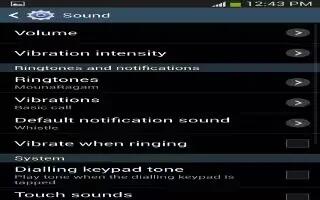
Learn how to Customize Sound Settings on your Samsung Galaxy Tab 3. You can change volume, system, adapt sound and notification settings.
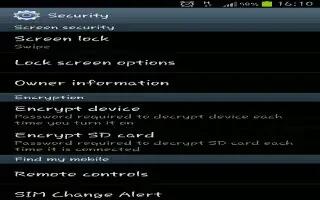
Learn how to use Swipe Options on your Samsung Galaxy Tab 3. The options available when Screen lock set to Swipe are multiple widgets, etc.
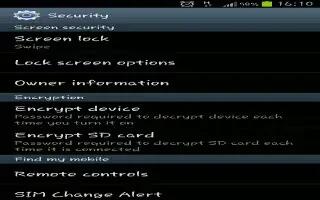
Learn how to use Screen Lock on your Samsung Galaxy Tab 3. Choose settings for unlocking your screen. You can use screen lock option for locking.
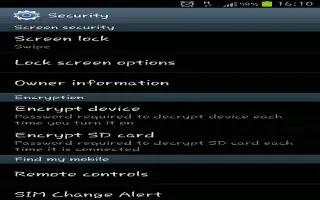
Learn how to use pin lock on your Samsung Galaxy Tab 3. These options are available when lock is set to Pin or Password, Lock screen widgets etc.
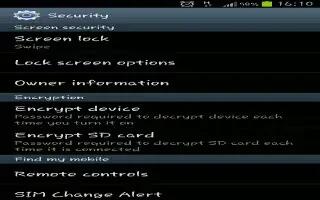
Learn how to use Pattern Lock on your Samsung Galaxy Tab 3. These options are available when Screen lock is set to Pattern.
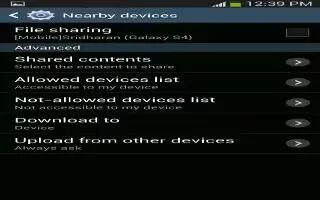
Learn how to use Nearby Device on your Samsung Galaxy Tab 3. This option allows you to share your media files with nearby DLNA enabled devices.
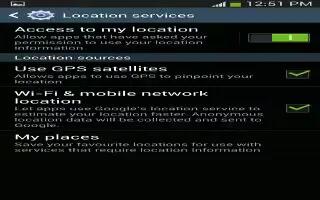
Learn how to use Location Services on Samsung Galaxy Tab 3. You value privacy. Your device only acquires your location when you allow it.
Learn how use face unlock option on your Samsung Galaxy Tab 3. These options are available when Screen lock is set to Face unlock or Face and voice.
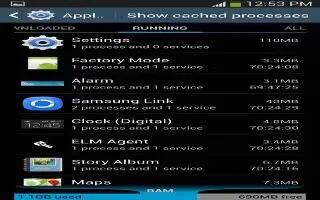
Learn how to use application Manager on your Samsung Galaxy Tab 3. You can download and install applications from Google Play or create apps.
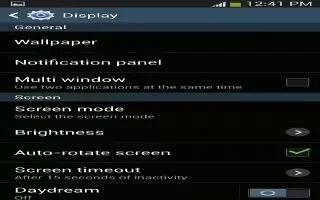
Learn how to customize wallpaper settings on your Samsung Galaxy Tab 3. You can choose a picture to display on the Home Screen, Lock screen.
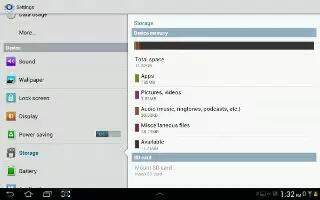
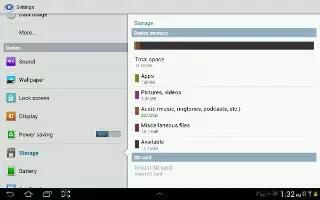
Learn how to Customize Storage Settings on your Samsung Galaxy Tab 3. From this menu you can view the device memory, or format an SD card.
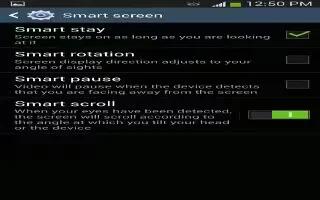
Learn how to customize smart screen settings on Samsung Galaxy Tab 3. Set Smart stay and Smart rotation, change options on display settings.
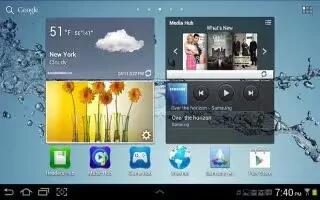
Learn how to customize display settings on your Samsung Galaxy Tab 3. You can change screen timeout, font style, size display settings.
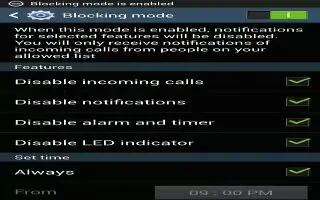
Learn how to customize device settings on your Samsung Galaxy Tab 3. You can change the Driving and blocking mode settings in this option.
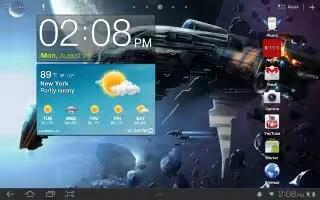
Learn how to use world clock app on Samsung Galaxy Tab 3. View the date and time in any time zone. You can add cities from the list in apps.







