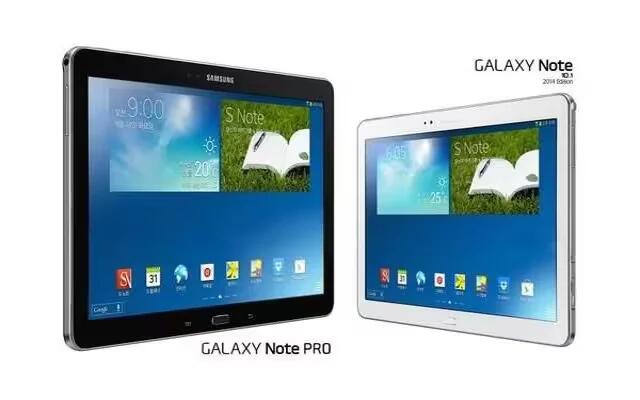
How To Navigate – Samsung Galaxy Note Pro
Learn how to navigate your Samsung Galaxy Note Pro. Use command keys and the touch screen to navigate. You can use command buttons for navigating.
Apple, Gadgets, Android, Microsoft
Learn how to navigate your Samsung Galaxy Note Pro. Use command keys and the touch screen to navigate. You can use command buttons for navigating.
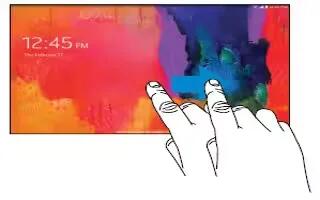
Learn how to lock and unlock on your Samsung Galaxy Note Pro. By default, the device locks automatically when the screen times out you can lock manually.
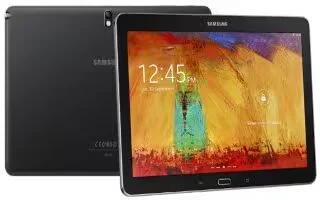
Learn how to Install Memory Card on your Samsung Galaxy Note Pro. Your device supports removable microSD or microSDHC memory cards with maximum 64 GB.
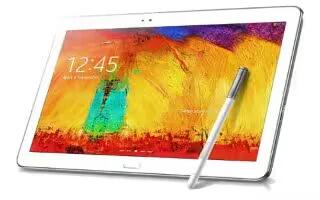
Learn how to Setup your Samsung Galaxy Note Pro. The Power/Lock Key is located on the top left side of the tablet.
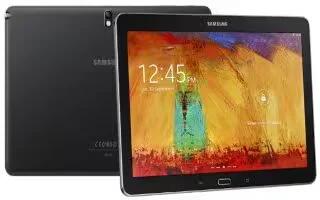
Learn how to Charge Battery on your Samsung Galaxy Note Pro. Your device is powered by a rechargeable, standard Li-Ion battery.
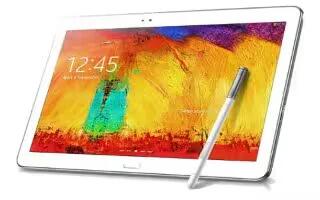
Learn how to insert SIM card on your Samsung Galaxy Note Pro. Your device uses a 4G LTE SIM. It is a small, rectangular plastic card that stores device number.
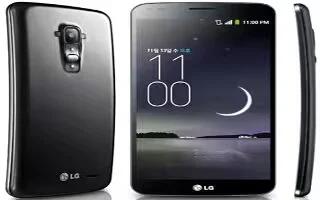
Learn how to view about phone on your LG G Flex. View legal information, check phone status and software versions, and perform a software update.
Learn how to use accessory settings on your LG G Flex. Activate to make features, such as music, weather, and clock, available in small view.
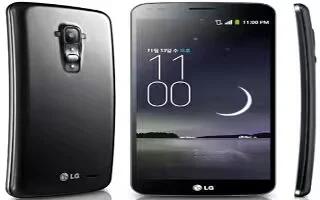
Learn how to connect to PC on your LG G Flex. You can use your phone to provide a data connection to a computer by activating data tethering.
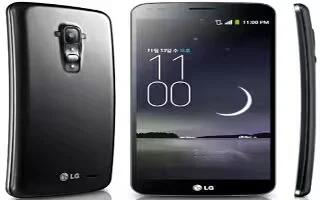
Learn how to use accessibility settings on your LG G Flex. Use the Settings to configure any accessibility plug-ins you have installed on your phone.
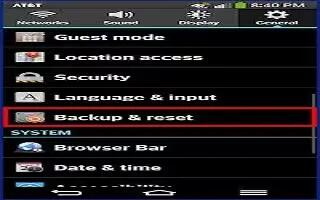
Learn how to use browser bar on your LG G Flex. The Browser Bar at the bottom of the Browser enhances your mobile browsing experience with contextual.
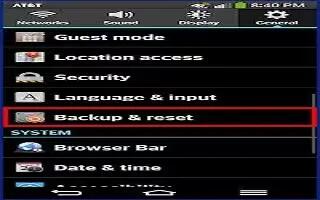
Learn how to backup and reset on your LG G Flex. You can also back up your data to the Google server and reset your device.
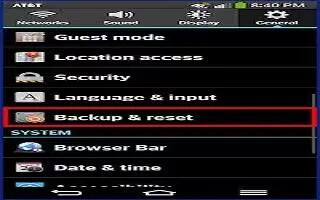
Learn how to use language and input settings on your LG G Flex. Select the language for the text on your phone and for configuring the on-screen keyboard.
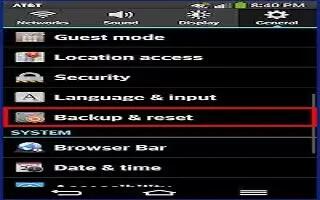
Learn how to use security settings on your LG G Flex. Use the Security menu to configure how to help secure your phone and its data.
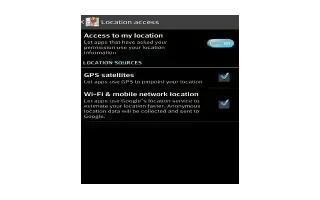
Learn how to use location access on your LG G Flex. Use the Location access menu to set your preferences for using and sharing your location.
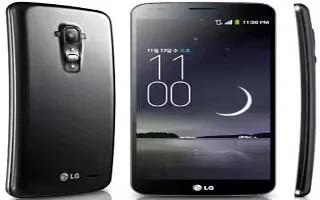
Learn how to use guest mode on your LG G Flex. Use Guest mode when you let someone else use your phone. They will only be able to use the apps.
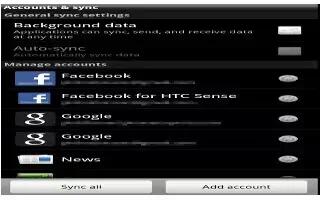
Learn how to use accounts and sync on your LG G Flex. Use the Accounts & sync settings menu to add, remove, and manage your Google and other accounts.
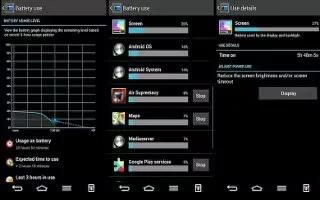
Learn how to improve battery life on your LG G Flex. See how much battery power is used for device activities.







