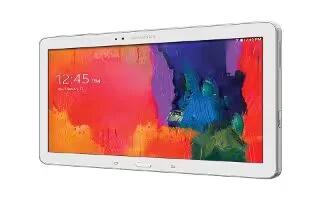
How To Customize Multi Window Apps – Samsung Galaxy Tab Pro
Learn how to use Multi Window Apps on your Samsung Galaxy Tab Pro. You can use Multi window to run up to four applications at the same time.
Apple, Gadgets, Android, Microsoft
Learn how to use Multi Window Apps on your Samsung Galaxy Tab Pro. You can use Multi window to run up to four applications at the same time.
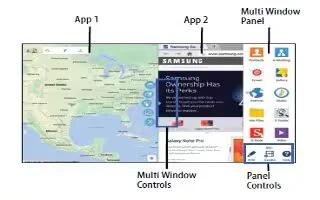
Learn how to use Multi window on your Samsung Galaxy Tab Pro. Multi task by using up to four applications at the same time.
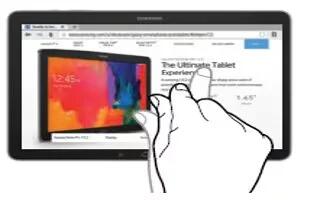
Learn how to use motions and gestures on your Samsung Galaxy Note Pro. Use only your fingers or a stylus (not included) to use the touch screen.
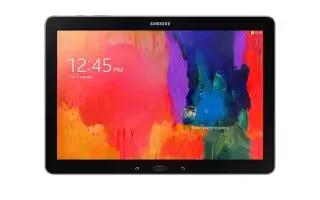
Learn how to navigate on your Samsung Galaxy Tab Pro. Use command keys and the touch screen to navigate.
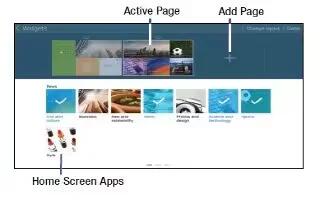
Learn how to customize Home Screen on your Samsung Galaxy Tab Pro. Your device comes with three default Home screens, which contain Home Screen Apps.

Learn how to use Home Screen on your Samsung GalaxyTab Pro. The Home screen is the starting point for using your device.
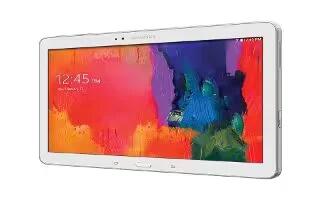
Learn how to hard reset on your Samsung Galaxy Tab Pro. Your devices internal antenna is located along the top back of the device.

Learn how to lock and unlock on your Samsung Galaxy Tab Pro. You can lock the device manually, unlock and holding the device.
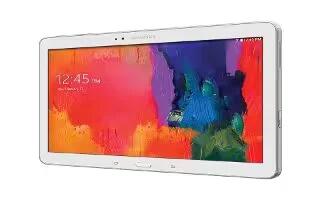
Learn how to insert memory card on your Samsung Galaxy Tab Pro. Your device supports removable microSD or microSDHC memory cards.
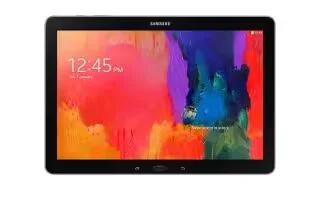
Learn how to charge battery on your Samsung Galaxy Tab Pro. Your device is powered by a rechargeable, standard Li-Ion battery.
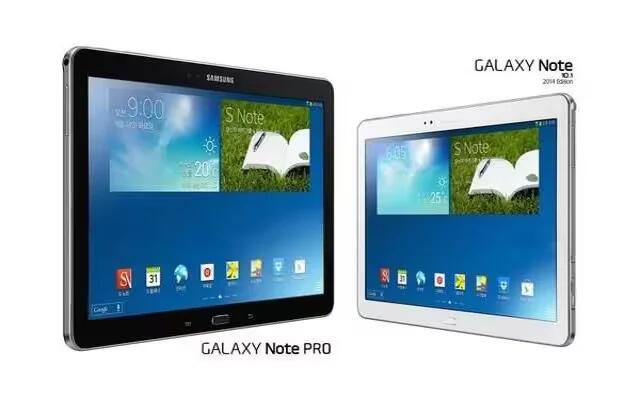
Learn how to update software on your Samsung Galaxy Note Pro. The Software Update feature enables you to use your device to connect to the network.
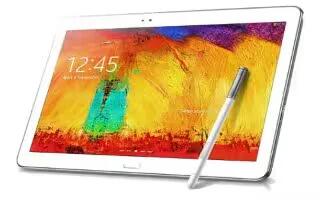
Learn how to view about device on your Samsung Galaxy Note Pro. View information about your device, including status, legal information, hardware and software versions, and battery use.
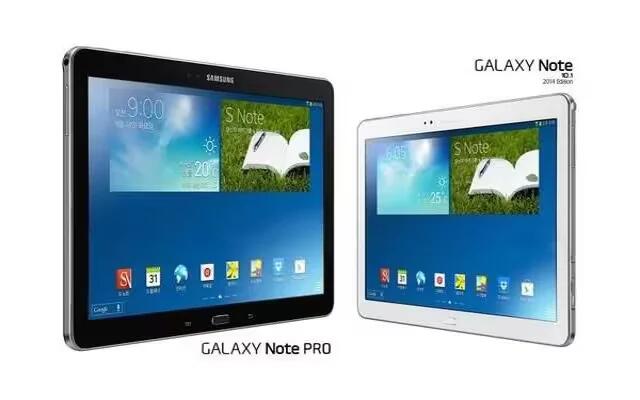
Learn how to use accessibility settings on your Samsung Galaxy Note Pro. Accessibility services are special features to make using the device easier.
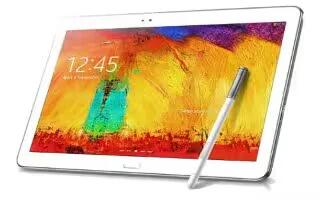
Learn how to use date and time settings on your Samsung Galaxy Note Pro. By default, your device receives date and time information from the network.
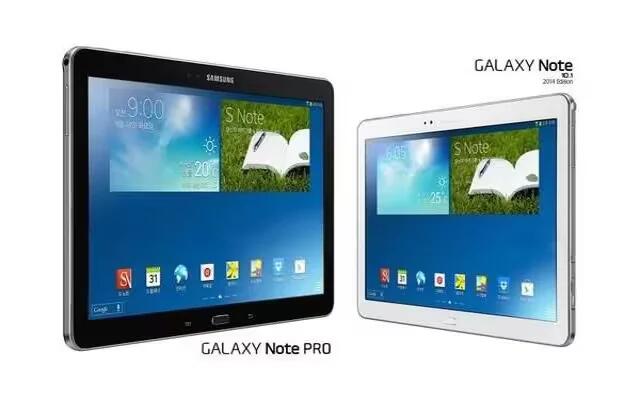
Learn how to use Accessory Settings on your Samsung Galaxy Note Pro. To change accessory settings.
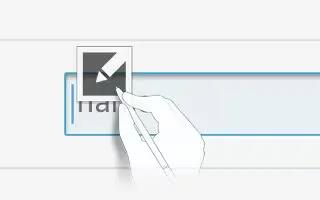
Learn how to use S Pen Settings on your Samsung Galaxy Note Pro. Change the settings for using the S Pen.
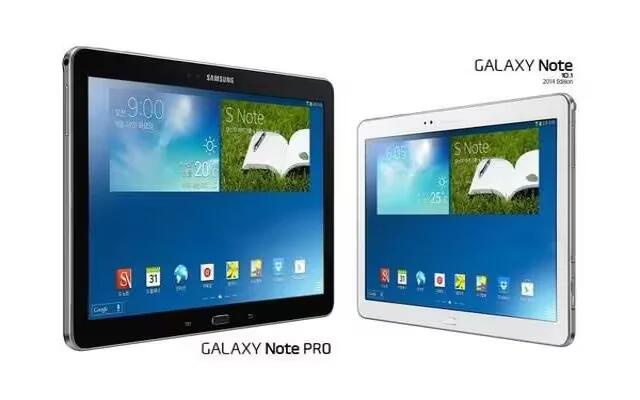
Learn how to use Voice Control on your Samsung Galaxy Note Pro. Set the device to recognize voice commands for controlling your device.
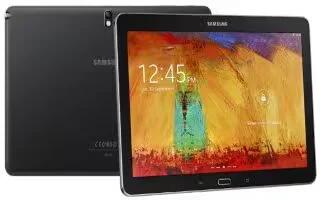
Learn how to customize accounts settings on your Samsung Galaxy Note Pro. Set up and manage accounts, including Samsung, Amazon, Cloud, Email and etc.







