How To Use World Clock – Samsung Galaxy Note 3
Learn how to use world clock on Samsung Galaxy Note 3. World clock allows you to view the time of day or night in other parts of the world.
Apple, Gadgets, Android, Microsoft
Learn how to use world clock on Samsung Galaxy Note 3. World clock allows you to view the time of day or night in other parts of the world.
Learn how to use timer app on Samsung Galaxy note 3. The Clock application allows to access alarms, view the World Clock, set a stopwatch.
Learn how to use stopwatch on Samsung Galaxy Note 3. The Clock application allows you to access alarms, set a stopwatch, and use a timer.
Learn how to use lookout Security on your Samsung Galaxy Note 3. Lookout Security provides mobile device-specific security features.
Learn how to use internet browser on your Samsung Galaxy Note 3. The Browser is your access to the mobile web.
Learn how to use incognito on Samsung Galaxy Note 3. The incognito feature allows you to view Internet sites outside of the normal browsing.
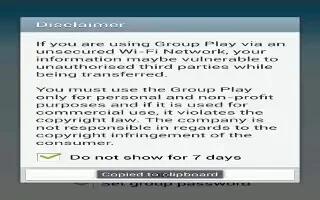
Learn how to use group play on Samsung Galaxy Note 3. Group Play allows you to share pictures, music, and documents in real-time.
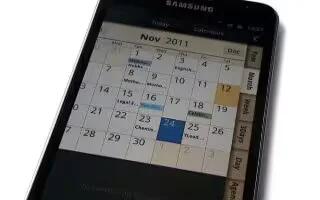
Learn how to use calendars on Samsung Galaxy Note 3. you can consult the calendar by day, week, or month, create events, and set an alarm.
Learn how to use calculator app on Samsung Galaxy Note 3. The calculator provides basic arithmetic functions, addition, subtraction etc.
Learn how to use bookmarks on your Samsung Galaxy Note 3. While navigating a website, you can bookmark a site to quickly and easily access
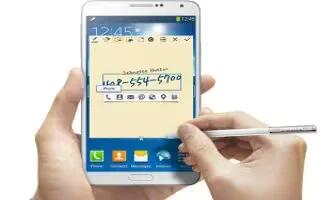
Learn how to use action memo on Samsung galaxy Note 3. It allows you to quickly link them to actions such as making a call, sending message.
Learn how to send contacts via Bluetooth on Samsung Galaxy Note 3. Depending on paired devices settings capabilities Contact information.
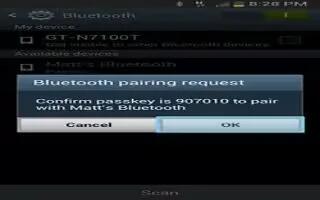
Learn how to pair Bluetooth on Samsung Galaxy Note 3. It allows you to establish trusted connections between device and Bluetooth device.
Learn how to create alarms on Samsung Galaxy Note 3. The Clock application allows to access alarms, view the World Clock, and use a timer.
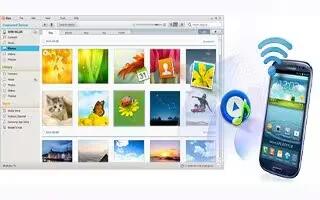
Learn how to connect to PC on Samsung Galaxy Note 3. You can connect device to a PC using PC data cable using various USB connection modes.
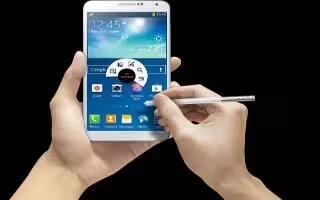
Learn how to connect as storage device on Samsung galaxy Note 3. You can connect your device to a PC as a removable disk.
Learn how to configure Google chrome apps on Samsung Galaxy Note 3. The Google Chrome app allows to use Google Chrome web browser on phone.
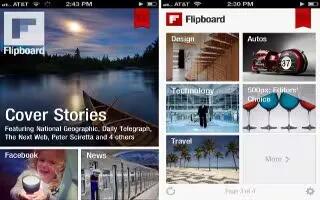
Learn how to configure flipboard on your Samsung Galaxy Note 3. This application creates a personalized digital magazine shared with you.







