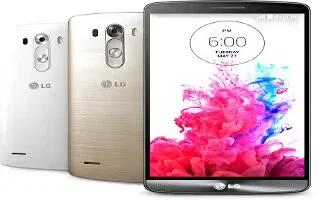
How To Use Messages – LG G3
Learn how to use messages on your LG G3. Your phone combines SMS and MMS into one intuitive, easy-to-use menu.
Apple, Gadgets, Android, Microsoft
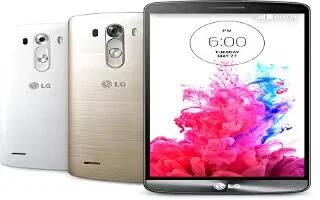
Learn how to create contact groups on your LG G3. You can make a group in contacts to send them group messages and call them easily.
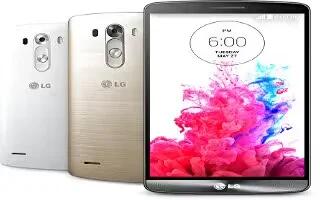
Learn how to use contacts on your LG G3. Add contact to your phone and synchronize them with the contact in your Google account.
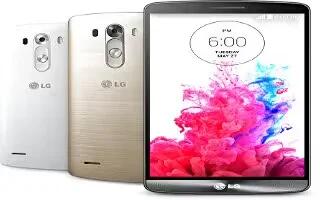
Learn how to view call logs on your LG G3. It views a complete list of all dialled, received and missed calls.
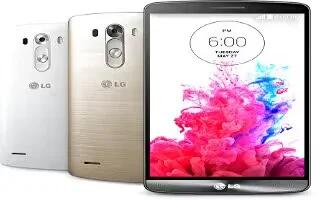
Learn how to make conference calls on your LG G3. This section describes you to make a second call, you can repeat it to make a conference call.
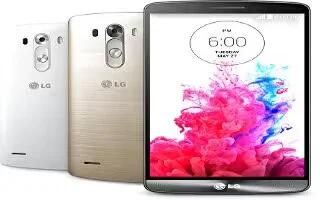
Learn how to make calls on your LG G3. This section describes you to make calls directly, from your contacts, answering calls, rejecting calls and adjusting in-call volume.
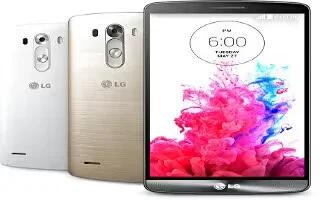
Learn how to sync with Windows Media Player on your LG G3. Learn to connect your device to a PC with a USB cable in USB connection modes.
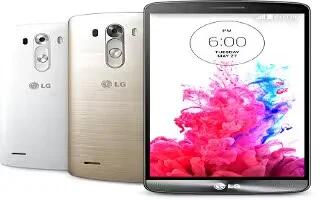
Learn how to connect to PC with USB in USB connection modes on your LG G3.
Learn how to use SmartShare on your LG G3. SmartShare uses DLNA (Digital Living Network Alliance) technology to share digital content through a wireless network.
Learn how to use WiFi Direct on your LG G3. Wi-Fi Direct supports a direct connection between Wi-Fi enabled devices without an access point.
Learn how to use WiFi HotSpot on your LG G3. You can also share your phone’s data connection with more than one device at a time by turning your phone into a portable Wi-Fi hotspot.
Learn how to use Bluetooth on your LG G3. You can use Bluetooth to send data by running a corresponding application.
Learn how to use WiFi on your LG G3. With Wi-Fi, you can use high-speed Internet access within the coverage of the wireless access point (AP).
Learn how to setup Google account on your LG G3. When you first turn on your phone, you have the opportunity to activate the network.
Learn how to enter text on your LG G3. You can enter text using the on-screen keyboard.
Learn how to use notification panel on your LG G3. Notifications alert you the arrival of new messages, calendar events, and alarms, as well as to ongoing events, such as when you are on a call.
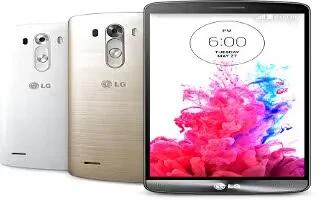
Learn how to customize the home screen on your LG G3. You can customize your Home screen by adding apps, widgets or changing wallpapers.
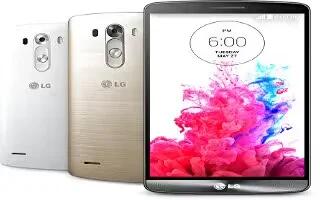
Learn how to use Home screen on your LG G3. The Home-screen is the starting point for many applications and functions.







