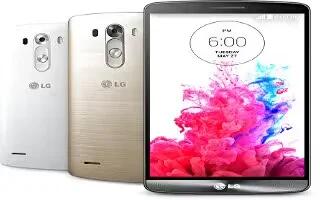
How To Navigate – LG G3
Learn how to navigate in homescreen on your LG G3. Here are some tips on how to navigate on your phone.
Apple, Gadgets, Android, Microsoft
Learn how to navigate in homescreen on your LG G3. Here are some tips on how to navigate on your phone.
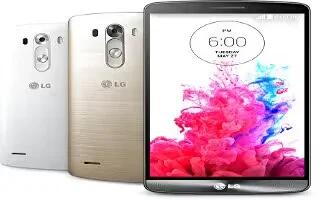
Learn how to use headset with microphone on your LG G3. With the headset connected, you can enjoy music or video with stereo sound, and easily switch from your music/video to take and end calls.
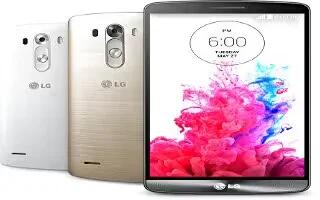
Learn how to use KnockON on your LG G3. You can lock or unlock the screen by just double-tap.
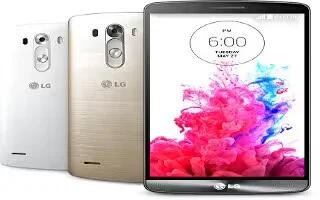
Learn how to use knock code on your LG G3. The Knock Code feature allows you to tap the screen with your own Knock-Code pattern.
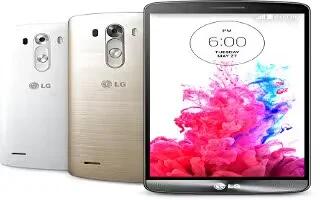
Learn how to lock and unlock your LG G3. If you do not use the phone for a while, the screen will be automatically turned off and locked.
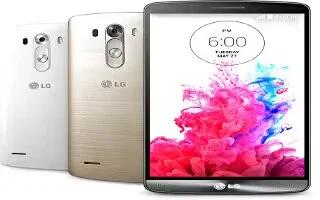
Learn how to use hardware key control mode on your LG G3. If your phone display is damaged or broken, you can answer an incoming call, end a call, or turn off an alarm using the hardware keys.
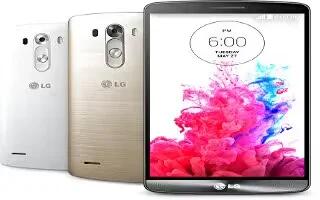
Learn how to use media sync on your LG G3. You can transfer music, video, photos and more through Media Sync (MTP).







