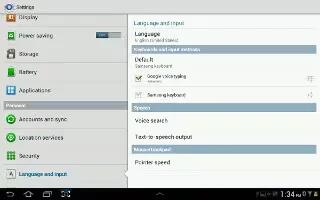
How To Use Language And Input Methods On Samsung Galaxy Tab 2
You can set Language and Input methods on your Samsung Galaxy Tab 2. Set the language used by your device. From a Home screen, touch Apps
Apple, Gadgets, Android, Microsoft
You can set Language and Input methods on your Samsung Galaxy Tab 2. Set the language used by your device. From a Home screen, touch Apps
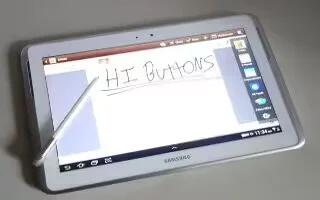
You can enter text simply by using your finger to handwrite letters on your screen of Samsung Galaxy Tab 2. Continue reading on how to use it.
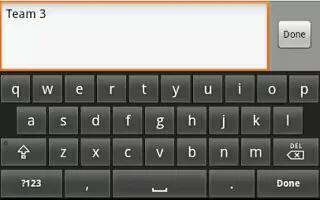
You can edit the text you enter in text fields by cutting, copying, or pasting text on Samsung Galaxy Tab 2. These operations can be performed within
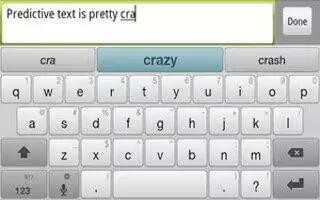
You can add, delete words to your word list on Samsung Galaxy Tab 2. Continue reading on how to do it. To add more word options:
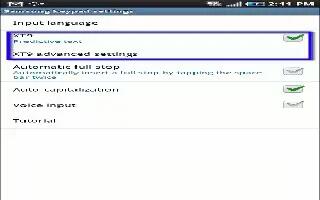
XT9 is a predictive text system that has next-letter prediction and regional error correction, which compensates for users pressing the wrong keys
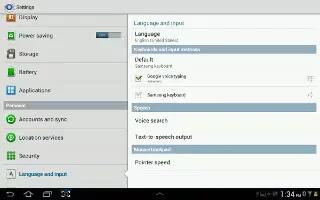
Enter words, letters, punctuation, and numbers when you need to enter text. Continue reading on how to enter text, input methods, and configuring
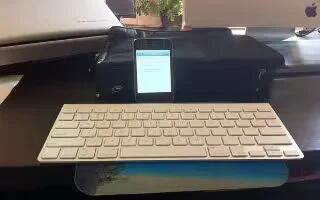
Learn how to connect Apple wireless keyboard on your iPhone 5. You can use an Apple Wireless Keyboard (available separately) for typing on iPhone.
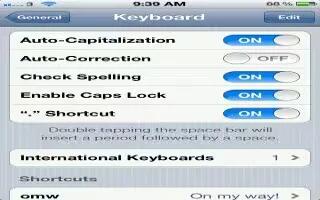
You can auto-correct and spell check while typing on iPhone 5. iPhone uses the active dictionary to correct misspellings or make suggestions as you type.
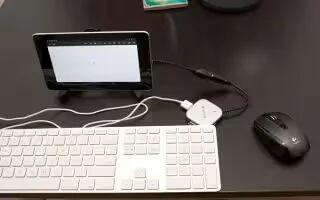
You can connect a keyboard, mouse, or even a joystick or other input device to Nexus 7 via USB or Bluetooth and use it just as you would with a PC.
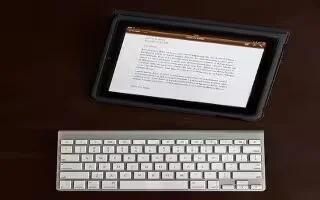
Learn how to use Apple wireless keyboard on iPad. You can use an additional keyboard for an iPad instead of using the onscreen keyboard
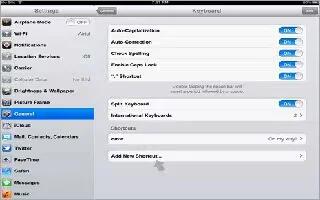
Learn how to use shortcuts while typing on iPad. Shortcuts let you type just a few characters instead of a longer word or phrase.
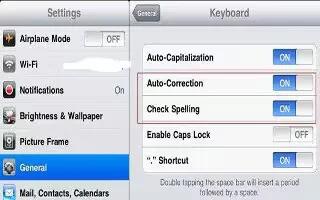
Learn how to use auto correct and spell check on iPad. For many languages, iPad automatically corrects misspellings or makes suggestions







