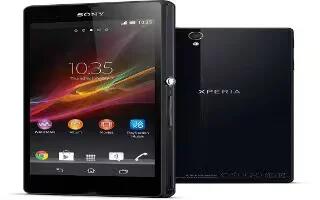
How To Enter Text Using Voice On Sony Xperia Z
When you enter text, you can use the voice input function instead of typing the words on your Sony Xperia Z. Just speak the words that want to enter
Apple, Gadgets, Android, Microsoft
When you enter text, you can use the voice input function instead of typing the words on your Sony Xperia Z. Just speak the words that want to enter
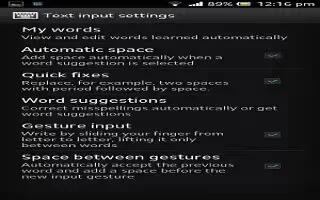
Learn how to use text input settings, keyboard and phonepad settings on your Sony Xperia Z. You can select settings for the on-screen keyboard
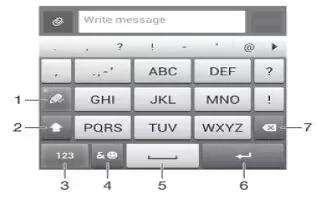
Learn how to use phonepad to enter text on your Sony Xperia Z. The Phonepad is similar to a standard 12-key telephone keypad. It give predictive text
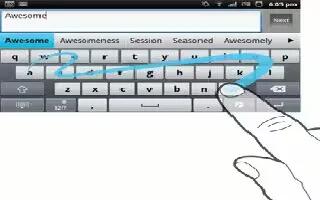
You can input text by sliding your finger from letter to letter on the on-screen keyboard on your Sony Xperia Z. Gesture input is only available
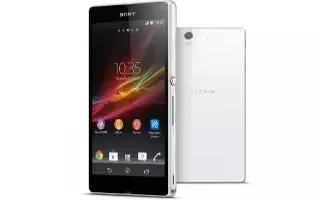
You can select from a number of keyboards and input methods to type text containing letters, numbers and other characters on your Sony Xperia Z.
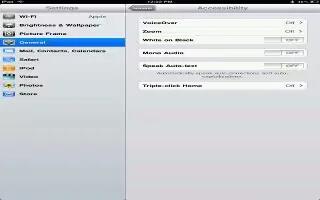
You can control VoiceOver using an Apple Wireless Keyboard paired with iPad. You can use VoiceOver keyboard commands to navigate the screen,
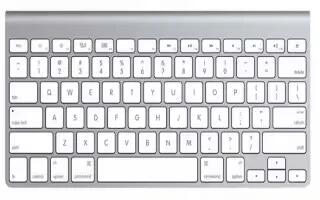
You can use an Apple Wireless Keyboard (available separately) for typing on iPad Mini. The Apple Wireless Keyboard connects via Bluetooth,
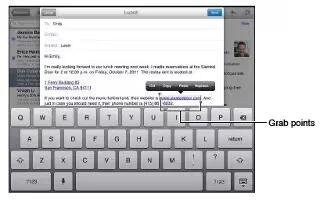
For many languages, iPad Mini uses the active dictionary to correct misspellings or make suggestions as you type. When iPad suggests a word,
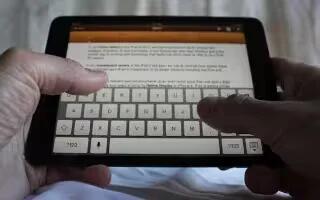
The onscreen keyboard lets you type when you need to enter text and edit text on iPad Mini. Tap a text field to bring up the keyboard,
The predictive text system provides next-letter prediction and regional error correction, which compensates for users pressing the wrong keys
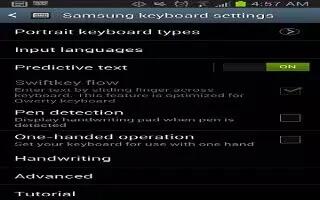
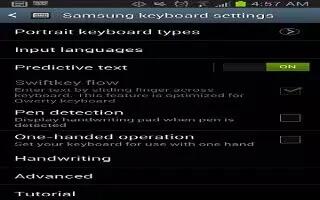
Learn how to use Samsung keyboard settings on your Samsung Galaxy Note 2. From within an active text entry screen, touch and hold Input Methods icon
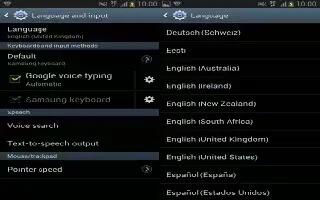
This setting allows you to configure the language in which to display the menus on Samsung Galaxy Note 2. You can set on-screen keyboard options.
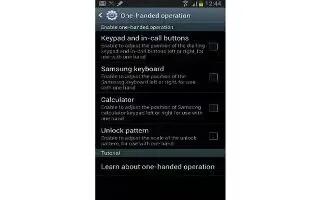
The one-handed operation settings help you to use your Samsung Galaxy Note 2 keypads easily with only one hand. From the Home screen, press Menu key
Learn how to write text quickly and efficiently with your Nokia Lumia 920 keyboard.
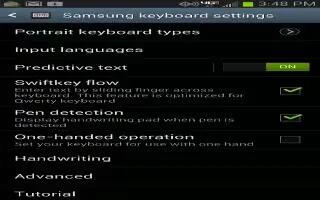
The predictive text system provides next-letter prediction and regional error correction on Samsung Galaxy Note 2. Only available when ABC mode

The Samsung Galaxy Note 2 also provides you with the ability to use your S Pen to hand write on the screen and have to converted into text

This QWERTY keyboard can be used to enter text in either a Portrait or landscape orientation on Samsung Galaxy Note 2. The only difference between

This section describes how to select the desired text input method when entering characters into your Samsung Galaxy Note 2.







