
Tag: Galaxy Note 2
-
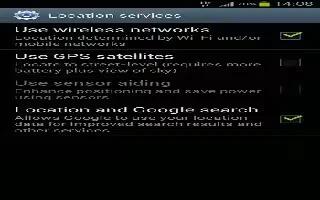
How To Use Location Services On Samsung Galaxy Note 2
The Location services allows you to configure the Samsung Galaxy Note 2 location services. The more location determining functions are enabled
-
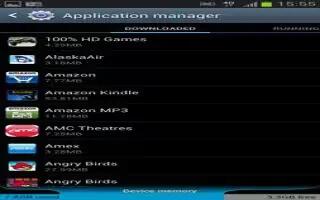
How To Use Application Manager On Samsung Galaxy Note 2
Learn how to use Application Manager on Samsung Galaxy Note 2. You can write applications in the SDK and install them on this device, then run
-
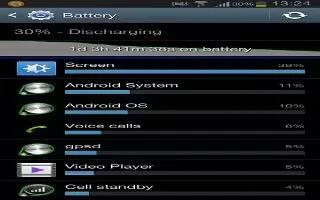
How To Use Battery Usage On Samsung Galaxy Note 2
This option allows you to view a list of those components using battery power on Samsung Galaxy Note 2. The amount of time the battery also displays.
-
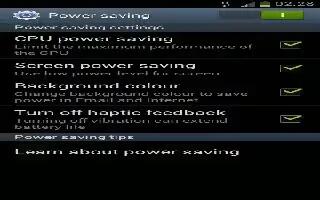
How To Use Power Saving Mode On Samsung Galaxy Note 2
This feature allows you both automatically set the Samsung Galaxy Note 2 to use a power saving mode and configure additional power saving options
-
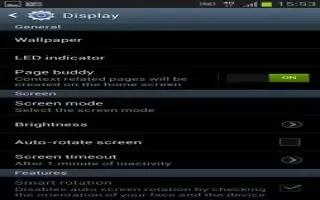
How To Use Display Settings On Samsung Galaxy Note 2
You can change various settings for the display on Samsung Galaxy Note 2 such as the font, orientation, pop-up notifications, puzzle lock feature
-
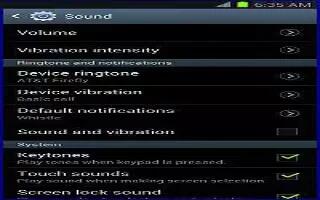
How To Use Sound Settings On Samsung Galaxy Note 2
From this menu you can control the sounds on the phone as well as configure the display settings on your Samsung Galaxy Note 2. From the Home screen
-
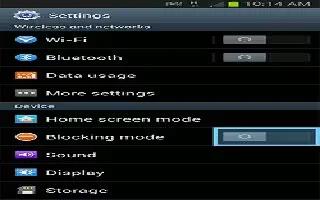
How To Use Blocking Mode On Samsung Galaxy Note 2
When Blocking mode is enabled notifications for selected features will be disabled on your Samsung Galaxy Note 2. You will only receive notifications
-
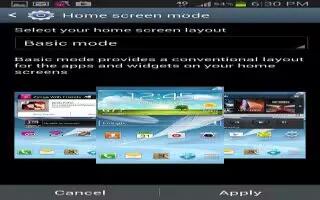
How To Use Home Screen Mode On Samsung Galaxy Note 2
Learn how to use Home Screen Mode on your Samsung Galaxy Note 2. This application allows you to set your display to the conventional layout of Basic
-
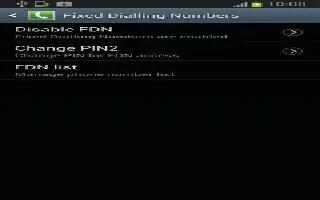
How To Use FDN On Samsung Galaxy Note 2
Fixed Dial Number (FDN), allows you to restrict outgoing calls to a limited set of phone numbers on your Samsung Galaxy Note 2. From the Home screen
-

How To Use TTY Mode On Samsung Galaxy Note 2
Learn how to use TTY mode on Samsung Galaxy Note 2. A TTY (also known as a TDD or Text Telephone) is a telecommunications device that allows people
-
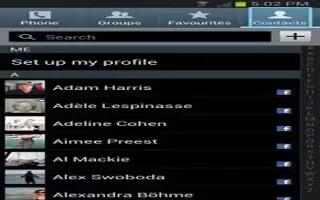
How To Customize Call Settings-Samsung Galaxy Note 2
You can customize and configure call settings on Samsung Galaxy Note 2. From the Home screen, tap Phone icon. Press Menu key and tap Call settings.
-
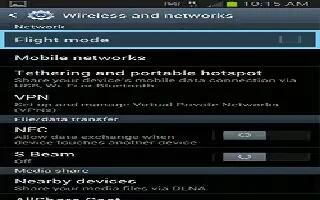
How To Use Nearby Devices On Samsung Galaxy Note 2
The Nearby Devices option allows you to share your media files with nearby devices using DLNA and connected to same Wi-Fi on Samsung Galaxy Note 2.
-

How To Use S Beam On Samsung Galaxy Note 2
Learn how to use S Beam on Samsung Galaxy Note 2. This feature (when activated via NFC) allows you to beam large files directly to another compatible
-
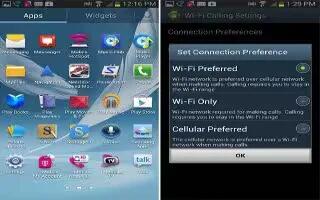
How To Customize Wi-Fi Calling On Samsung Galaxy Note 2
You can configure your device to make and receive calls over an active Wi-Fi connection on Samsung Galaxy Note 2. Wi-Fi Calling is excellent solution
-
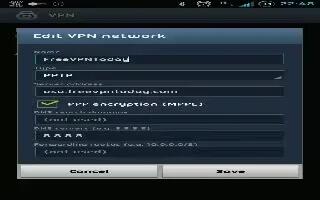
How To Use VPN On Samsung Galaxy Note 2
The VPN settings menu allows you to set up and manage Virtual Private Networks (VPNs) on Samsung Galaxy Note 2. First set up a screen unlock PIN
-
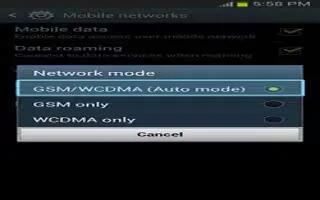
How To Use Network Mode On Samsung Galaxy Note 2
You can configure your Samsung Galaxy Note 2 to either manually detect and use either a 2G (GSM) or 3G (WCDMA) data network connection.
-
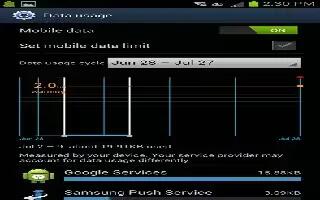
How To Use Data Usage On Samsung Galaxy Note 2
You can monitor and manage your Samsung Galaxy Note 2 data usage capabilities. Features include activation/deactivation or network data usage,
-
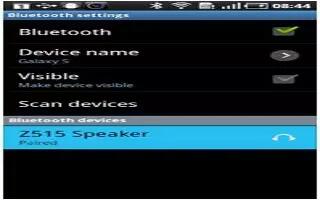
How To Customize Bluetooth Settings On Samsung Galaxy Note 2
Learn how to customize Bluetooth settings on Samsung Galaxy Note 2. In this menu you can activate Bluetooth, view or assign a device name,


