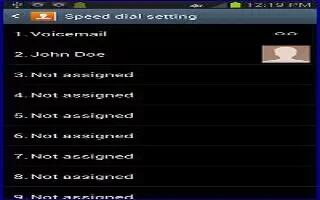
How To Use Speed Dialing On Samsung Galaxy Note 2
Once you have stored phone numbers from your Contacts List on Samsung Galaxy Note 2, you can set up to 99 speed dial entries (2-100) and then dial
Apple, Gadgets, Android, Microsoft
Once you have stored phone numbers from your Contacts List on Samsung Galaxy Note 2, you can set up to 99 speed dial entries (2-100) and then dial

Inserting a Wait into your dialing sequence means that the Samsung Galaxy Note 2 waits until it hears a dial tone before proceeding with the next
When you enter numbers on the Keypad, you will see three on-screen options on Samsung Galaxy Note 2. From the keypad screen use one of the following
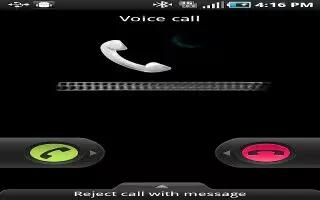
Learn how to reject calls and add number to rejection list on Samsung Galaxy Note 2. This feature allows you to categorize both known and unknown
You can make international calls on your Samsung Galaxy Note 2. From the Home screen, tap Call and then touch and hold 0 until the device shows

When somebody calls you, the Samsung Galaxy Note 2 rings and displays the incoming call image. The caller’s phone number, picture,

You can make a Emergency call with and without a SIM card on Samsung Galaxy Note 2. If you do not have a SIM card installed the first time

You can make a call on Samsung Galaxy Note 2. The devices Settings menu can also be activated by pressing Home button and then tapping Apps icon
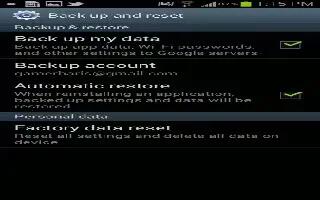
The Factory Data Reset allows your Samsung Galaxy Note 2 to reset your phone and sound settings to default settings. From menu you can reset phone
Your Samsung Galaxy Note 2 lets you use a microSD card (also referred to as a memory card) to expand available memory space. This secure digital card
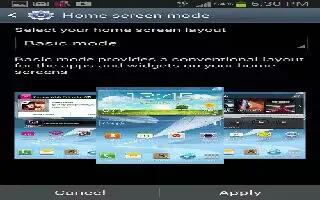
You can customize the Home screens (panels) to display the Widgets, Shortcuts, Folders, or Wallpapers on Samsung Galaxy Note 2.
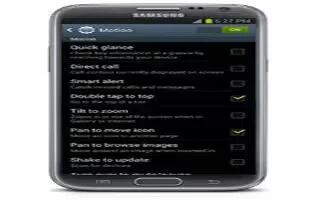
By activating the various gesture features within the Motion menu, you can access a variety of time saving functions on Samsung Galaxy Note 2.
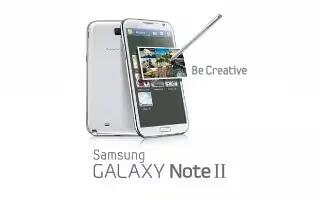
You can tailor the Samsung Galaxy Note 2 range of functions to fit your needs using both menus and applications. Menus, sub-menus, and features
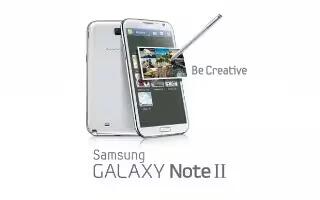
Calibrate your Samsung Galaxy Note 2 by using the built-in gyroscope.Place the device on a level surface and tap Calibrate. The phone adjusts level
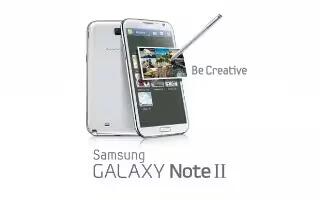
The S Pen is a stylus that assists you in performing different functions on Samsung Galaxy Note 2. By using the Pen button, you can minimize
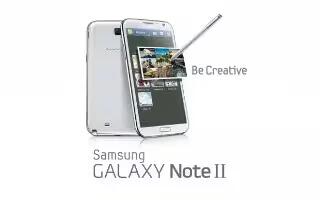
Using the touch screen display and the keys, you can navigate the features of your Samsung Galaxy Note 2 and enter characters.
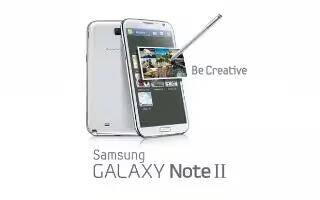
The Application menu on Samsung Galaxy Note 2 provides quick access to the most frequently used applications. Applications display on each of three
You can take a screenshot on your Samsung Galaxy Note 2 and there are 3 methods on taking screen capture; continue reading on how to do.







