How To Use Microsoft Exchange Email On Samsung Galaxy Note 2
Your Samsung Galaxy Note 2 also provides access to your companys Outlook Exchange server. If your company uses either Microsoft Exchange Server
Apple, Gadgets, Android, Microsoft
Your Samsung Galaxy Note 2 also provides access to your companys Outlook Exchange server. If your company uses either Microsoft Exchange Server
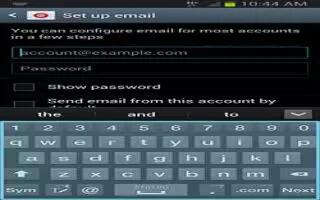
You can customize email settings on Samsung Galaxy Note 2. From the Home screen, tap Apps icon > Email icon. Select an account.
Email (or Internet Email) enables you to review and create email using several email services on Samsung Galaxy Note 2. You can also receive message
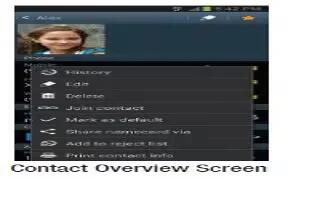
You can send an email to contacts on your Samsung Galaxy Note 2. From the Home screen, tap Contacts icon. Press Menu key and then tap Send email.
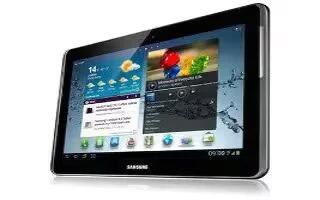
Learn how to customize email account setting on Samsung Galaxy Tab 2. Account settings lets you configure handling of email on your device.
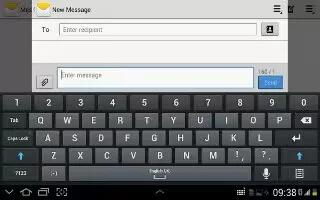
Learn how to use email account on Samsung Galaxy Tab 2. Use Email to view all your email accounts in one application on Samsung Galaxy Tab 2.
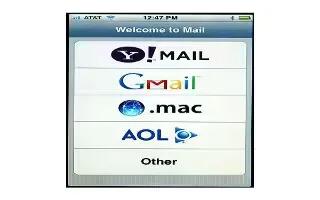
Learn how to customize Mail accounts and its settings on your iPhone 5. You can customize the mail accounts and settings on iPhone 5. Continue reading.

Learn how to organize mails on your iPhone 5. You can organize the mails and group the VIP list and others on your iPhone. Continue reading on how to do it.
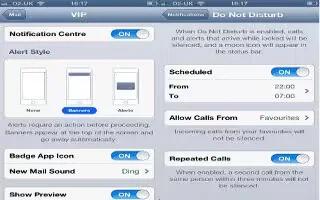
Learn how to use mail on your iPhone 5. You can read, send and receive mails on your iPhone. You can also make a persons as VIP for checking mails.
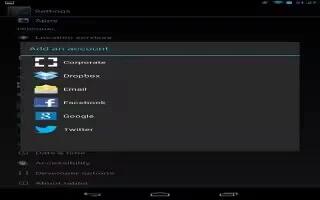
You can use multiple Google Accounts and Microsoft Exchange ActiveSync accounts on Nexus 7. You may also be able to add other kinds of accounts,
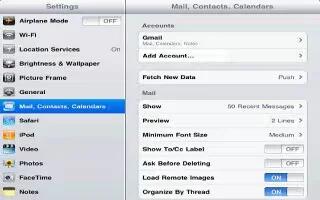
You can setup the mail accounts and customize settings of your mail accounts on your iPad. Continue reading the article on how to use it.
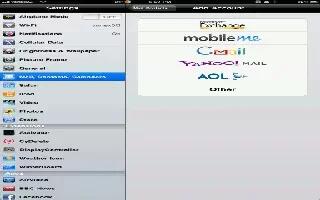
You can setup the mail accounts and customize settings of your mail accounts on your iPad. Continue reading the article on how to use it
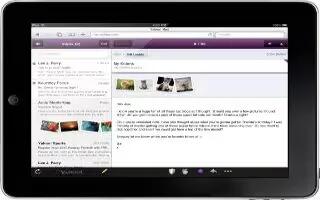
iPad displays image attachments in many commonly used formats (JPEG, GIF, and TIFF) inline with the text in email messages. iPad can play
Having instant access to your email is one of the many perks of having an iPhone. However, opening attachments can be confusing if you don’t know how to do it. You can open virtually any attachment easily, follow the simple steps below
You want to change your Apple mail id with the new one, your Apple id allows you to sign into services like iTunes, Game Center and Apple Online Store.







