How To Sync With Corporate Email On Sony Xperia Tablet Z
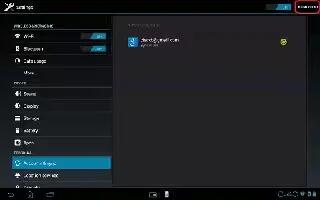
Learn how to sync with Corporate Email, Calendar and contacts on your Sony Xperia Tablet Z. Access your corporate email messages, appointments,
Apple, Gadgets, Android, Microsoft
Learn how to sync with Corporate Email, Calendar and contacts on your Sony Xperia Tablet Z. Access your corporate email messages, appointments,
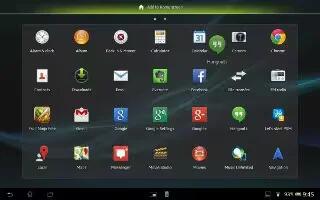
Learn how to use email on your Sony Xperia Tablet Z. Emails you receive to your Gmail account can be accessed on your device from both the Email
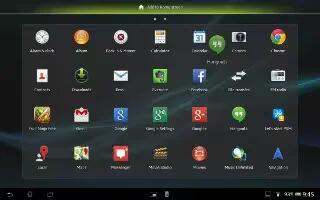
Learn how to setup email accounts on your Sony Xperia Tablet Z. You can handle several email accounts at the same time using the Email application,
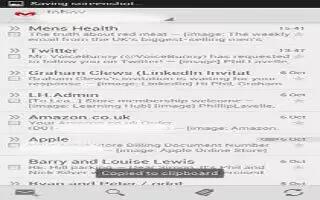
Learn how to use, configure, and create email accounts on your Samsung Galaxy S4. Email enables you to review and create email using various email
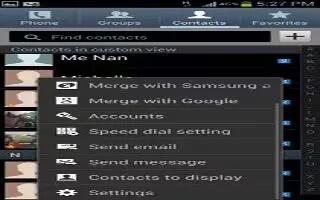
Learn how to access your Address book options on your Samsung Galaxy S4. You can access Address Book options while at the main Address Book page
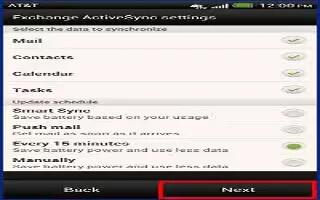
Learn how to work with Exchange ActiveSync email on your HTC One. Enjoy the powerful email features of Microsoft Exchange ActiveSync
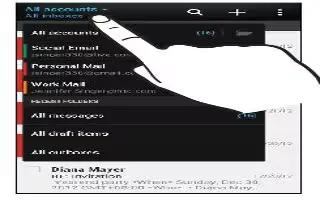
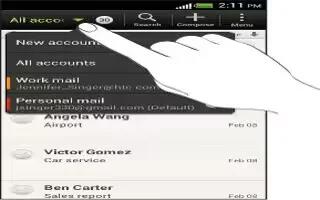
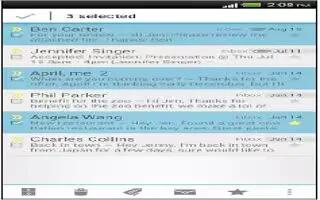
Learn how to use mail on your HTC One. The Mail app is where you read, send, and organize email messages from one or more email accounts

Learn how to call a phone number in an email on your HTC One. Tap the phone number in the email body then tap Call on the options menu.
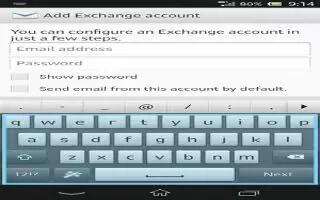
Learn how to sync your corporate email, calendar and contacts on your Sony Xperia Z. Access your corporate email messages, calendar appointments,
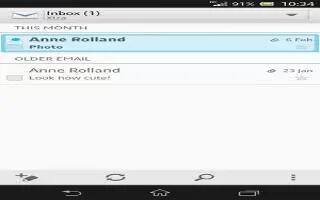
Learn how to use email on your Sony Xperia Z. If you are using several email accounts, tap v view icon at top of the screen and select the account
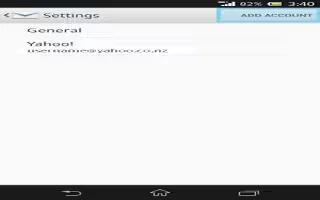
Learn how to handle and use the email accounts on your Sony Xperia Z. You can handle several email accounts at the same time using the Email
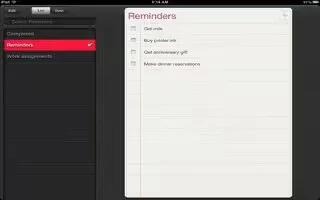
Learn how to use reminders on your iPad Mini. Reminders lets you keep track of all the things you need to do. On some iPad Wi-Fi + cellular models
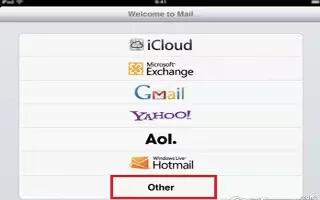
Learn how to use mail accounts and settings on your iPad Mini. Settings vary based on the type of account youre setting up.
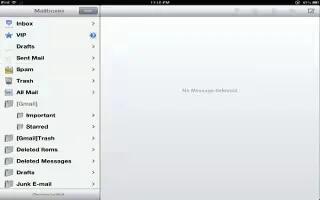
Learn how to organize and print your mail and attachments on your iPad Mini. Go to the mailbox list (tap Mailboxes to get there), then tap VIP.
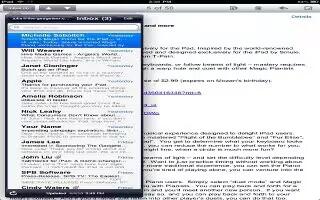
Lean how to use email on your iPad Mini. Tap Flag icon. To mark multiple messages at once, tap Edit while viewing the message list.
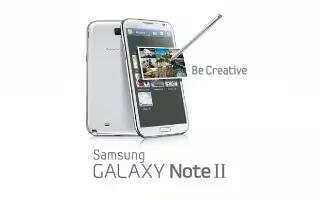
You can customize Microsoft Exchange Email settings (outlook settings) on Samsung Galaxy Note 2. Press Home button > Menu key and then tap Settings