How To Use Cloud – Samsung Galaxy Tab Pro
Learn how to use Cloud on your Samsung Galaxy Tab Pro. Back up your personal data using your Samsung Account or use Dropbox to sync your device content.
Apple, Gadgets, Android, Microsoft
Learn how to use Cloud on your Samsung Galaxy Tab Pro. Back up your personal data using your Samsung Account or use Dropbox to sync your device content.
Learn how to customize smart screen on your Samsung Galaxy Tab Pro. Use the Smart screen options to customize your screen settings.
Learn how to use Motions on your Samsung Galaxy Tab Pro. Activate the motion recognition feature and change the settings that control motion recognition on your device.
Learn how to use voice control on your Samsung Galaxy Tab Pro. Set the device to recognize voice commands for controlling your device.
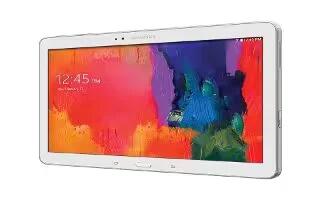
Learn how tocustomize pointer speed on your Samsung Galaxy Tab Pro. Set the pointer speed for an external mouse or trackpad.
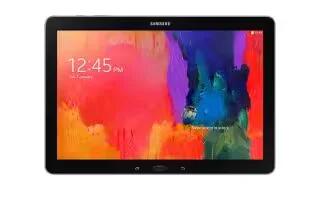
Learn how to use Mouseover on your Samsung Galaxy Tab Pro. Show information information when you move the pointer over certain items on the screen.
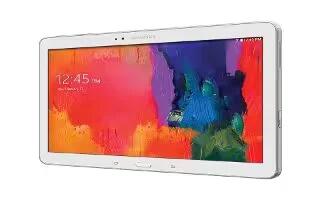
Learn how to use voice search on your Samsung Galaxy Tab Pro. Set voice search and text-to-speech options.
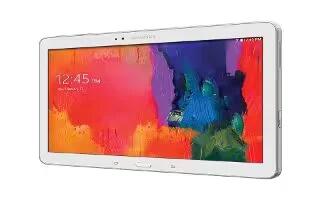
Learn how to use Google Voice Typing on your Samsung Galaxy Tab Pro. Hide words many people find offensive are in results of Google voice searches.
Learn how to configure Samsung Keyboard on your Samsung Galaxy Tab Pro. Complete or replace the word you are typing with the most probable word.
Learn how to customize language and input Settings on your Samsung Galaxy Tab Pro. Set the language used by your device.
Learn how to use Blocking Mode on your Samsung Galaxy Tab Pro. Turn off notifications for selected features.
Learn how to customize Accessibility Settings on your Samsung Galaxy Tab Pro. Accessibility services are special features to make using the device easier.
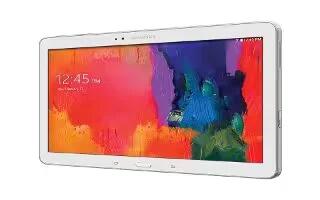
Learn how to customize font settings on your Samsung Galaxy Tab Pro. Set the font for screen displays and the size you want it to display.
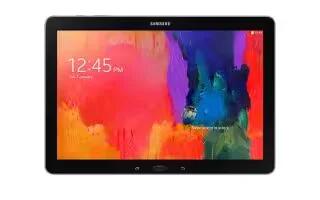
Learn how to use password options on your Samsung Galaxy Tab Pro. The options are available when Password is selected.
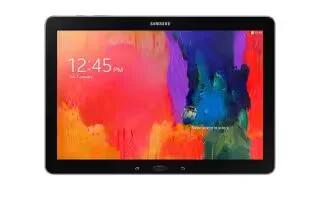
Learn how to use PIN options on your Samsung Galaxy Tab Pro. The options are available when PIN is selected.
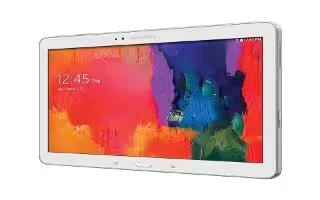
Learn how to use pattern options on your Samsung Galaxy Tab Pro. The options are available when Pattern is selected.
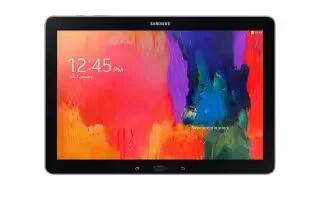
Learn how to use swipe options on your Samsung Galaxy Tab Pro. The options are available when Swipe is selected.
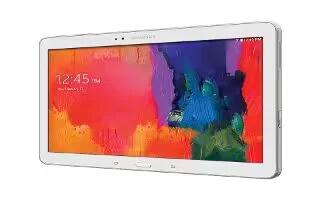
Learn how to Lock Screen on your Samsung Galaxy Tab Pro. Choose settings for unlocking your screen. Check mark this option to keep screen on when the phone detects.







