How To Use Credential Storage – Samsung Galaxy Tab Pro
Learn how to use Credential Storage on your Samsung Galaxy Tab Pro. If a certificate authority (CA) certificate gets compromised or for some other reason you do not trust it.
Apple, Gadgets, Android, Microsoft
Learn how to use Credential Storage on your Samsung Galaxy Tab Pro. If a certificate authority (CA) certificate gets compromised or for some other reason you do not trust it.
Learn how to use security update on your Samsung Galaxy Tab Pro. To set security update service settings.
Learn how to access music player on your Samsung Galaxy Tab Pro. You can change songs or easily return to the Music player.
Learn how to use playlists in music app on your Samsung Galaxy Tab Pro. Playlists are used to assign songs to a list of preferred media which can then be grouped into a list.
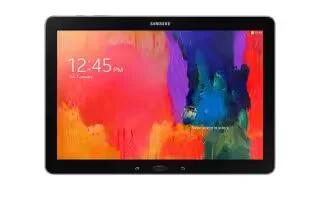
Learn how to use music app on your Samsung Galaxy Tab Pro. Play music and other audio files that you copy from your computer.
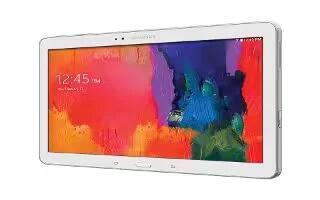
Learn how to make passwords visible on your Samsung Galaxy Tab Pro. Briefly display password characters as you touch them while entering passwords.
Learn how to use Device Administrator on your Samsung Galaxy Tab Pro. Use the Security settings to secure your device. To add or remove device administrators:
Learn how to find my mobile on your Samsung Galaxy Tab Pro. Use this option to allow your device to be locked and tracked, and for your data to be deleted remotely.
Learn how to encrypt on your Samsung Galaxy Tab Pro. To require a numeric PIN or password to decrypt your tablet each time you power it on or encrypt the data.
Learn how to use storage settings on your Samsung Galaxy Tab Pro. View the device memory and usage, or mount, unmount, or format an optional memory card.
Learn how to improve battery life on your Samsung Galaxy Tab Pro. When enabled, your device automatically analyzes the screen and adjusts the brightness.
Learn how to use battery on your Samsung Galaxy Tab Pro. See how much battery power is used for device activities.
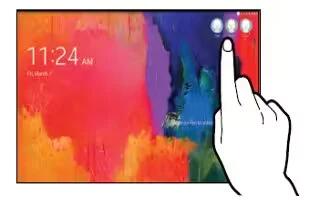
Learn how to use User Profiles on your Samsung Galaxy Tab Pro. Shared this tablet with multiple people by creating User accounts and Profiles.
Learn how to use application manager on your Samsung Galaxy Tab Pro. You can download and install applications from Google Play.
Learn how to use accessory settings on your Samsung Galaxy Tab Pro. To change accessory settings:
Learn how to use date and time settings on your Samsung Galaxy Tab Pro. By default, your device receives date and time information from the wireless network.
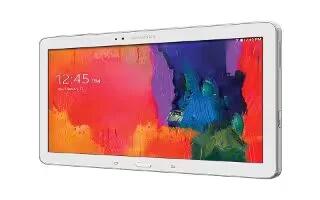
Learn how to factory data reset on your Samsung Galaxy Tab Pro. Reset to return your device to its factory defaults.
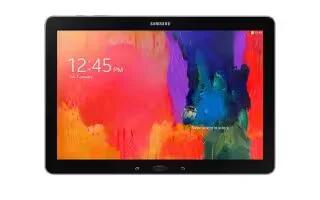
Learn how to backup and reset on your Samsung Galaxy Tab Pro. Back up your data to the Google server and reset your device to its factory defaults.







