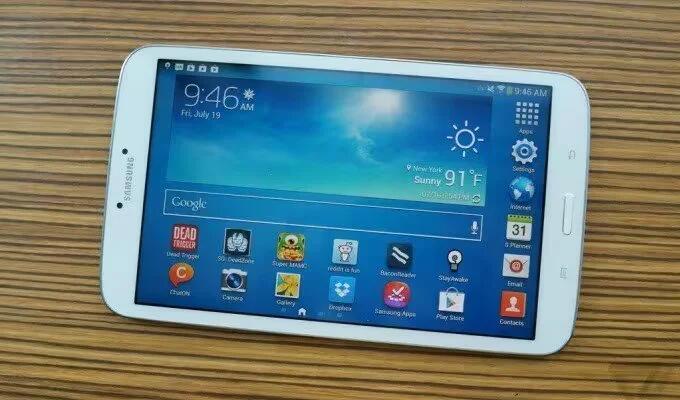
Samsung Preparing New Budget Tablets
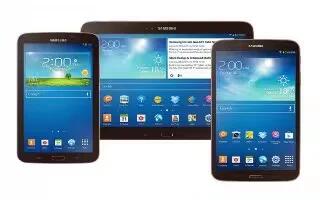
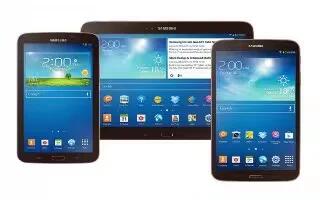
Reportedly, the devices in question have the model numbers SM-T116 and SM-T113 and belong under the codename “Project Goya”.
Apple, Gadgets, Android, Microsoft
Reportedly, the devices in question have the model numbers SM-T116 and SM-T113 and belong under the codename “Project Goya”.
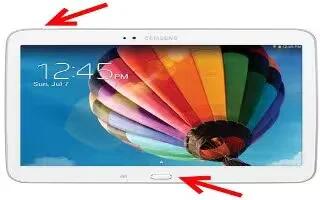
Learn how to take Screenshot on your Samsung Galaxy Tab 3. You can capture the screen without using any third party apps.
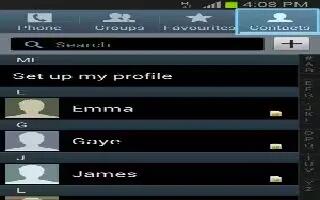
Learn how to use move contacts on Samsung Galaxy Tab 3. Use this apps to manage contacts, including phone numbers, email addresses etc.

Learn how to make video calls on your Samsung Galaxy Tab 3. Enter the number or select a contact from the contacts list make a video call.
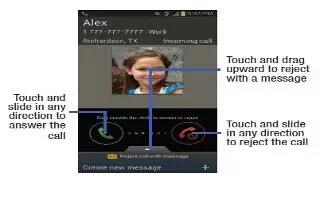
Learn how to make calls on your Samsung Galaxy Tab 3.You can use one of the following options; keypad, logs, favorites, contacts etc.
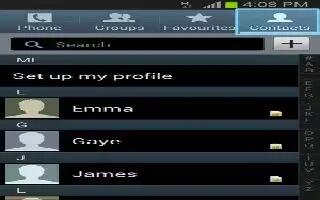
Learn how to use favorite contacts on Samsung Galaxy Tab 3. Use this apps to manage contacts, phone numbers, email addresses, and others.
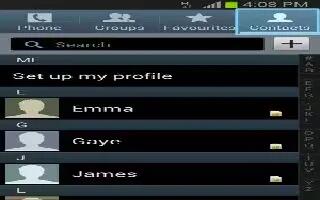
Learn how to use speed dial in contacts on your Samsung Galaxy Tab 3. Use this apps to manage Contacts, including phone numbers, email addresses, and others.
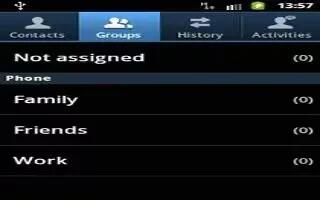
Learn how to use groups on Samsung Galaxy Tab 3. Use this apps to manage contacts, including phone numbers, email addresses, and others.
Learn how to answer calls on your Samsung Galaxy Tab 3. When a call comes in, drag outside the large circle, or press the headset button.
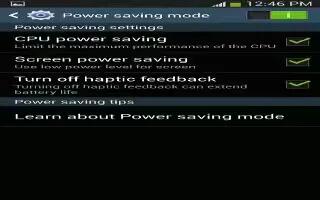
Learn how to improve battery life on your Samsung Galaxy Tab 3. You can also use power saving mode to extend the battery performance of tablet.
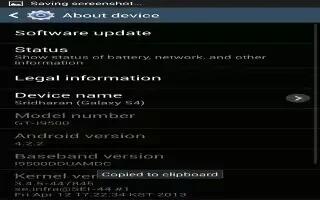
Learn how to Update Software on your Samsung Galaxy Tab 3. The Software Update feature enables you to use your device to connect to the network.
Learn how to customize voice control settings on Samsung Galaxy Tab 3. To set voice control options for the Alarm, Camera, and Music apps.
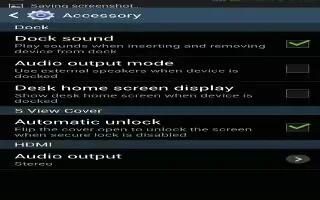
Learn how to customize Accessory Settings on your Samsung Galaxy Tab 3. you can change dock, HDMI, date and time settings in this option.
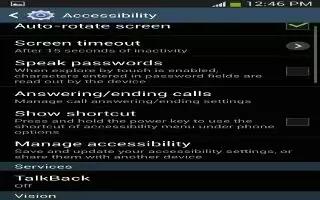
Learn how to customize accessibility settings on your Samsung Galaxy Tab 3. Accessibility services are features to make using the device easier.
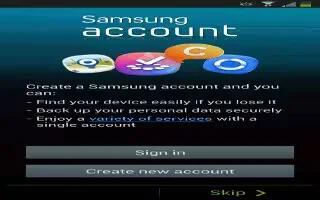
Learn how to create Samsung Account on your Samsung Galaxy Tab 3. Several applications and options require that you create and sign in.
Learn how to configure find my mobile on Samsung Galaxy Tab 3. Use this option to allow your device to be locked and tracked,and for data.
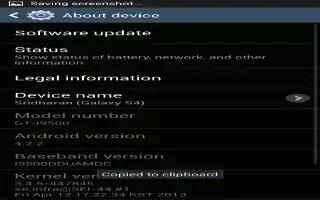
Learn how to view about device on your Samsung Galaxy Tab 3. View information about your device, legal information, hardware and software.