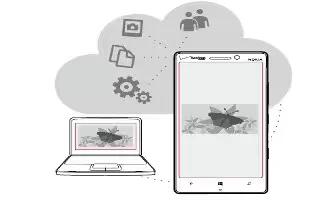
How To Use SkyDrive – Nokia Lumia Icon
Learn how to use SkyDrive on your Nokia Lumia Icon. Store your stuff in the clouds. You dont need to worry about freeing memory for your favorites or new apps.
Apple, Gadgets, Android, Microsoft
Learn how to use SkyDrive on your Nokia Lumia Icon. Store your stuff in the clouds. You dont need to worry about freeing memory for your favorites or new apps.
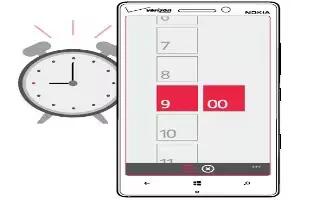
Learn how to use alarm on your Nokia Lumia Icon. Keep track of time learn how to use your phone as a clock, as well as an alarm clock.

Learn how to scan codes on your Nokia Lumia Icon. Use your phone camera to scan things, such as QR codes, barcodes, and book and DVD covers.
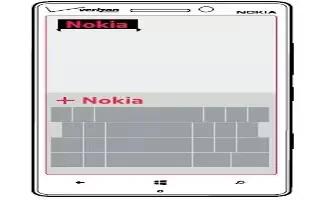
Learn how to use language and input settings on your Nokia Lumia Icon. Your phone suggests words as you write, to help you write quickly and more accurately.
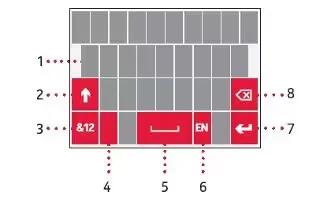
Learn how to enter text on your Nokia Lumia Icon. Learn how to write text quickly and efficiently with your phones keyboard.
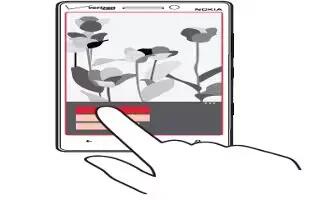
Learn how to lock screen on your Nokia Lumia Icon. Would you like to make your lock screen look unique.
Learn how to use data roaming on your Nokia Lumia Icon. Want to save on your phone bills? You can cut data roaming costs by changing mobile data settings.
Learn how to improve battery life on your Nokia Lumia Icon. Get the most out of your phone while getting the battery life you need.
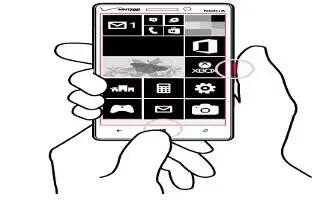
Learn how to take Screenshot on your Nokia Lumia Icon. Did you just finish personalizing your Start screen, and want to share your work of art?
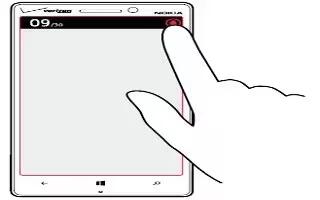
Learn how to change ringtones on your Nokia Lumia Icon. When you switch silent mode on, all ringtones and alert tones are muted.
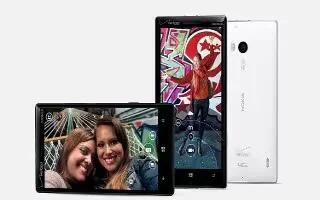
Learn how to enhance sound on your Nokia lumia Icon. Get the most out of your music experience and enhance the sound of your music and videos.
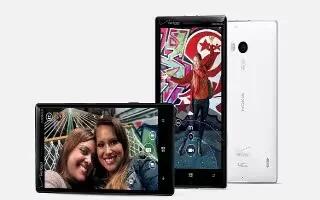
Learn how to personalize on your Nokia Lumia Icon. Learn how to personalize the Start screen, and how to change ringtones.

Learn how to change wallpapers on your Gionee Elife S5.5. You can change the Wallpaper of your home screens.
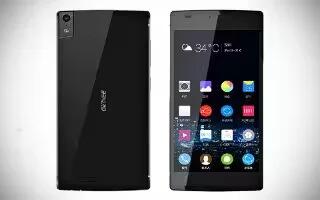
Learn how to create pages on your Gionee Elife S5.5. You can add a new page to your application menu by following these steps.
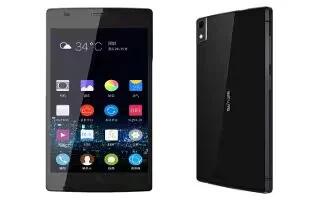
Learn how to create folders on your Gionee Elife S5.5. You can create application folders to hold similar applications if you wish.

Learn how to change wallpapers on your Gionee Elife E7 Mini. You can change the Wallpaper of your home screens.
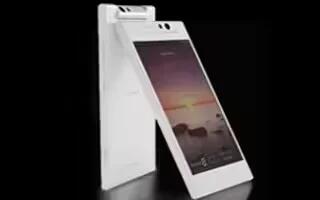
Learn how to create pages on your Gionee Elife E7 Mini. You can add a new page to your application menu by following these steps.
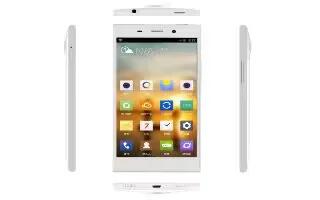
Learn how to create folders on your Gionee Elife E7 Mini. You can create application folders to hold similar applications if you wish.







