
How To Change Wallpapers – Gionee Elife E7
Learn how to change wallpapers on your Gionee Elife E7. You can change the Wallpaper (background) of your home screens.
Apple, Gadgets, Android, Microsoft
Learn how to change wallpapers on your Gionee Elife E7. You can change the Wallpaper (background) of your home screens.
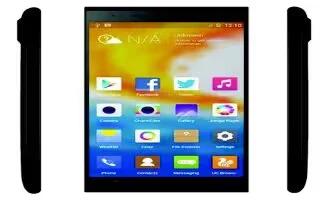
Learn how to create pages on your Gionee Elife E7. You can add a new page to your application menu by following these steps.
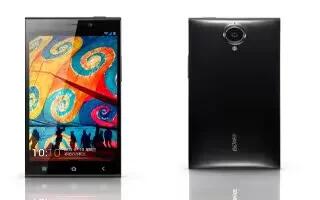
Learn how to create folders on your Gionee Elife E7. You can create application folders to hold similar applications if you wish.
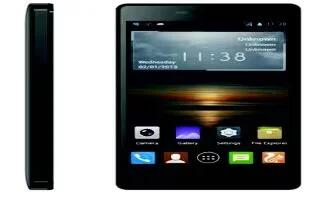
Learn how to change wallpapers on your Gionee M2. You can change the Wallpaper (background) of your home screens.
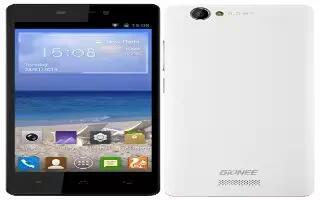
Learn how to create pages on your Gionee M2. You can add a new page to your application menu by following these steps.
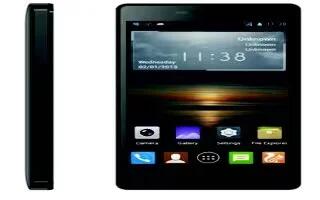
Learn how to create folders on your Gionee M2. You can create application folders to hold similar applications if you wish.
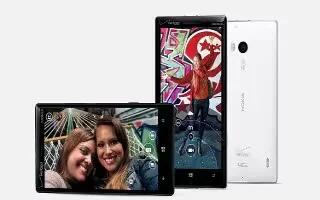
Learn how to use touch screen on your Nokia Lumia Icon. Explore your phone with a tap, swipe, or drag.
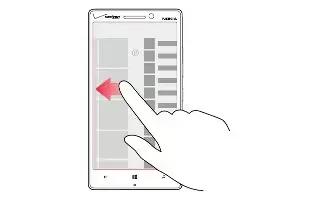
Learn the basics on your Nokia Lumia Icon. Your phone has two views, making it easy for you to keep up with whats going on.
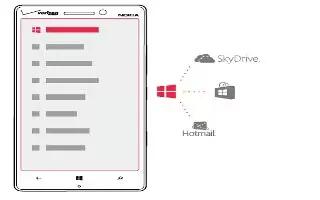
Learn how to create Microsoft account on your Nokia Lumia Icon. With a Microsoft account, you can access Microsoft services with a single username and password.
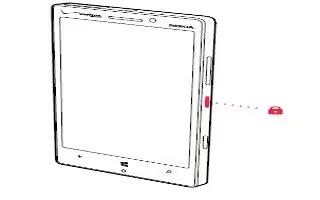
Learn how to lock and unlock on your Nokia Lumia Icon. Want to avoid accidentally making a call when your phone is in your pocket or bag.
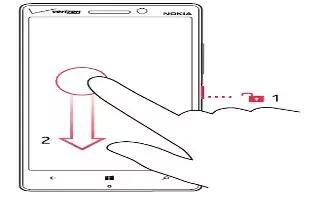
Learn how to switch on your Nokia Lumia Icon. Learn how to get your new phone up and running.
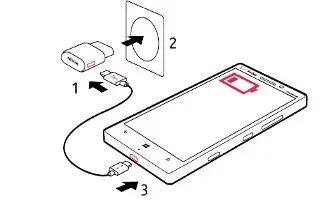
Learn how to charge battery on your Nokia Lumia Icon. Take good care of your battery, its the life force of your phone.
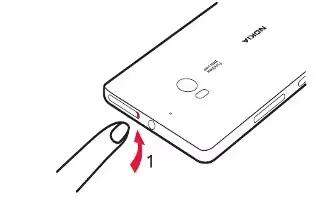
Learn how to insert SIM card on your Nokia Lumia Icon. Make sure your phone is switched off.
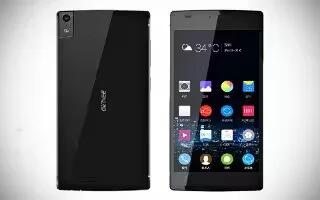
Learn how to connect to PC with USB on your Gionee Elife S5.5. You can connect your phone to a computer with a USB cable, to transfer music, pictures, and other files.
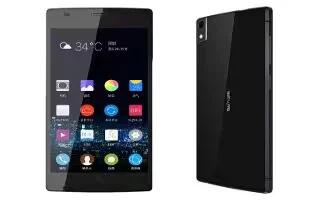
Learn how to use Bluetooth on your Gionee Elife S5.5. Your phone can connect to a variety of networks and devices, including mobile networks for voice and data transmission.
Learn how to use WLAN on your Gionee Elife S5.5. Your phone can connect to a variety of networks and devices, including mobile networks for voice and data transmission.
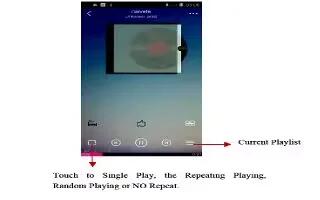
Learn how to use music player on your Gionee Elife S5.5. You use Music to organize and listen to music and other audio files that you transfer to your phone.
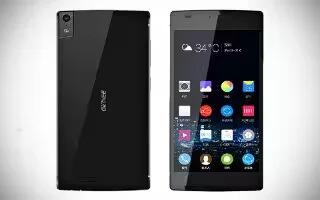
Learn how to use album on your Gionee Elife S5.5. Touch the Gallery icon in the Launcher to view albums of your pictures and videos.







