
Tag: Tablet
-
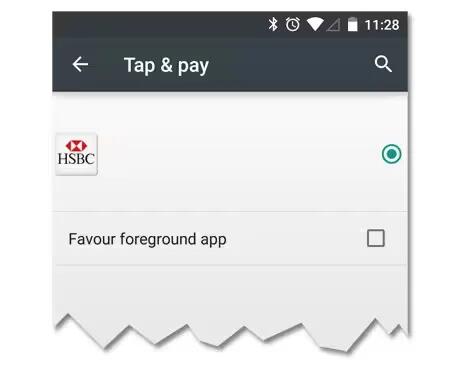
How To Use Tap & Pay – Android Lollipop
When NFC is turned on, you can use the Tap & pay feature to pay for items just by touching your phone to a reader at a register. To manage your Tap & pay apps.
-
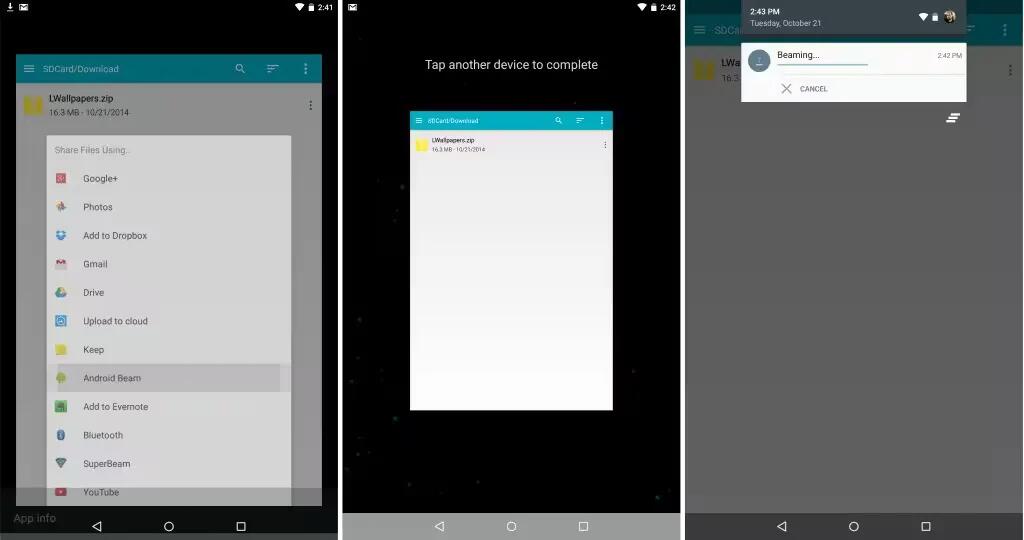
How To Use Android Beam – Android Lollipop
You can instantly send, or beam, a web page, a video, or other content from your screen to another device by bringing the devices together (typically back to back).
-
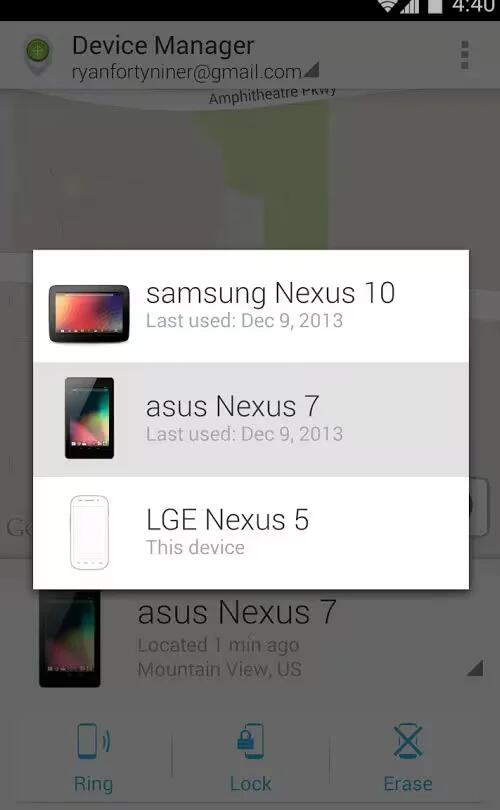
How To Use Device Manager App – Android Lollipop
If you lose your phone or tablet using Android Lollipop, the Android Device Manager can help you find its approximate location, make it ring, lock it, or erase its data.
-
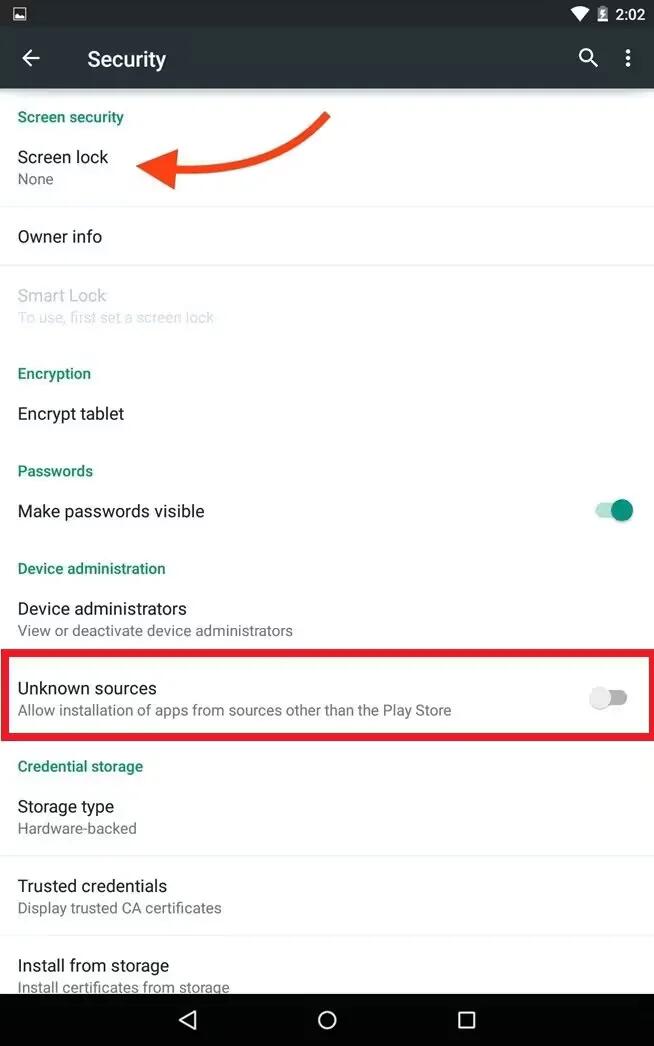
Protect Against Harmful Apps – Android Lollipop
Apps from Google Play are always verified by Google to protect you and your device from harm. By default, your device doesn’t allow the installation of apps from sources other than Google Play.
-
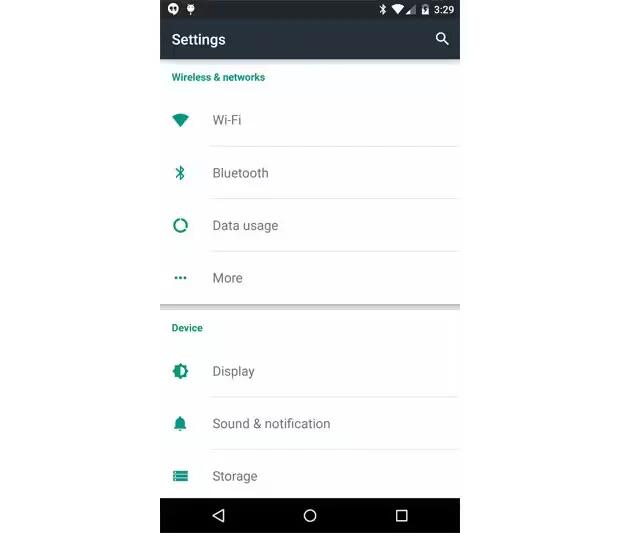
How To Change Display Settings – Android Lollipop
You can change display settings on your devices running Android Lollipop. Change the display settings on your device by following the steps below.
-
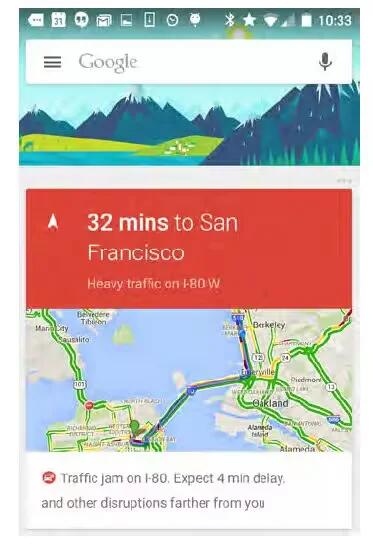
How To Use Google Now – Android Lollipop
Google Now is about getting you just the right information, at just the right time. It tells you today’s weather before you start your day, how much traffic to expect before you leave for work, and even your favorite teams score while they’re playing.
-
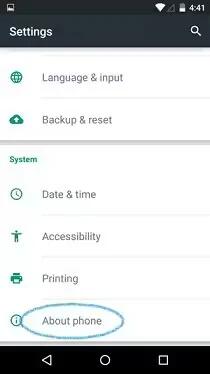
How To Use About Phone – Android Lollipop
You can update your device manually running Android Lollipop. To check your version number or get the latest system update for a Nexus or Google Play edition phone.
-
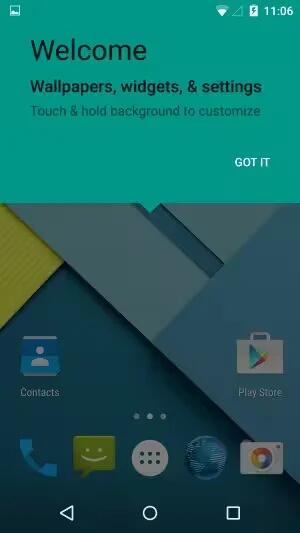
How To Customize Home Screen – Android Lollipop
You can customize Home Screen through changing wallpapers, adding widgets, adjusting screen order, creating folders etc.
-
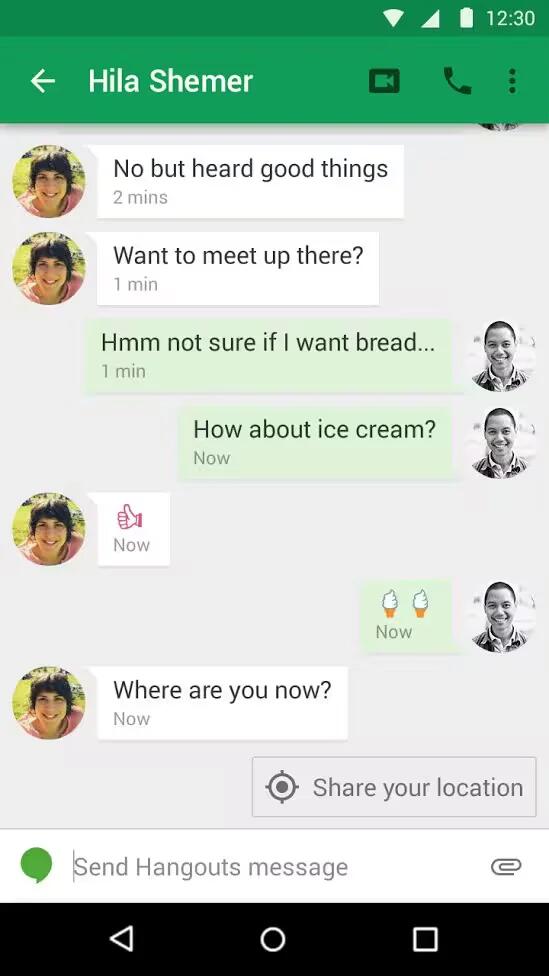
How To Make Video Call Using Hangouts – Android Lollipop
The Hangouts app lets you send and receive video calls. To open it, touch Hangouts on a Home or All Apps screen.
-
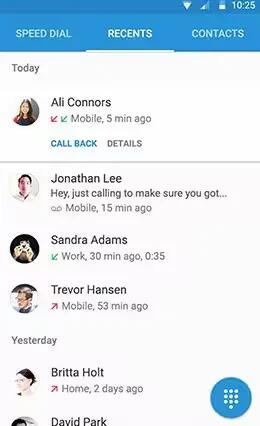
How To Make A Call – Android Lollipop
You can place calls from the Phone app, the Contacts app, or other apps or widgets that display contact information. Wherever you see a phone number, you can usually touch it to dial.
-
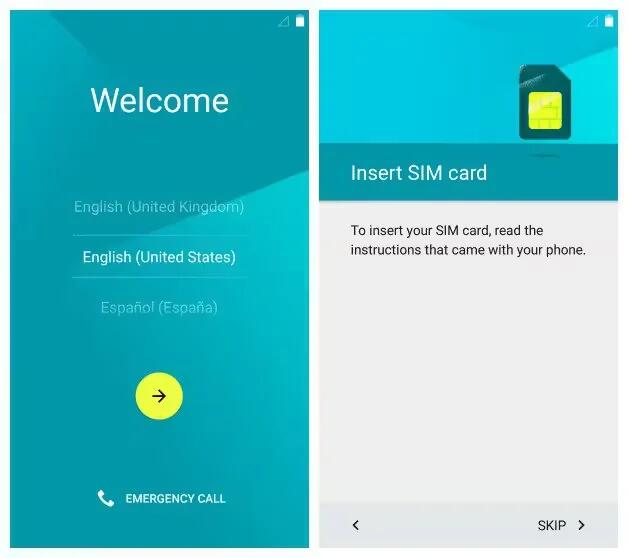
How To Setup Your Device – Android Lollipop
When you first turn on your phone or tablet, you’ll see a Welcome screen. Choose the language you want and touch the arrow to continue.
-
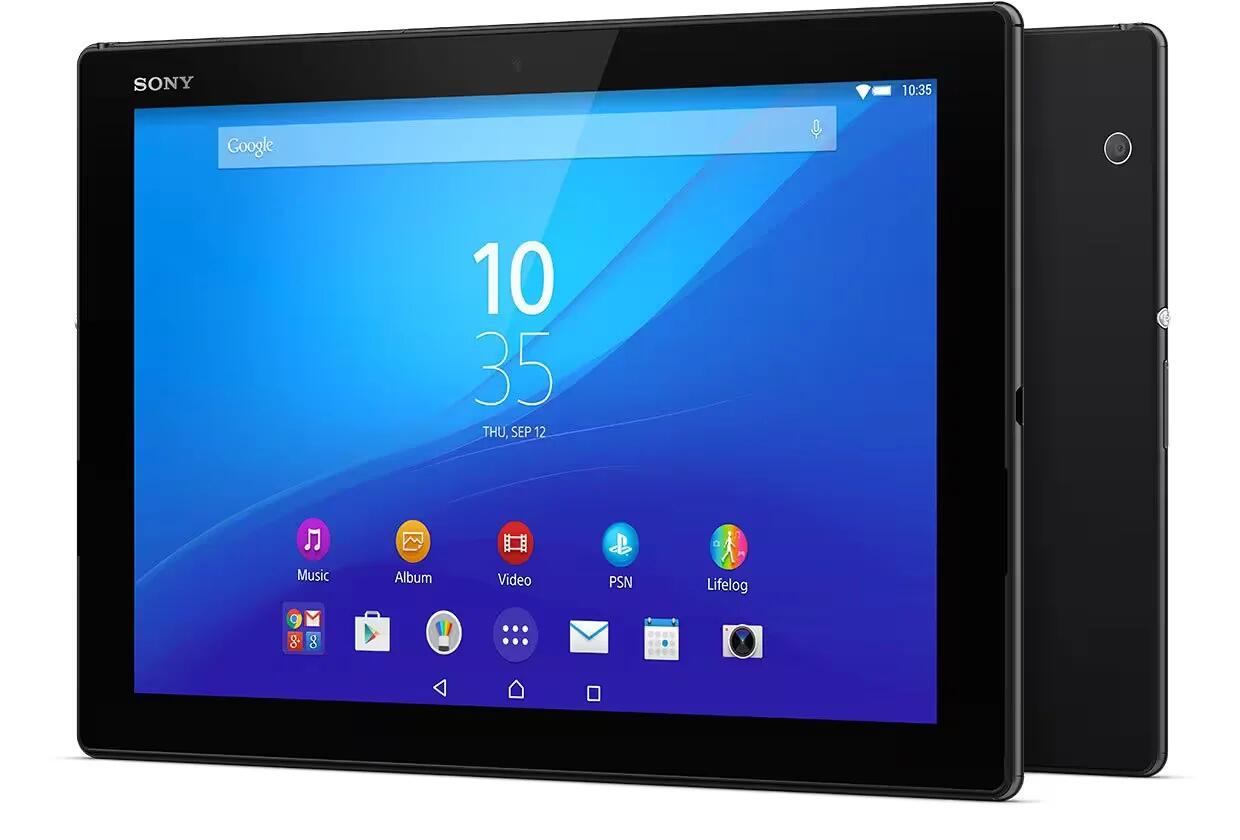
Sony Unveils Xperia M4 Aqua And Xperia Z4 Tablet At MWC 2015
Sony didn’t bring a new Xperia Z4 flagship phone on the MWC, but it sure make up for it with the Sony Xperia Z4 Tablet. Sony Xperia M4 Aqua just went official at the MWC 2015.
-
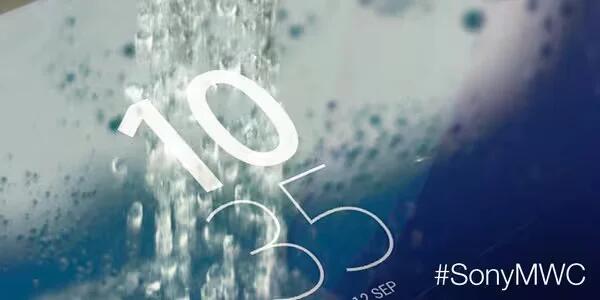
Sony Confirms New Water Resistant Devices Will Be Announced On MWC
Sony today indirectly confirmed that we’ll see at least one new water resistant Xperia device next week. Sony says that we should “get ready to make a splash” on March 2, when the company will host its MWC press conference.
-
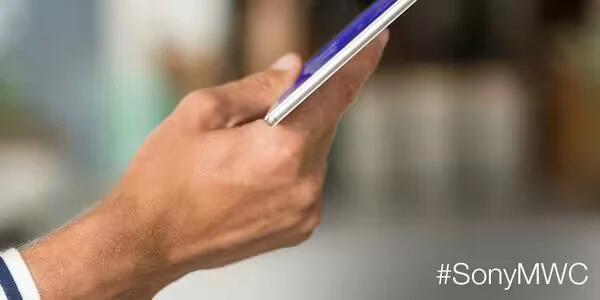
Sony To Reveal ‘Slimmer, Brighter, Lighter’ – Xperia Z4 Tablet At MWC 2015
Sony has announced that it will reveal something “slimmer, lighter, brighter” at the upcoming Mobile World Congress (MWC), scheduled to kick off in Barcelona next week.
-
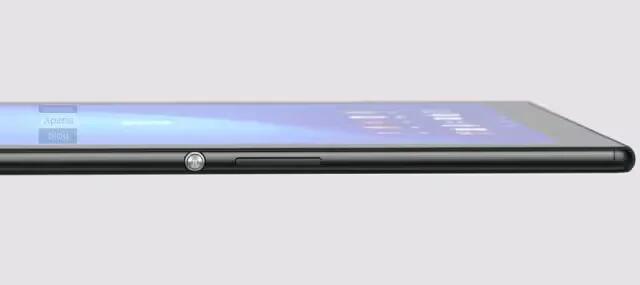
Sony Xperia Z4 Tablet Leaked Ahead Of MWC 2015
Unannounced Sony Xperia Z4 tablet with 2K display leaked out. The slate made a premature appearance in Sony’s Xperia Lounge Android application and was quickly taken down.
-
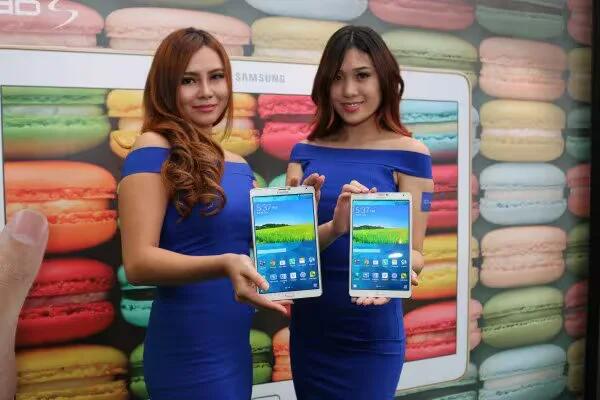
Samsung Galaxy Tab S2 Specs Leaked
We reported a few days ago on Samsung’s move to a 4:3 aspect ratio with its future flagship tablets, and now more detailed specs of the Galaxy Tab S2 have been revealed, courtesy of industry insiders.
-
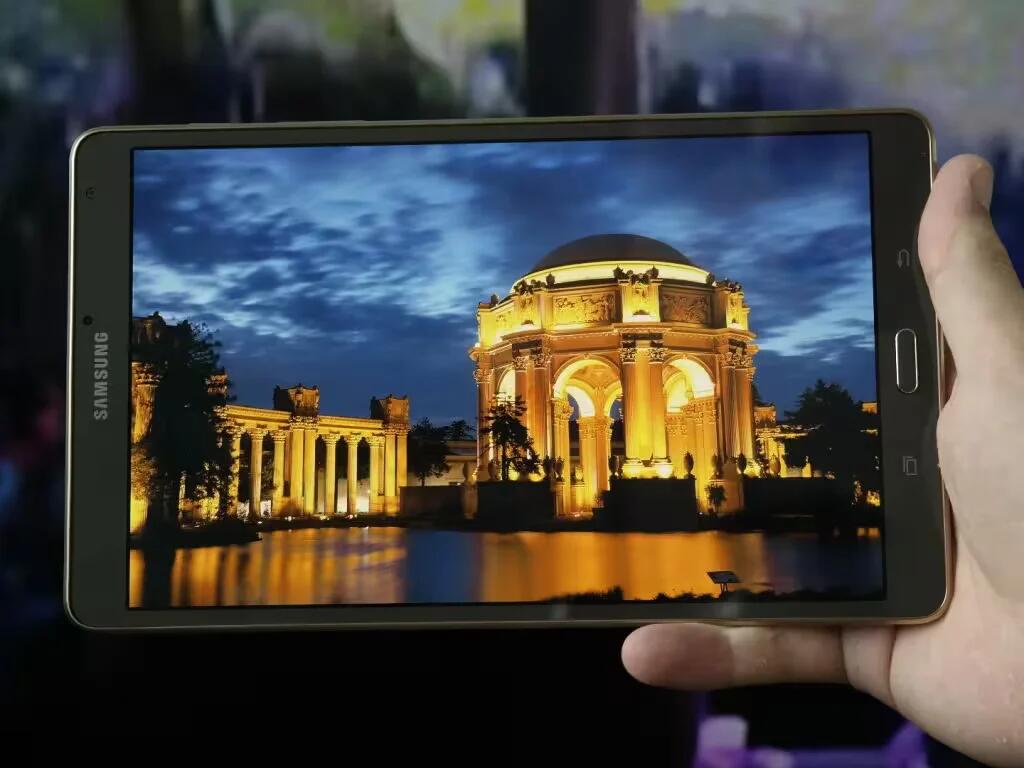
Samsung Galaxy Tab S2 Will Be Thinner Than iPad Air 2
Last week we told you that Samsung is allegedly busy working on a couple of successors for last year’s Galaxy Tab S line of tablets with Super AMOLED touchscreens.


