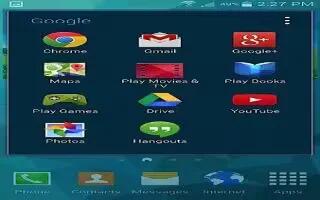
How To Use Hangouts – Samsung Galaxy S5
Learn how to use Hangouts on your Samsung Galaxy S5. Hangouts is a free Windows and web-based application for instant messaging offered by Google.
Apple, Gadgets, Android, Microsoft
Learn how to use Hangouts on your Samsung Galaxy S5. Hangouts is a free Windows and web-based application for instant messaging offered by Google.
Learn how to use Google Plus App on your Samsung Galaxy S5. This application provides you an on-screen Internet search engine powered by Google.
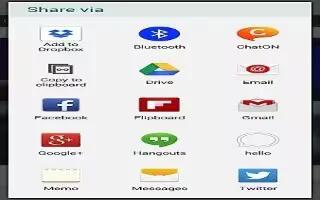
Learn how to use Gmail on your Samsung Galaxy S5. Gmail is a web-based email service. G-mail is configured when you first set up your phone.
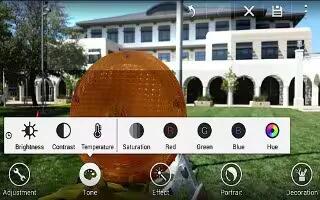
Learn how to Edit Photos on your Samsung Galaxy S5. You can edit your photos using the built-in Photo editor application on your device.
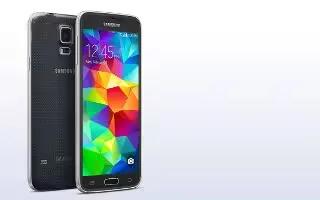
Learn how to use S Beam to share pictures on your Samsung Galaxy S5. This feature allows you to beam large files directly to another compatible device.
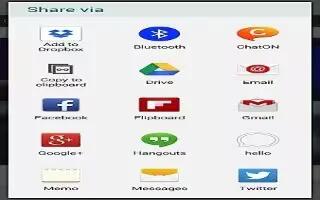
Learn how to configure Flipboard on your Samsung Galaxy S5. This application creates a personalized digital magazine out of everything being shared with you.
Learn how to Switch Between Email Accounts on your Samsung Galaxy S5. Email enables you to review and create email using various email services.
Learn how to create Corporate Email Accounts on your Samsung Galaxy S5. Use the following procedure to configure your phone to synchronize.
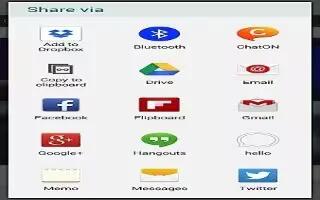
Learn how to create Email Accounts on your Samsung Galaxy S5. Email enables you to review and create email using various email services.
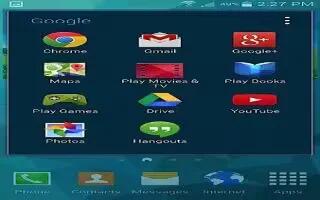
Learn how to use Google Drive on your Samsung Galaxy S5. With the Google Drive application, everything that you add to your Drive from work or home.
Learn how to use timer app on your Samsung Galaxy S5. You can use this option to set a countdown timer. Use a timer to count down to an event based on a preset time length.
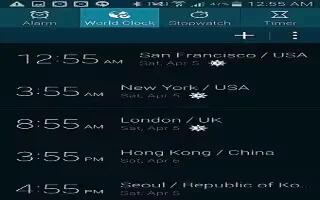
Learn how to use Stopwatch on your Samsung Galaxy S5. You can use this option to measure intervals of time.
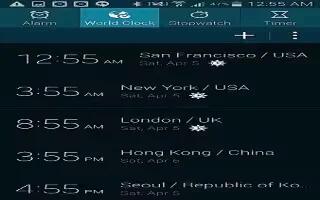
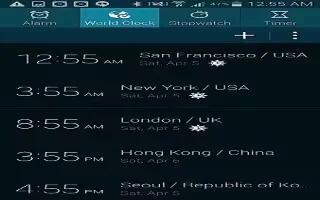
Learn how to use World Clock on your Samsung Galaxy S5. World Clock allows you to view the time of day or night in other parts of the world.
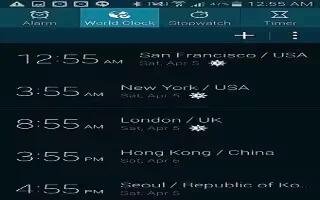
Learn how to use Alarm on your on your Samsung Galaxy S5. This apps allows you to access alarms, view the World Clock, set a stopwatch and etc.
Learn how to use Video Camera on your Samsung Galaxy S5. In addition to taking photos, the camera also doubles as a camcorder that also allows you to record, view, and send videos.
Learn how to use Camera settings on your Samsung Galaxy S5. This section describes the different settings that you can configure on your camera.
Learn how to use Camera Modes on your Samsung Galaxy S5. There are many different camera modes that you can use to help optimize your photos depending on the conditions and your experience.
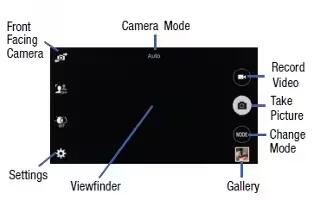
Learn how to use Camera on your Samsung Galaxy S5. This section explains how to use the camera on your phone.







