How To Use Voice Memo App – Samsung Gear 2
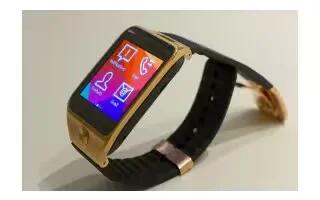
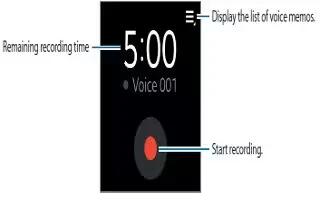
Learn how to use Voice Memo App on your Samsung Gear 2. Use this application to record voice memos. The voice memos recorded on the Gear 2.
Apple, Gadgets, Android, Microsoft
Learn how to use Voice Memo App on your Samsung Gear 2. Use this application to record voice memos. The voice memos recorded on the Gear 2.
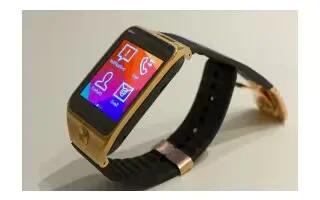
Learn how to use Contacts on your Samsung Gear 2. Use this application to view the connected mobile devices contacts list on the Gear 2.
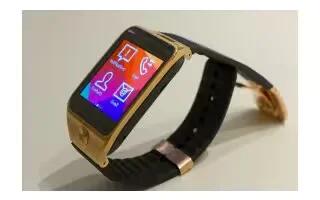
Learn how to use Stopwatch on your Samsung Gear 2. Use this application to measure the amount of elapsed time.
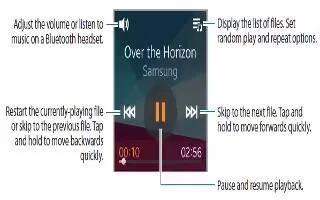
Learn how to use Music Player on your Samsung Gear 2. Use this application to listen to music saved on the Gear 2.
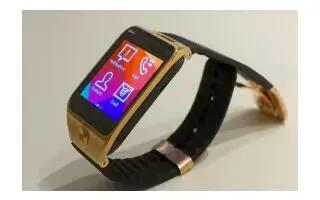
Learn how to use S Health on your Samsung Gear 2. Use the pedometer, sleep, exercise, and heart rate applications for leisure, well-being and fitness purposes.
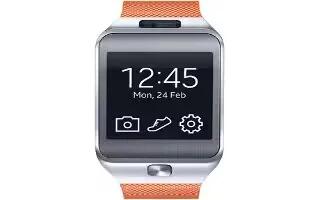
Learn how to Customize My App on your Samsung Gear 2. You can manage application settings installed on the Gear 2.
Learn how to Find My Device on your Samsung Gear 2. If you misplace the Gear 2, the Gear Manager can help you find it.
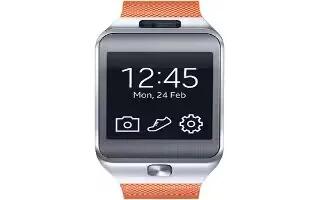
Learn how to Configure Weather on your Samsung Gear 2. Use this application to view weather information on the Gear 2 for the locations.
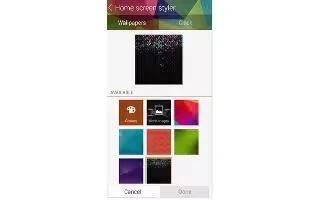
Learn how to Customize Home Screen on your Samsung Gear 2. Changes the Gear 2 Home screen settings.
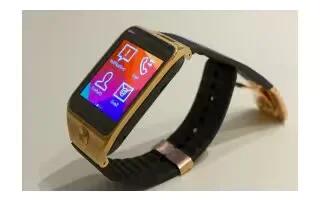
Learn how to use Gallery on your Samsung Gear 2. Use this application to view images and videos.
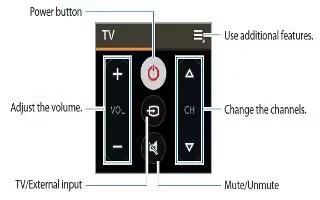
Learn how to use WatchON Remote on your Samsung Gear 2. Use this application to operate the Gear 2 as a remote control for other devices.
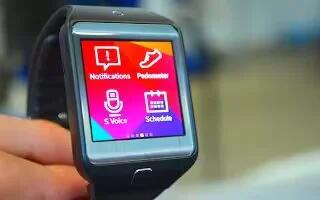
Learn how to use S Voice on your Samsung Gear 2. Use this application to command the Gear 2 by voice to perform various features.
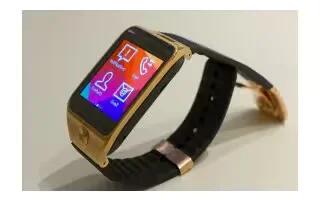
Learn how to Upgrade With Samsung Kies on your Samsung Gear 2. The Gear can be upgraded to the latest software.
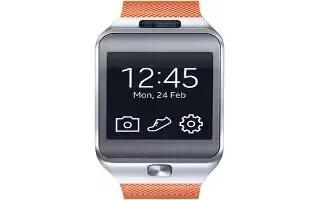
Learn how to Upgrade With Gear Manager on your Samsung Gear 2. The Gear can be upgraded to the latest software.
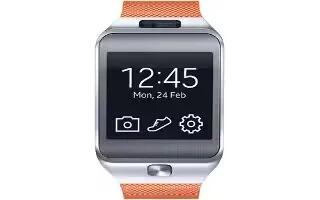
Learn how to Transfer Files on your Samsung Gear 2. Move audio, video, images, or other types of file from a computer to the Gear 2, or vice versa.
Learn how to use Notifications on your Samsung Gear 2. Stay up-to-date with a variety of events, such as missed calls or new messages.
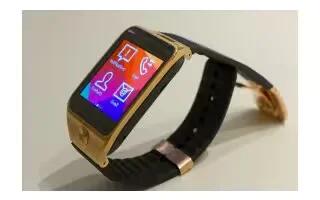
Learn how to Make Calls on your Samsung Gear 2. On the Home screen, tap Dialer, enter a number using the keypad, and then tap to make a call.