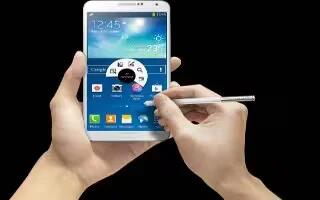
How To Customize Multi Window Settings – Samsung Galaxy Note 3
Learn how to customize multi window settings on your Samsung Galaxy Note 3. This option to enable/disable the automatic Multi window feature.
Apple, Gadgets, Android, Microsoft
Learn how to customize multi window settings on your Samsung Galaxy Note 3. This option to enable/disable the automatic Multi window feature.
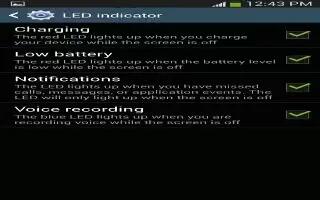
Learn how to customize LED indicator on your Samsung Galaxy Note 3. This option allows you to turn on your LED lights for charging, etc.
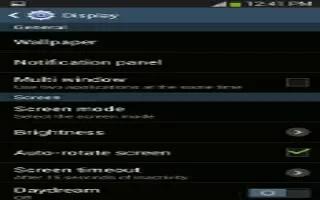
Learn how to customize display settings on your Samsung Galaxy Note 3. In this menu, you can change various settings for the display.
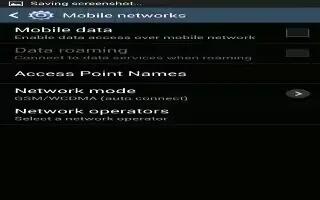
Learn how to customize mobile networks on Samsung Galaxy Note 3. Before you use applications such as Google Maps and find your location.
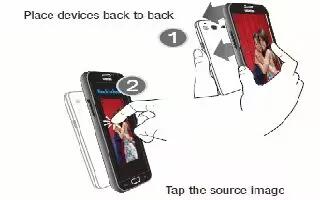
Learn how to use s beam to share pictures on Samsung Galaxy Note 3.This feature allows you to beam large files directly to another device.

Learn how to use video camera on Samsung Galaxy Note 3. The camera also doubles as a camcorder that allows you to record, view, and send.
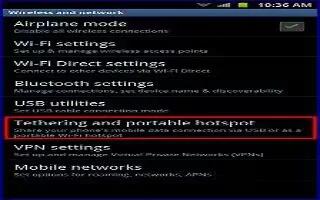
Learn how to use USB tethering on your Samsung Galaxy Note 3. This option allows you to share your phoness mobile data connection via USB.
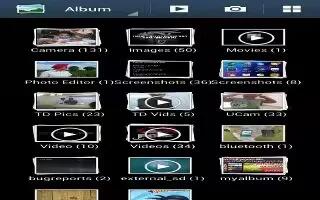
Learn how to use gallery on your Samsung Galaxy Note 3. The Gallery is where you view photos and play back videos, perform basic editing.
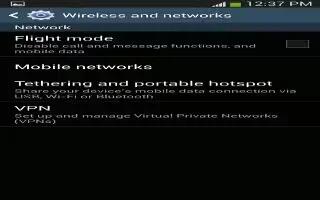
Learn how to use airplane mode on your Samsung Galaxy Note 3. Airplane mode allows you to use many of your phones features, such as Camera.
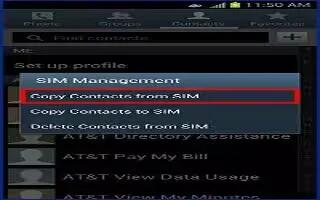
Learn how to manage contacts on your Samsung Galaxy Note 3. You can copy, delete, and view the memory status for the Phone and SIM contacts.
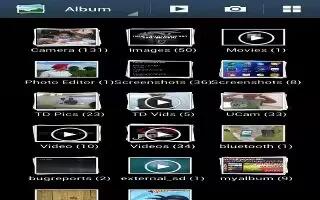
Learn how to edit photos on your Samsung Galaxy Note 3. You can edit your photos using the built-in Photo editor application on your device.
Learn how to customize wifi settings on your Samsung Galaxy Note 3. This section describes the Wi-Fi settings, activation, deactivation etc.
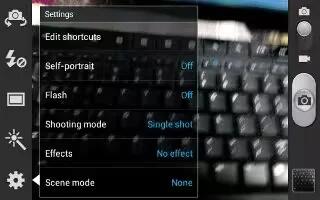
Learn how to customize camera settings on your Samsung Galaxy Note 3.This section describes the different settings that you can configure.
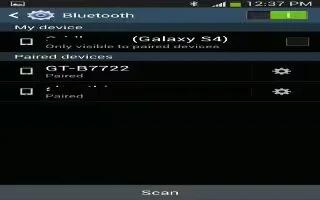
Learn how to customize Bluetooth settings on Samsung Galaxy Note 3. In this menu you can activate Bluetooth, view or assign a device name.
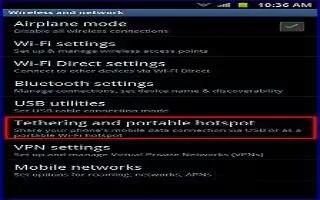
Learn how to confgure mobile hotspot on Samsung Galaxy Note 3. This option allows you to share your phoness mobile data connection via USB.
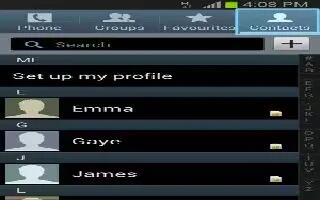
Learn how to configure favorites on your Samsung Galaxy Note 3. Once you have stored phone numbers in the Address Book, you can add them.
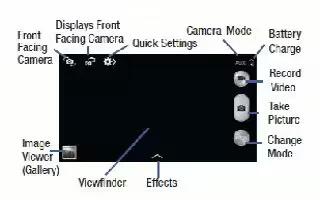
Learn how to configure camera on your Samsung Galaxy Note 3. This section explains features related to the use of the camera and camcorder.
Learn how to use speakerphone during a call on your Samsung Galaxy Note 3. While in an active call, it is possible to enable the feature.







