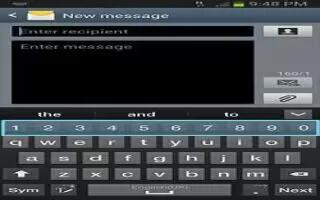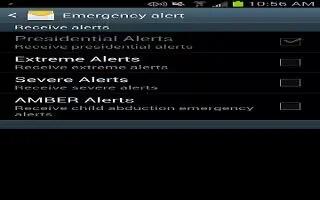
How To Use Emergency Alerts – Samsung Galaxy Note 3
Learn how to use emergency alerts in messages on your Samsung Galaxy Note 3. This device is designed to receive wireless emergency alerts.
Apple, Gadgets, Android, Microsoft
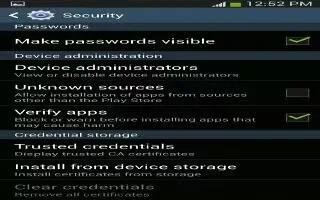
Learn how to use device administrator on Samsung Galaxy Note 3.This feature allows you to select one or more administration applications.
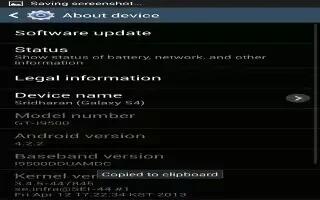
Learn how to about device settings on your Samsung Galaxy Note 3. This menu contains legal information, system tutorial information etc.
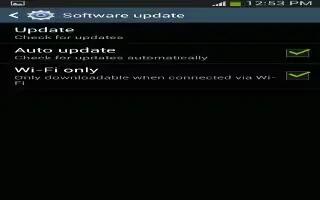
Learn how to update software Samsung Galaxy Note 3. The Software Update feature enables you use phone to connect to the network and upload.
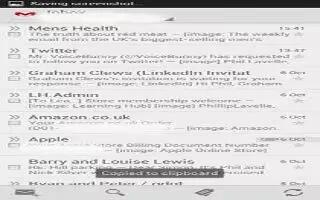
Learn how to create email account on your Samsung Galaxy Note 3. Email enables you to review and create email using various email services.
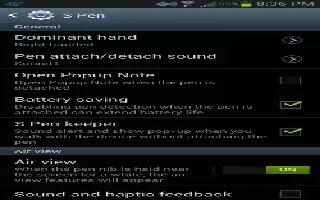
Learn how to use s pen settings on Samsung Galaxy Note 3. This menu allows you to customize settings for the S Pen can change pointer etc.
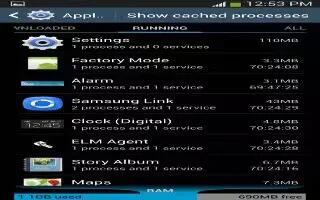
Learn how to use application manager on Samsung Galaxy Note 3. You can download and install applications from Play Store or create apps.
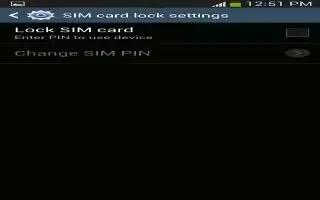
Learn to setup SIM card lock on your Samsung Galaxy Note 3. The Security settings allow you to determine the security level for your phone.
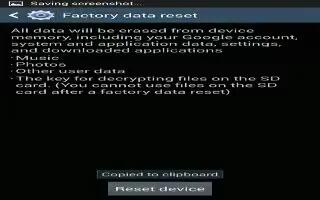
Learn how to reset on Samsung Galaxy Note 3. From this menu you can reset your phone and sound settings to the factory default settings.
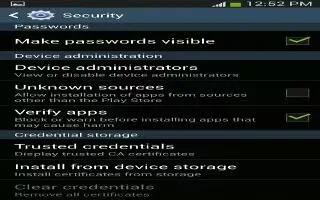
Learn how to make passwords visible on Samsung Galaxy Note 3. The Security settings allow you to determine the security level for phone.
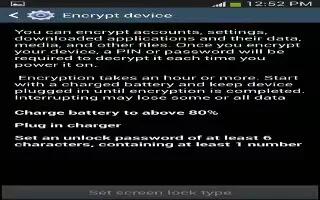
Learn how to encrypt on Samsung Galaxy Note 3. The Security settings allow the security level To require numeric PIN or password to decrypt.

Learn how to customize voice control settings on Samsung Galaxy Note 3. The Voice control settings allow voice commands to control device.
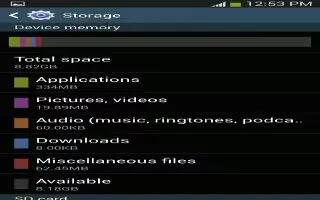
Learn how to customize storage settings on Samsung Galaxy Note 3. From this menu you can view the memory allocation for memory card and USB.