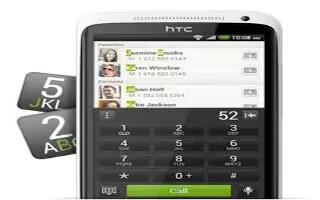
How To Return A Missed Call On HTC One
Learn how to return a missed call on your HTC One. You’ll see the missed call icon in the status bar when you miss a call.
Apple, Gadgets, Android, Microsoft
Learn how to return a missed call on your HTC One. You’ll see the missed call icon in the status bar when you miss a call.
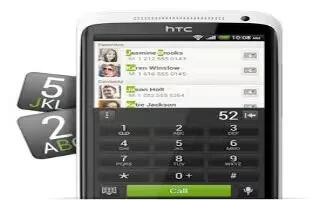
Learn how to make a call with smart dial layout and changing the phone dialer layout on your HTC One. You can either dial a number directly.
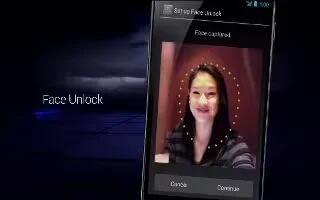
Learn how to secure your HTC One with a personal touch. Make unlocking your phone as easy as looking at it. Protect your personal information
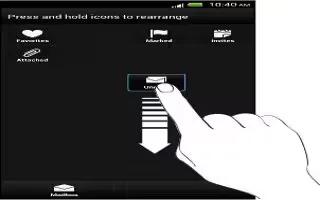
Learn how to rearrange application tabs on your HTC One. You can add to or rearrange the tabs in some apps to make it easy to get important.
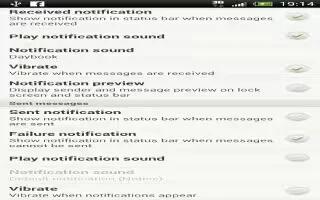
Learn how to customize your ringtone, notifications and sound settings on your HTC One. Slide the Notifications panel open, and then tap Settings
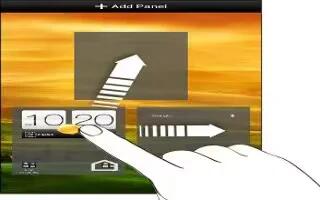
Learn how to add a home screen panel on your HTC One. Add a Home screen if you have more widgets, apps, and shortcuts that you want to access.
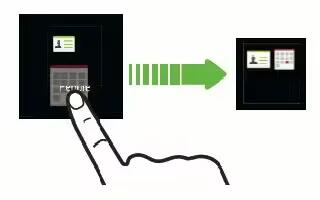
Learn how to grouping apps into a folder on your HTC One. You can group apps into a folder in the All apps view, and then move the folder.
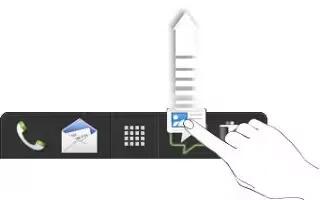
Learn how to customize the launch bar on your HTC One. The launch bar on your Home screen gives you one-touch access to commonly used apps.
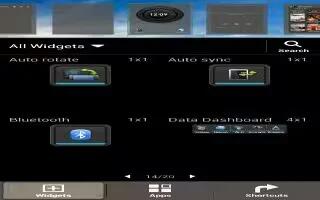
Learn how to customize the widgets and apps in the Home screen on your HTC One. Place apps you often use on your Home screen.
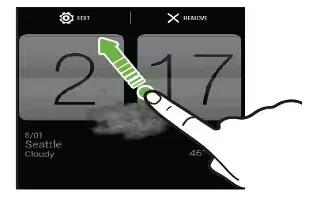
Learn how to use widgets on your HTC One. Widgets make at-a-glance important information and media content easily available. Choose widgets

Learn how to change the wallpaper on your HTC One. Pick your favorite photo as your Home wallpaper. Choose from the available wallpapers.
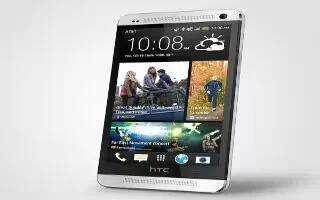
Learn how to share memories through HTC Share on your HTC One. It’s easy to create a collage of your best photos and share them with friends.
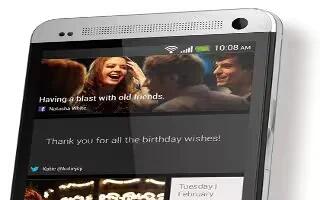
Learn how to share photos in social networks on your HTC One. Use the Gallery app to share photos straight to your social networks.
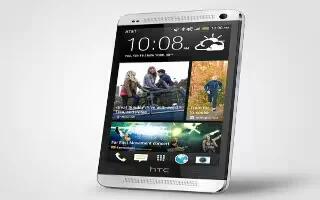
Learn how to send your photos and videos on your HTC One. Send photos and videos to your computer or to another device via email, MMS.
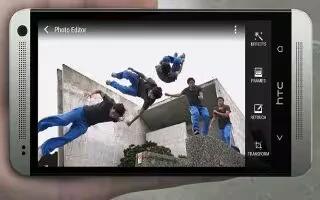
Learn how to remove unwanted objects in photos on your HTC One. Is there a pedestrian or a passing car that ruins your otherwise perfect shot.

Learn how to edit a group shot on your HTC One. Finding it difficult to choose a group shot with the most smiles and the fewest blinks.

Learn how to create an action sequence shot on your HTC One. Hop, skip, or jump. Create a sequence shot to stitch a series of actions in one.
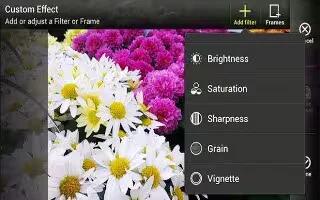
Learn how to edit photos on your HTC One. Make your pictures even better. Gallery has an array of editing tools that let you crop, rotate,







