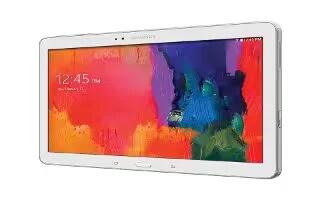
How To Customize Apps Screen – Samsung Galaxy Tab Pro
Learn how to customize Apps Screen on your Samsung Galaxy Tab Pro. The Apps screen displays all applications installed on your tablet.
Apple, Gadgets, Android, Microsoft
Learn how to customize Apps Screen on your Samsung Galaxy Tab Pro. The Apps screen displays all applications installed on your tablet.
Learn how to create folders on your Samsung Galaxy Tab Pro. Place folders on the Home screen to organize items.
Learn how to use Shortcuts on your Samsung Galaxy Tab Pro. You can add, reposition, or remove shortcuts and widgets from the Home screen.
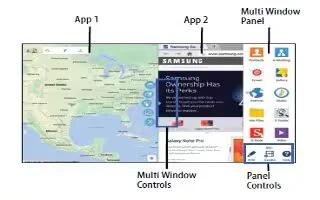
Learn how to use Multi window on your Samsung Galaxy Tab Pro. Multi task by using up to four applications at the same time.
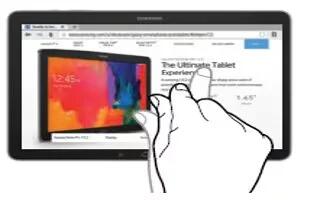
Learn how to use motions and gestures on your Samsung Galaxy Note Pro. Use only your fingers or a stylus (not included) to use the touch screen.
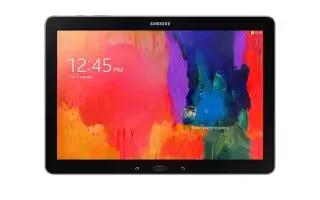
Learn how to navigate on your Samsung Galaxy Tab Pro. Use command keys and the touch screen to navigate.
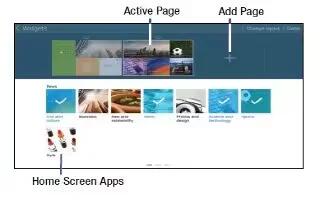
Learn how to customize Home Screen on your Samsung Galaxy Tab Pro. Your device comes with three default Home screens, which contain Home Screen Apps.
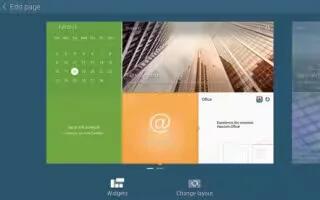
Learn how to use Home Screen on your Samsung GalaxyTab Pro. The Home screen is the starting point for using your device.
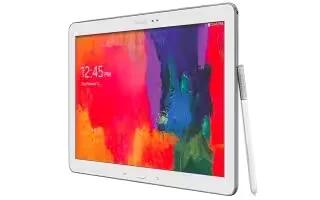
Learn how to use Apps Screen on your Samsung Galaxy Note Pro. The Apps screen displays all apps installed on tablet.

Learn how to use wallpapers on your Samsung Galaxy Note Pro. You can choose a picture to display on the Home Screen, Lock screen.
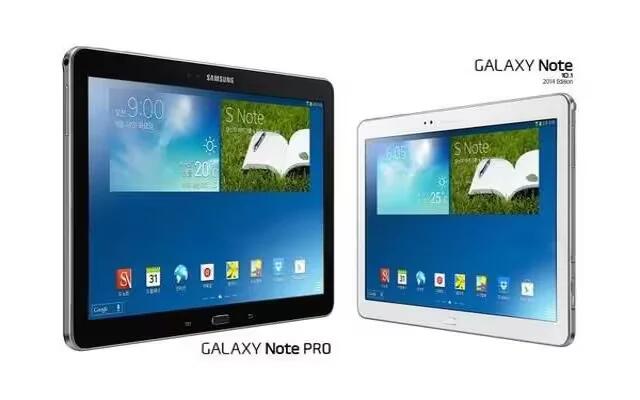
Learn how to create folders on Samsung Galaxy Note Pro. Place folders on the Home screen to organize items and All shortcuts contained in the folder.
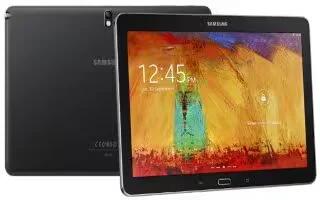
Learn how to use shortcuts on your Samsung Galaxy Note Pro. You can add, reposition, or remove shortcuts and widgets from the Home screen.
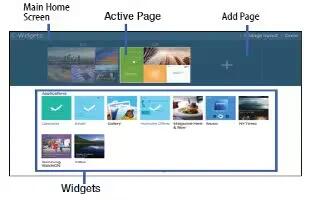
Learn how to Customize Home Screen on your Samsung Galaxy Note Pro. Your device comes with two default magazine style Home screens contain Widgets.
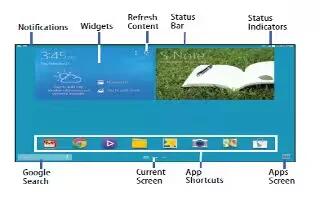
Learn how to use home screen on your Samsung Galaxy Note Pro. The Home screen is the starting point for using your device.
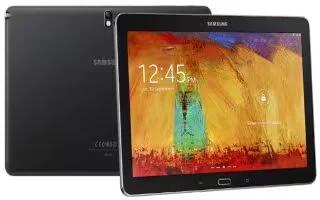
Learn how to use motions on your Samsung Galaxy Note Pro. Many applications allow display in either portrait or landscape orientation.
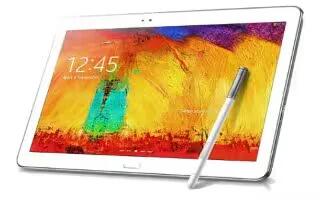
Learn how to use gestures on your Samsung Galaxy Note Pro. Leaving the touch screen idle for extended periods may result in afterimages or ghosting.
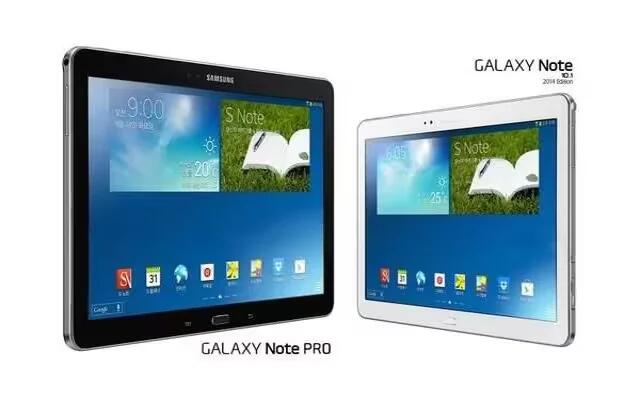
Learn how to navigate your Samsung Galaxy Note Pro. Use command keys and the touch screen to navigate. You can use command buttons for navigating.
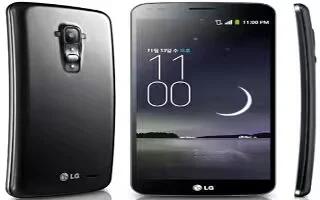
Learn how to use home screen on your LG G Flex. You can see the wallpaper without items on the Home screen by placing two fingerso on the screen.







