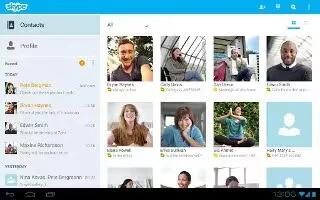
Free Skype App For Samsung Galaxy Tab 2
You can use Skype on Samsung Galaxy Tab 2. Skype is a proprietary Voice over IP service and software application. The service allows to communicate
Apple, Gadgets, Android, Microsoft
You can use Skype on Samsung Galaxy Tab 2. Skype is a proprietary Voice over IP service and software application. The service allows to communicate
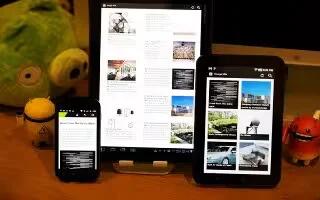
Feedly is a news aggregator or RSS feed reader application for various Web browsers, mobile devices and Android devices like Samsung Galaxy Tab 2.
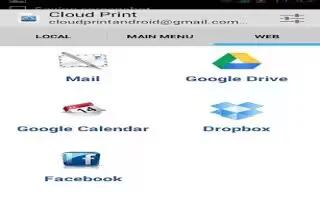
Cloud Print allows you to print files directly from your Samsung Galaxy Tab 2 to your printer. Just hit print from the mobile, and your printer
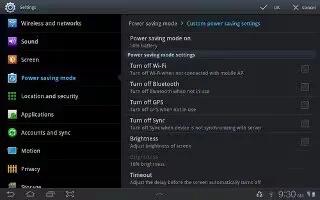
You can configure your Samsung Galaxy Tab 2 Power Saving mode to increase the battery life. Control your mobile device’s battery usage
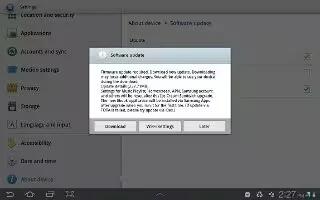
The Software Update feature enables you to use your Samsung Galaxy Tab 2 to connect to the network and download any new software directly
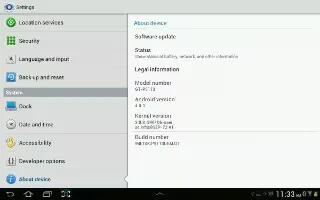
View information about your Samsung Galaxy Tab 2, including status, legal information, hardware and software versions, and battery use.
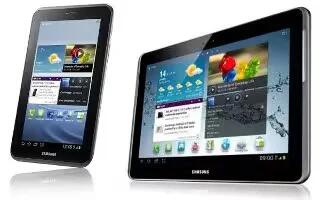
You can customize accessory settings Dock and HDMI on Samsung Galaxy Tab 2. From a Home screen, touch Apps > Settings > Accessory.
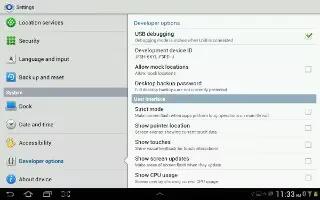
Set options for application development on Samsung Galaxy Tab 2. When enabled, allows debugging when the device is attached to a PC by a USB cable.
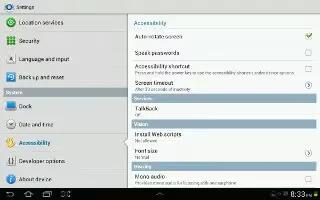
Accessibility services are special features to make using the Samsung Galaxy Tab 2 easier for those with certain physical disabilities.
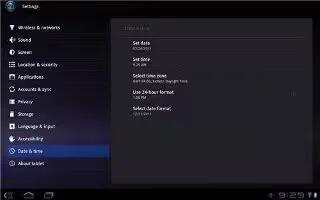
By default, your Samsung Galaxy Tab 2 receives date and time information from the wireless network. When you are outside network coverage,
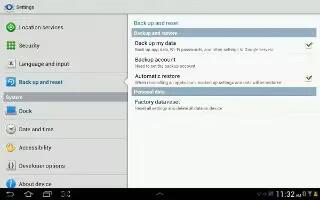
You can do backup and reset on Samsung Galaxy Tab 2. Enable or disable backup of your information to the Google server. From a Home screen touch Apps
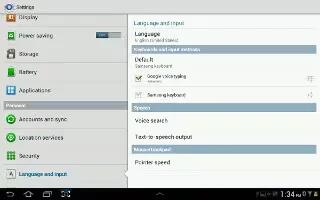
You can set Language and Input methods on your Samsung Galaxy Tab 2. Set the language used by your device. From a Home screen, touch Apps
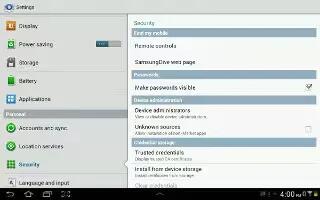
Learn to use Credential storage settings on your Samsung Galaxy Tab 2. If a certificate authority (CA) certificate gets compromised or for some other
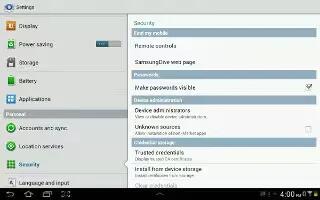
You can add or remove device administrators on your Samsung Galaxy Tab 2. To add or remove device administrators From a Home screen, touch App
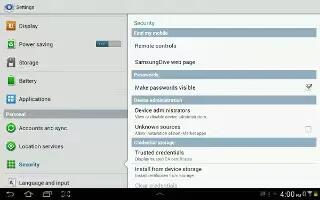
When enabled, password characters display briefly as you touch them while entering passwords on Samsung Galaxy Tab 2. From a Home screen, touch Apps
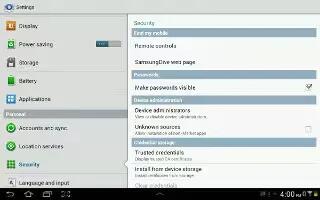
Find My Mobile allow your Samsung Galaxy Tab 2 to be locked and tracked, and for your data to be deleted remotely. You must sign up for both Samsung
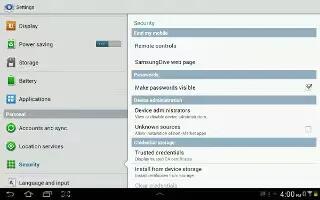
You can use Security settings to secure your Samsung Galaxy Tab 2. Choose settings for unlocking your screen. From a Home screen, touch Apps
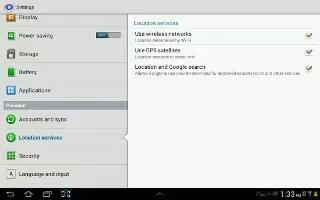
You value your privacy. So, by default, your Samsung Galaxy Tab 2 only acquires your location when you allow it. To use Location-Based Services







