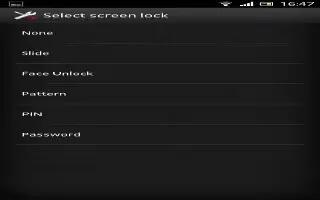
How To Use Screen Lock Settings – Sony Xperia Z Ultra
Learn how to use screen lock settings on your Sony Xperia Z Ultra. Set screen unlock pattern, number-based PIN lock, or text-based password.
Apple, Gadgets, Android, Microsoft
Learn how to use screen lock settings on your Sony Xperia Z Ultra. Set screen unlock pattern, number-based PIN lock, or text-based password.
Learn how to open and switching application on your LG G Pad. It is easy with Android, you can keep more than one app running at same time.
Learn how to use File Manager on your LG G pad. The File Manager application allows you to manage files in your internal/ external storage.
Learn how to use Google plus on your LG G Pad. Use this application to stay connected with people via Googles social network service.
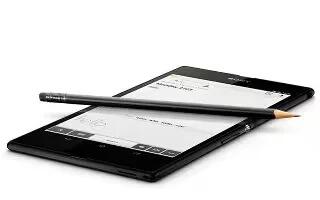
Learn how to change SIM PIN on your Sony Xperia Z Ultra. You can lock and unlock each SIM card that you use in your device with a PIN.
Learn how to use internet on your LG G Pad. Use this application to browse the Internet. Browser gives a fast, full-color world of games.
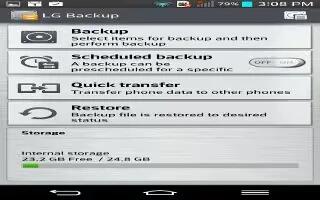
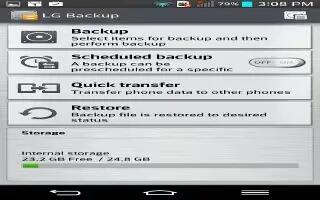
Learn how to use lg backup on your LG G Pad. It is recommended that you regularly create and save a backup file on the internal storage.
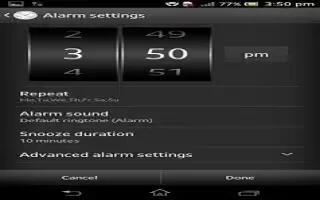
Learn how to use alarm clock on your Sony Xperia Z Ultra. Use device as an alarm clock and select any sound in your device as alarm signal.
Learn how to use location access on your LG G Pad. Lets apps that have asked your permission use your location information.
Learn how to get directions on Sony Xperia Z Ultra. Google Maps application to get directions travel by foot, public transportation, or car.
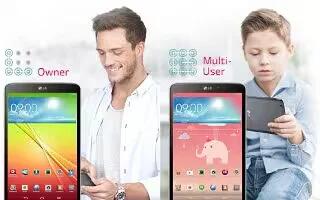
Learn how to use multiple user on your LG G Pad. You can add new users to the tablet to allow them to configure their own tablet settings.
Learn how to use GPS on your Sony Xperia Z Ultra. Your device has a GPS receiver that uses satellite signals to calculate your location.
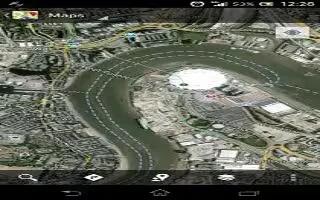
Learn how to use maps on your Sony Xperia Z Ultra. Enable wireless networks option if you only need approximate location, and want it fast.
Learn how to connect to PC on your LG G Pad. Touch to get information on the different types of USB connections.
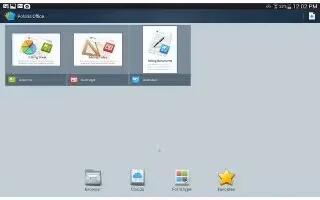
Learn how to use Polaris office 5 on your LG G Pad. POLARIS Office 5 is a professional mobile office solution that lets users conveniently.
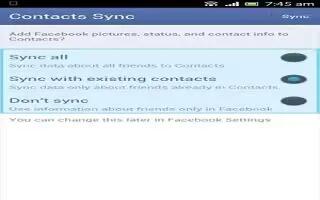
Learn how to Sync with facebook on Sony Xperia Z Ultra. Facebook account with device and share between Facebook and a range of applications.
Learn how to use QuickRemote on your LG G Pad. QuickRemote turns your tablet into a Universal Remote for your home TV or cable box.
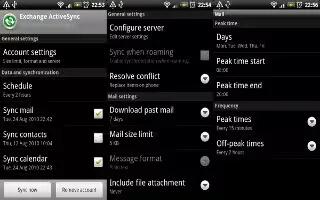
Learn how to sync with microsoft exchange activesync on Sony Xperia Z Ultra. Access corporate email, calendar appointments and contacts.







