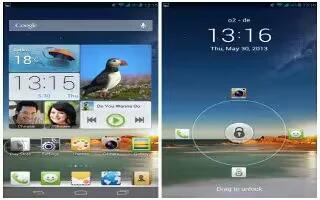
How To Use Home Screens – Huawei Ascend P6
Learn how to use home screens on your Huawei Ascend P6. Re-arranging home screens, adding a home screen and deleting a home screen.
Apple, Gadgets, Android, Microsoft
Learn how to use home screens on your Huawei Ascend P6. Re-arranging home screens, adding a home screen and deleting a home screen.
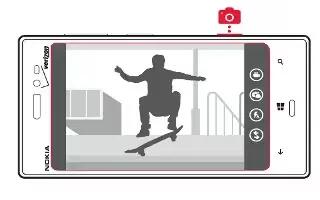
Learn how to use Camera on Nokia Lumia 928. To focus, press camera key halfway down. The focus is locked when white rectangle stop blinking.
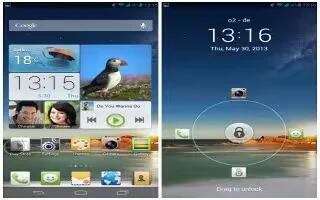
Learn how to create folder on your Huawei Ascend P6. It must contain at least two items, it will automatically disappear.

Learn how to update on Nokia Lumia 928. By default, updates are downloaded to your phone automatically, depending on your data settings.
Learn how to sync with computer on Nokia Lumia 928. Do you have media on your PC that you want to listen to or watch.
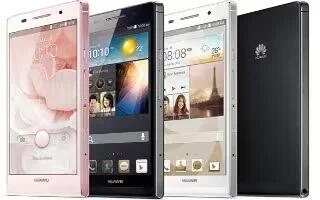
Learn how to charge battery on your Huawei Ascend P6. It is not user-removable. To replace the battery contact an authorized service center.

Learn how to Share Plans on Nokia Lumia 928. Want to gather with people, but find it difficult to set a date and time convenient everybody.

Learn how to search contacts on Nokia Lumia 928. Is the People hub overflowing? Rather than scrolling through your entire contacts list.
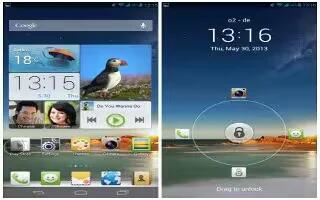
Learn how to change wallpaper on your Huawei Ascend P6. Shake change the home screen wallpapers by shaking your phone.
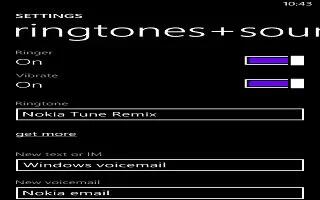
Learn how to use ringtones on Nokia Lumia 928. You can select which apps show their status on your lock screen.Select the type of ringtone.
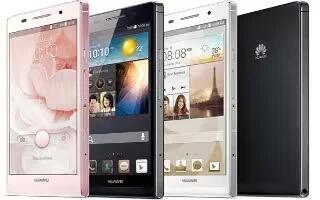
Learn how to change font size on your Huawei Ascend P6. Touch font size and select a font size.

Learn how to lock screen on Nokia Lumia 928.You can adjust the photo by zooming in and out, or by sliding the photo up or down.

Learn how to copy contacts from SIM Card on Nokia Lumia 928. If you have contacts stored on your SIM card, you can copy them to your phone.
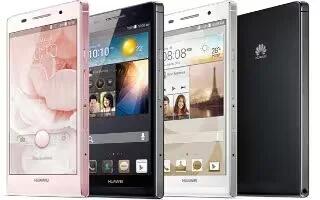
Learn how to configure Youtube on your Huawei Ascend P6. Google online video-sharing website, where you can search for, watch and upload.

Learn how to change background photos on your Nokia Lumia 928. You can select which apps show their status on your lock screen.
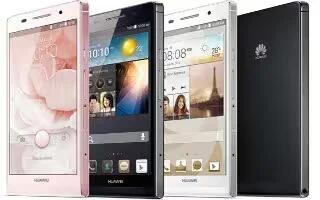
Learn how to use power manger on your Huawei Ascend P6. You can use the Power conservation modes are normal, smart and endurance.
Learn how to use WiFi on your Nokia Lumia 928. Your phone periodically checks for and notifies of available connections.
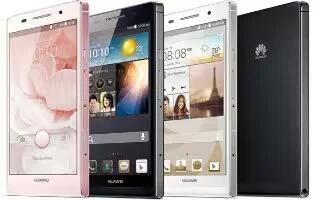
Learn how to use play store on your Huawei Ascend P6. It is an application market provided by Google, where you can download games.







