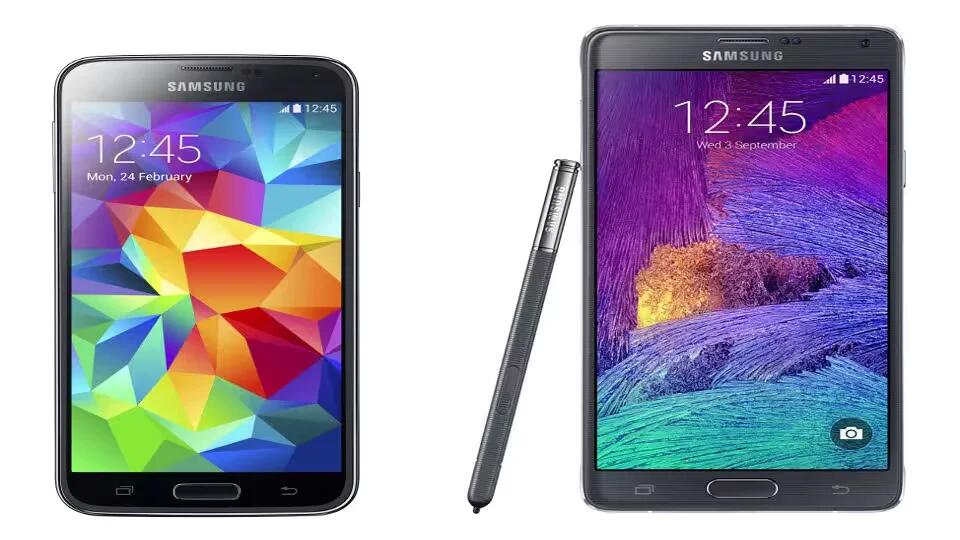
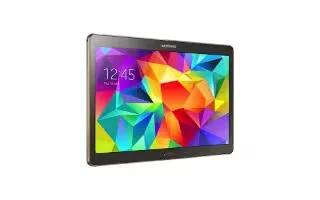
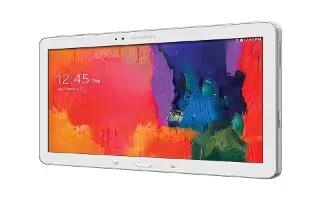
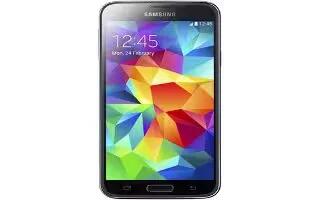
Sources closer to Samsung claims that Samsung will bring the Android L update to devices as quick as possible, the first priority will be for the devices Galaxy Note 4 and Galaxy S5 by end of November or early December.
Learn how to update software on your Nokia Lumia Icon. Learn how to connect to accessories and networks, transfer files, create backups and keep the software up to date.
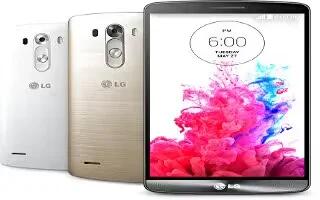
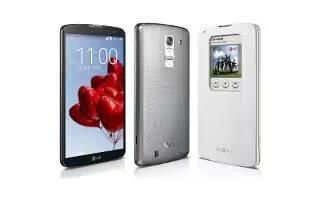
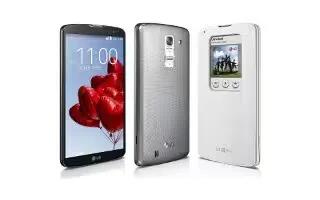
Learn how to use LG PC Suite for your LG G3. “LG PC Suite” PC software is a program that helps you connect your device to a PC via a USB cable and Wi-Fi.
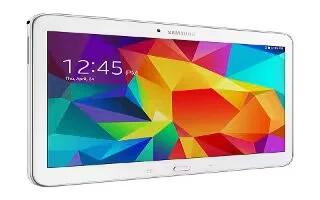
Learn how to update software on your Samsung Galaxy Tab 4. The Software Update feature enables you to use your phone to connect to the network and upload.
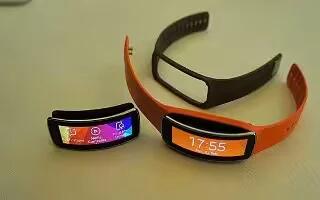
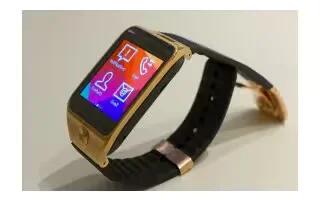
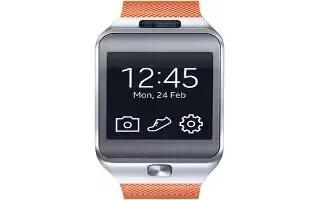
Learn how to Upgrade With Samsung Kies on your Samsung Gear Fit. If the Gear Fit is connected to the mobile device, a notification displays on the mobile device.
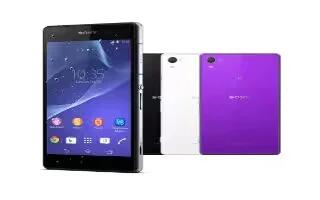
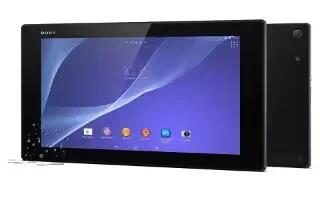
Learn how to Update Software on your Sony Xperia Z2 Tablet. You should update the software on your device to get the latest functionality, enhancements.
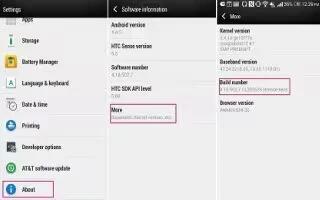
Learn how to Update Software on your Samsung Galaxy S5. The Software Update feature enables you to use your phone to connect to the network.
Follow:
Help Us Grow
If you like the articles on this site, please share it with your friends.
You are free to copy and redistribute articles on this site in any medium or format, as long as you keep the links in the article or provide a link back to this page.
Our website uses cookies to provide you with the best user experience possible. These cookies are stored in your browser
and perform essential functions such as recognizing you when you return to our website, as well as helping us to understand
which sections of the website you find most useful and engaging.
Strictly Necessary Cookies must always be enabled to ensure the proper functioning of this website and to allow us to provide you with excellent service. These cookies are also essential for saving your cookie preferences.
Google Adsense
We use Google AdSense to keep this site free by displaying relevant ads. AdSense requires essential cookies that cannot be disabled, but you can manage other cookies. We respect your privacy and provide options to control non-essential cookies.
For more details on how Google handles your data, visit Google's Data Usage Policy. Please review our Privacy Policy for more information on how we protect your data.
AddToAny
We use AddToAny for social sharing. It doesn’t store cookies, ensuring a privacy-friendly experience. AddToAny complies with GDPR and CCPA by default.
We use OneSignal to send notifications to users who opt in. OneSignal complies with GDPR and is certified under the EU-US and Swiss-US Privacy Shield frameworks.
This website utilizes third-party cookies, which can enhance your experience and support our ongoing efforts to improve our services.
Google Analytics
We use Google Analytics to collect anonymous data, such as visitor numbers and popular pages, to improve user experience and site performance. Keeping this cookie enabled helps us refine the site based on visitor activity.