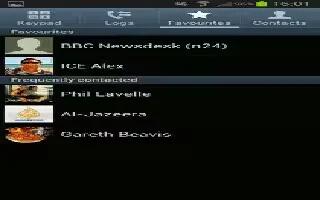
How To Edit Contacts – Samsung Galaxy Note 3
Learn how to edit contacts on your Samsung Galaxy Note 3. When editing an existing contact, you can tap a field and change or delete.
Apple, Gadgets, Android, Microsoft
Learn how to edit contacts on your Samsung Galaxy Note 3. When editing an existing contact, you can tap a field and change or delete.
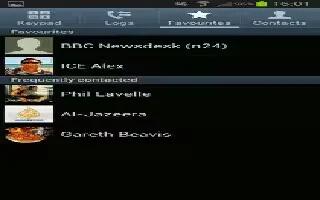
Learn how to customize address book options on Samsung Galaxy Note 3. You can access Address Book options while at main Address Book page.
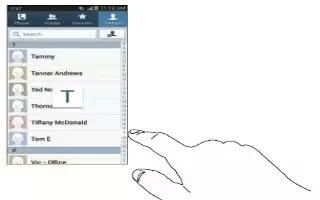
Learn how to add pauses to contacts on Samsung Galaxy Note 3. When you call automated systems, you are often required to enter a password.
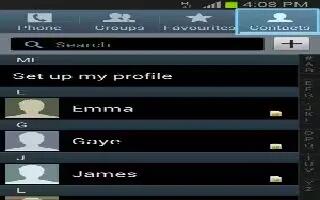
Learn how to use move contacts on Samsung Galaxy Tab 3. Use this apps to manage contacts, including phone numbers, email addresses etc.
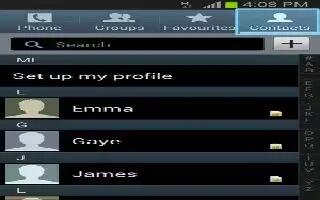
Learn how to use favorite contacts on Samsung Galaxy Tab 3. Use this apps to manage contacts, phone numbers, email addresses, and others.
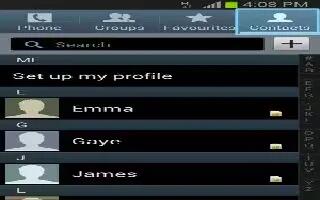
Learn how to use speed dial in contacts on your Samsung Galaxy Tab 3. Use this apps to manage Contacts, including phone numbers, email addresses, and others.
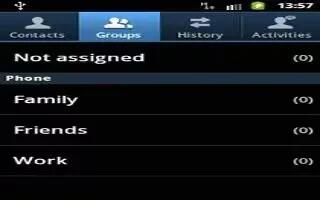
Learn how to use groups on Samsung Galaxy Tab 3. Use this apps to manage contacts, including phone numbers, email addresses, and others.
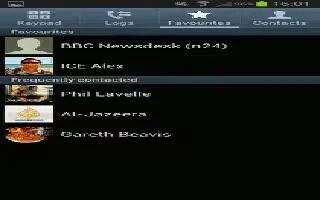
Learn how to use Favorites in contacts on your Samsung Galaxy Tab 3. Mark contact records with a gold star to identify them as favorites.
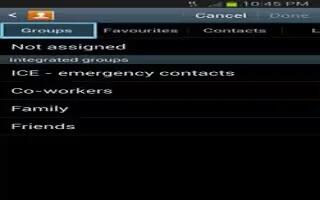
Learn how to use Groups in Contacts on your Samsung Galaxy Tab 3. Assign contacts to Groups to make searching for contacts faster or to quickly.
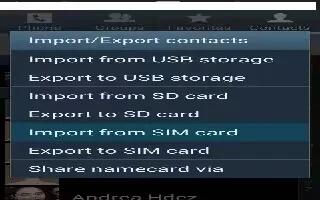
Learn how to import and export contacts on your Samsung Galaxy Tab 3. To back up and restore your contacts information, you can export contacts.
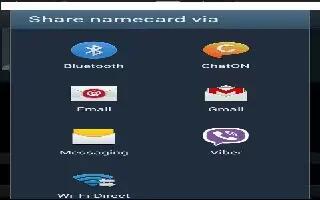
Learn how to share contacts information on your Samsung Galaxy Tab 3. You can send a contacts information by way of Bluetooth, email, Gmail.
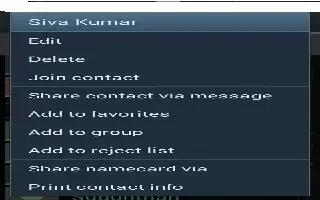
Learn how to join contacts on your Samsung Galaxy Tab 3. Your device can synchronize with multiple accounts, including Google, Corporate.
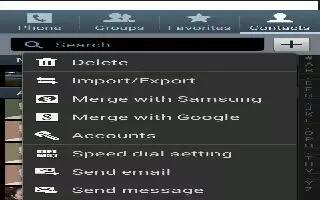
Learn how to use Contacts Display Options on your Samsung Galaxy Tab 3. There are various ways to display your Contacts and general.
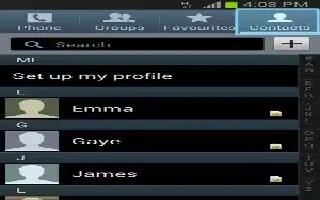
Learn how to use contacts on your Samsung Galaxy Tab 3. Store contact information for your friends, family, colleagues to quickly access.
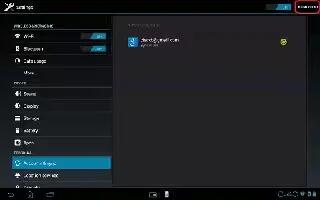
Learn how to sync with Corporate Email, Calendar and contacts on your Sony Xperia Tablet Z. Access your corporate email messages, appointments,
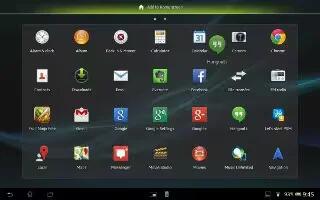
Learn how to use email on your Sony Xperia Tablet Z. Emails you receive to your Gmail account can be accessed on your device from both the Email
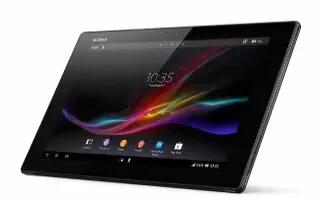
Learn how to backup contacts on your Sony Xperia Tablet Z. You can export contacts to SIM card and memory card as well. You can use a memory card
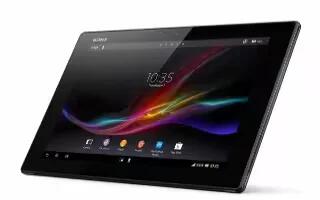
Learn how to share contacts on your Sony Xperia Tablet Z. You can send business cards and share all contacts using different methods on your device







