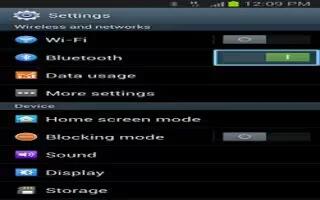
How To Use Bluetooth On Samsung Galaxy Note 2
Learn how to use Bluetooth on Samsung Galaxy Note 2. Bluetooth is a short-range communications technology that allows you to connect wirelessly
Apple, Gadgets, Android, Microsoft
Learn how to use Bluetooth on Samsung Galaxy Note 2. Bluetooth is a short-range communications technology that allows you to connect wirelessly
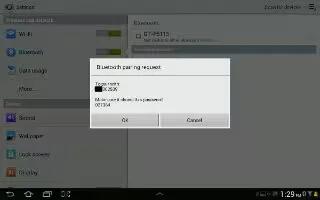
Use Bluetooth settings to manage Bluetooth connections, set your Samsung Galaxy Tab 2 name, and control your devices visibility.
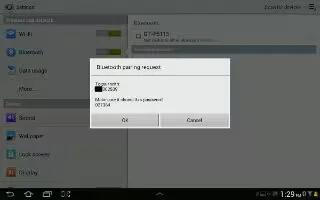
You can use Bluetooth on Samsung Galaxy Tab 2; is a short-range wireless communications technology for exchanging information over a distance 30 feet
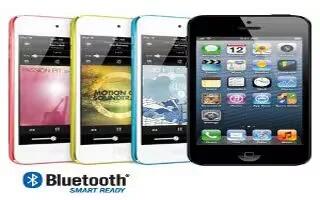
Learn how to use Bluetooth on iPhone 5. You can use iPhone with the Apple Wireless Keyboard and devices, such as headsets, car kits, and stereo headphones.
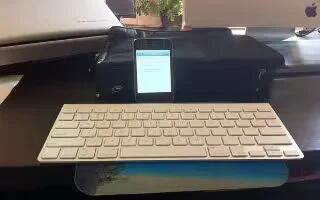
Learn how to connect Apple wireless keyboard on your iPhone 5. You can use an Apple Wireless Keyboard (available separately) for typing on iPhone.
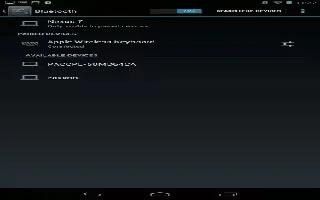
Learn how to connect to Bluethooth devices on Nexus 7.Bluetooth is a short-range wireless communications technology to communicate between devices
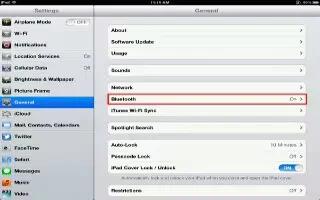
You can use iPad with the Apple Wireless Keyboard and other Bluetooth devices, such as Bluetooth headphones. You must first pair a Bluetooth device
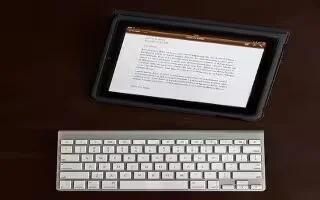
Learn how to use Apple wireless keyboard on iPad. You can use an additional keyboard for an iPad instead of using the onscreen keyboard
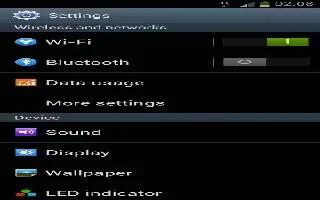
Learn how to use Bluetooth on Samsung Galaxy S3. You can exchange data or media files on your S3 with other devices via Bluetooth.

The Wireless Mouse requires batteries and may come in either of two types; RF and Bluetooth. RF device works by establishing radio communication with a receiver or transceiver or dongle, can be plugged into USB port. The Bluetooth Mouse requires a computer with built in Bluetooth receiver.







