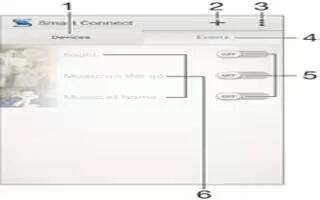
How To Use Smart Connect On Sony Xperia Z3 Compact
Learn how to use smart connect on your Sony Xperia Z3 Compact. Use the Smart Connect application to set what happens in your device when you connect
Apple, Gadgets, Android, Microsoft
Learn how to use smart connect on your Sony Xperia Z3 Compact. Use the Smart Connect application to set what happens in your device when you connect
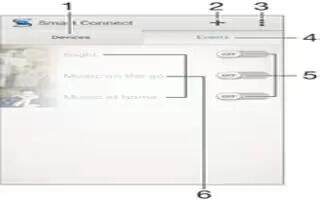
Learn how to use smart connect on your Sony Xperia Z3. Use the Smart Connect application to set what happens in your device when you connect
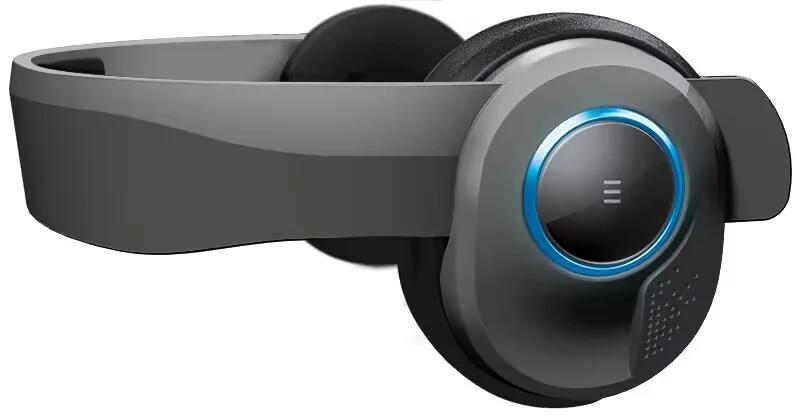
Avegant’s Glyph headset has been long in the making, but it finally looks to be ready for action. The unique mash-up of headphone and wearable display is now poised to ship in fall 2015 for $599, or $499 if you pre-order before January 15th.
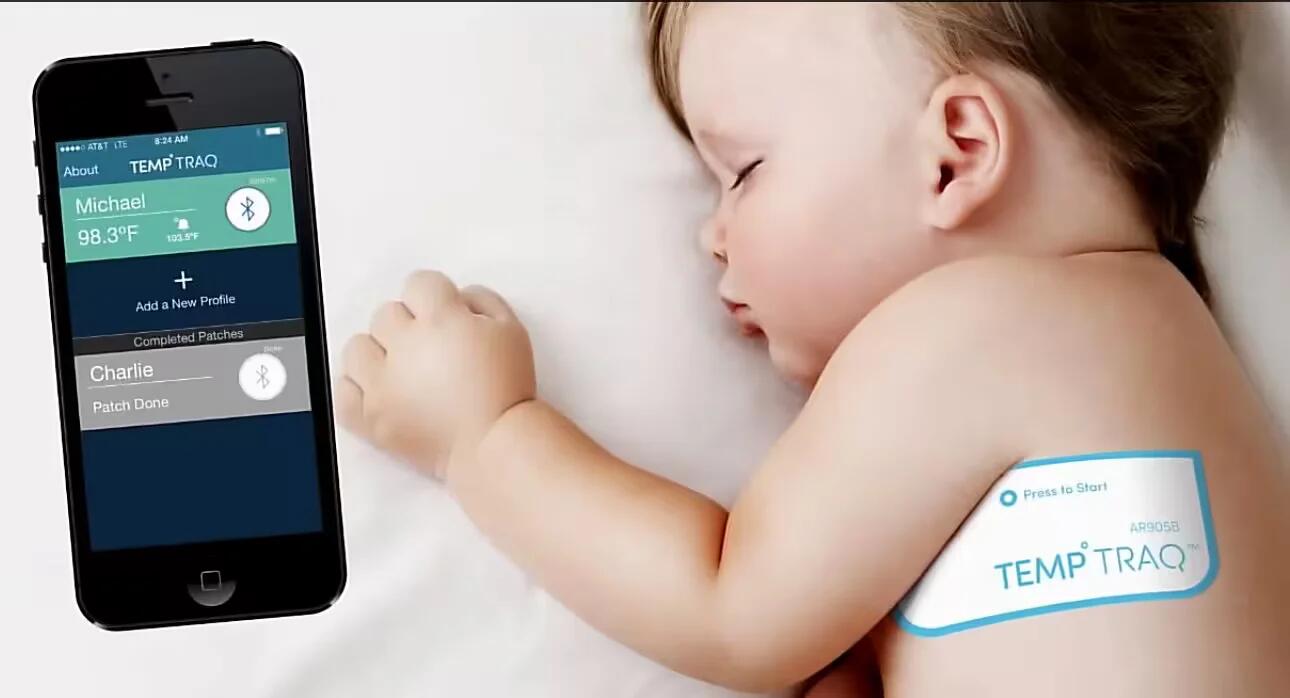
TempTraq is a Bluetooth thermometer in the form of a soft, stick-on patch that transmits your little one’s vital signs straight to your smartphone.

Parrot’s Zik 2.0 noise-canceling Bluetooth headphones may not be ideal for workouts, but fans may want to give the new Zik Sport a spin to get a similar experience.
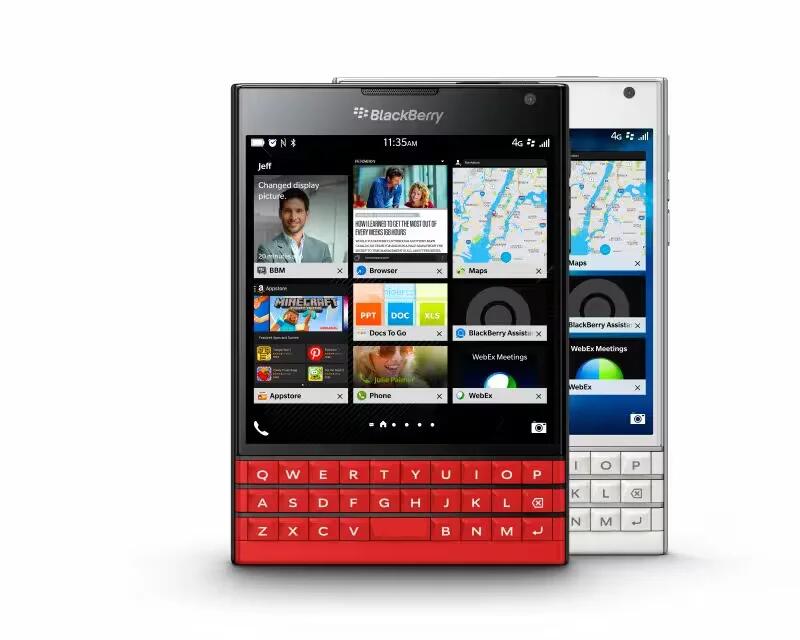
BlackBerry is paying homage to the Boxing Day holiday in Canada by offering discounts to its Canadian and U.S. customers. Power users are in line to save some money in each country.
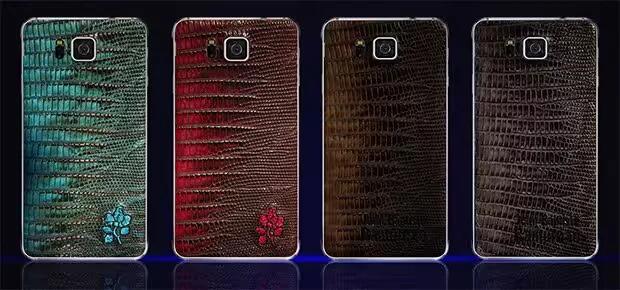
The Samsung Galaxy Alpha got four new cool looks thanks to a collaborative project between the company and Free Lance and JB Rautureau. Now, you can grab a limited edition Galaxy Alpha with four different looking handmade leather back covers.
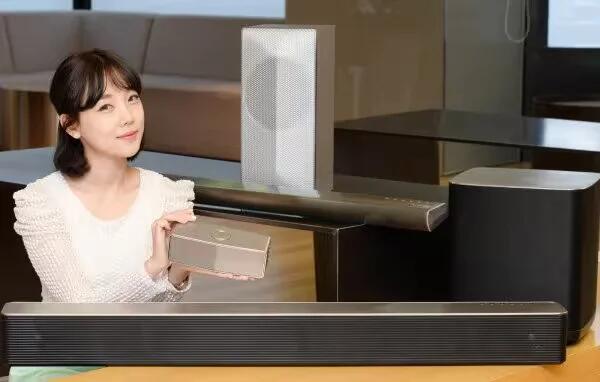
The race to CES continues, and today we’re saying hello to the 2015 generation of LG’s Music Flow WiFi speakers.
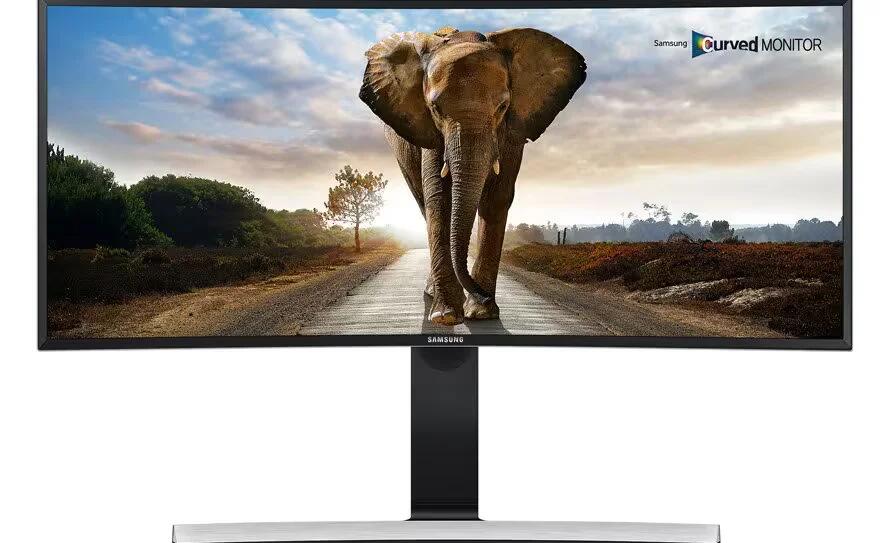
If both ultra-widescreen and curved computer monitors are all the rage these days, then Samsung’s new SE790C display is supremely fashionable.
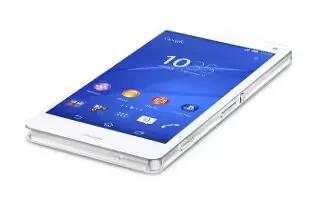
Learn how to use noise cancellation on your Sony Xperia Z3 Compact. Your device supports noise canceling headsets. By using a noise canceling headset
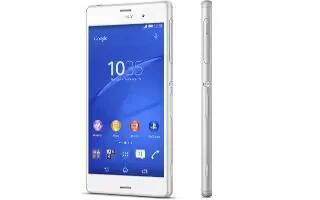
Learn how to use noise cancellation on your Sony Xperia Z3. Your device supports noise canceling headsets. By using a noise canceling headset with your device,
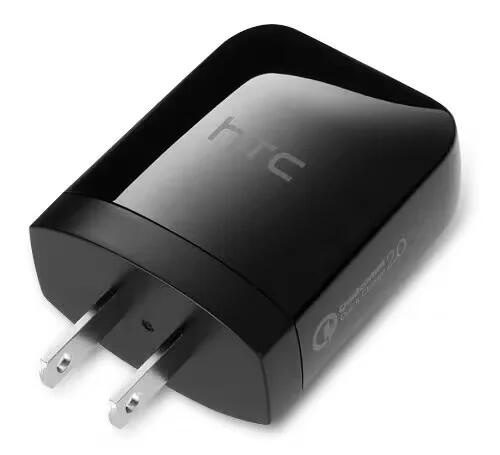
The HTCs new Rapid Charger 2.0 comes with a wall adapter leans on Qualcomms Quick Charge 2.0 to fill your power pack up to 40% faster.
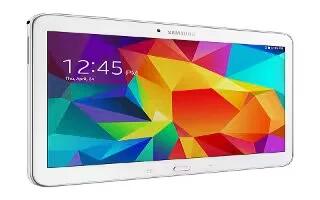
Learn how to use accessory settings on your Samsung Galaxy Tab 4. To select the Audio output mode when using a car or desk dock.
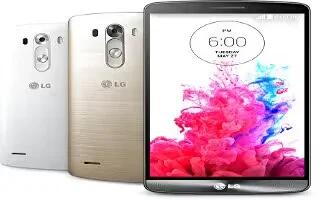
Learn how to use headset with microphone on your LG G3. With the headset connected, you can enjoy music or video with stereo sound, and easily switch from your music/video to take and end calls.
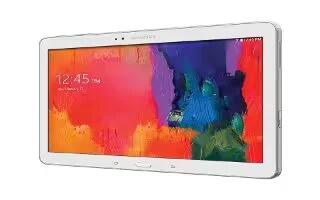
Learn how to use accessory settings on your Samsung Galaxy Tab Pro. To change accessory settings:
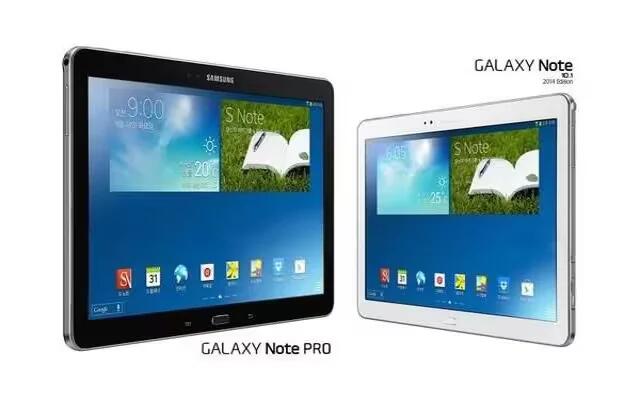
Learn how to use Accessory Settings on your Samsung Galaxy Note Pro. To change accessory settings.
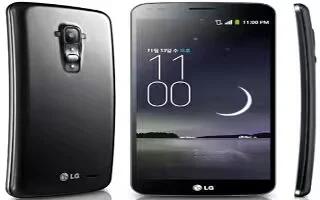
Learn how to use accessory settings on your LG G Flex. Activate to make features, such as music, weather, and clock, available in small view.
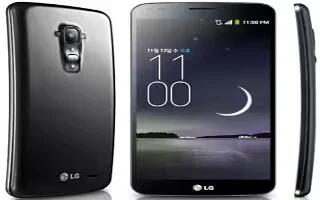
Learn how to use plug and Pop on your LG G Flex. Plug & Pop allows you quickly choose apps to use when plugging in an earphone or On-the-Go device.







