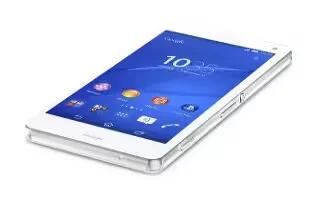
How To Use Call Log On Sony Xperia Z3 Compact
Learn how to use call log on your Sony Xperia Z3 Compact. In the call log, you can view missed calls icon, received calls icon and dialed calls icon.
Apple, Gadgets, Android, Microsoft
Learn how to use call log on your Sony Xperia Z3 Compact. In the call log, you can view missed calls icon, received calls icon and dialed calls icon.
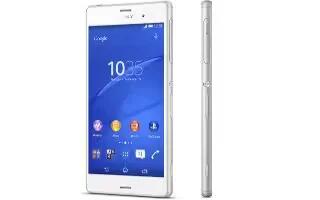
Learn how to use call log on your Sony Xperia Z3. In the call log, you can view missed calls icon, received calls icon and dialed calls icon.
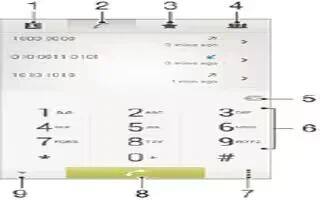
Learn how to make calls on your Sony Xperia Z3 Compact. You can make a call by manually dialling a phone number, by tapping a number saved in your contacts list.
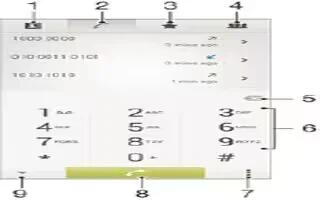
Learn how to make calls on your Sony Xperia Z3. You can make a call by manually dialling a phone number, by tapping a number saved in your contacts list.
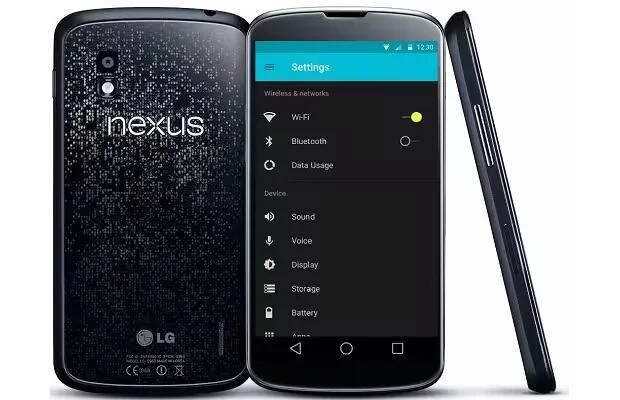
If you are a Nexus owner then the last few weeks have been quite eventful for you. This is in respect of the Android 5.0 (Lollipop) update which has been landing.

The Hunger Games and The Hunger Games Catching Fire are both being tossed out for free for a limited time from the studio, which normally cost $12.99 and $14.99 a piece.
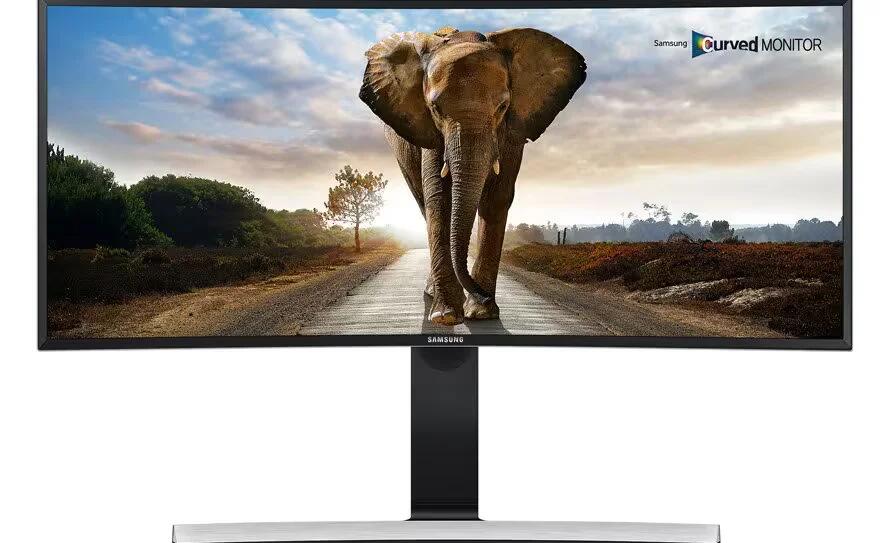
If both ultra-widescreen and curved computer monitors are all the rage these days, then Samsung’s new SE790C display is supremely fashionable.
Learn how to Xperia keyboard settings on your Sony Xperia Z3 Compact. When entering text using the on-screen keyboard, you can access keyboard and other text input settings.
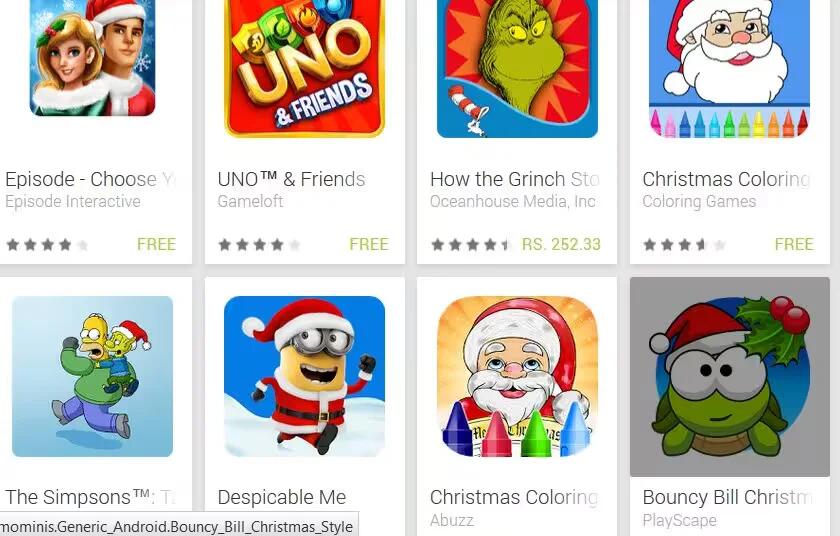
Now it’s time to take a look at temporary category that can be found in Google Play – Festive Games.
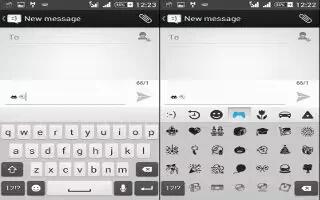
Learn how to Xperia keyboard settings on your Sony Xperia Z3. When entering text using the on-screen keyboard, you can access keyboard and other text input settings.

Last week, we showed you Apple’s 2014 holiday ad called “The Song”. The 90 second commercial told the story of a young woman who happened to come across an old vinyl recording.
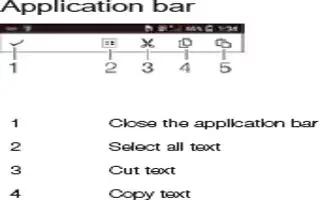
Learn how to edit text on your Sony Xperia Z3 Compact. You can access the editing tools by double-tapping the entered The editing tools.
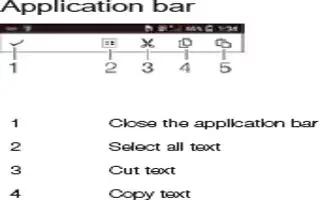
Learn how to edit text on your Sony Xperia Z3. You can access the editing tools by double-tapping the entered The editing tools.

Now comes word that Google has made the Android 5.0.2 Factory Image available for the OG Nexus 7.
While large-screened phones, phablets, or whatever you call them, appear to be here to stay for the foreseeable future, one of the things that Samsung has refined heavily with its Galaxy Note 4.
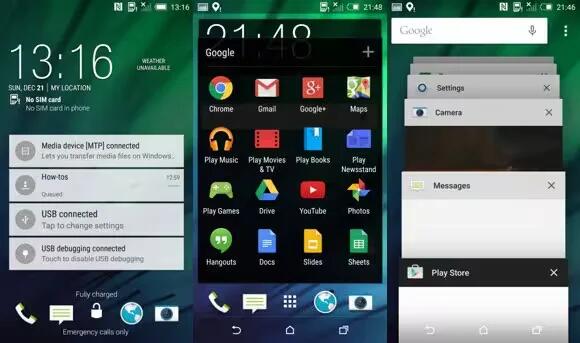
Screenshots and videos of HTC One M8 running Android 5.0.1 with Sense 6.0 made the rounds online. This time, the device boots software number 4.1 as opposed to 4.0 from a past leak.
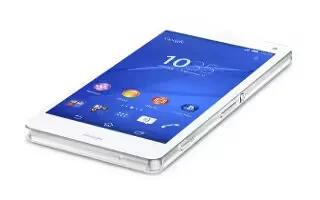
Learn how to enter text using voice input on your Sony Xperia Z3 Compact. When you enter text, you can use the voice input function instead of typing the words.
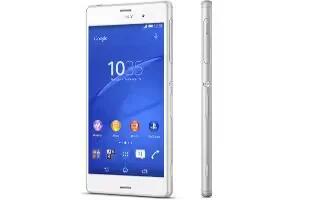
Learn how to enter text using voice input on your Sony Xperia Z3. When you enter text, you can use the voice input function instead of typing the words.







