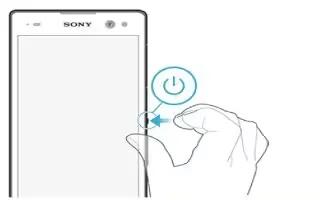
How To Switch On – Sony Xperia C3 Dual
Learn how to switch on your Sony Xperia C3 Dual. The first time you start your device, a setup guide opens to help you configure basic settings, sign in to some accounts.
Apple, Gadgets, Android, Microsoft
Learn how to switch on your Sony Xperia C3 Dual. The first time you start your device, a setup guide opens to help you configure basic settings, sign in to some accounts.
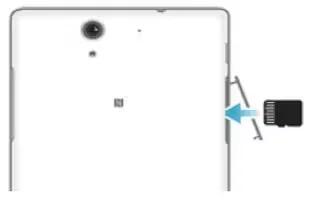
Learn how to insert memory card on your Sony Xperia C3 Dual. You can insert memory card and remove card on your device.
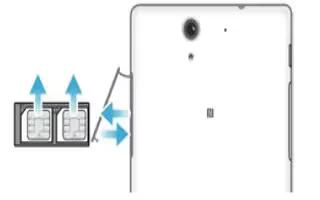
Learn how to insert SIM Card on your Sony Xperia C3 Dual. A protective plastic sheet is attached to the screen.
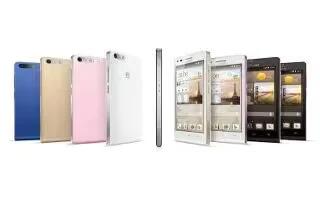
Learn how to customize home screen on your Huawei Ascend G6. On the home screen, touch and hold a blank area to display the Set Home Screen dialog box.
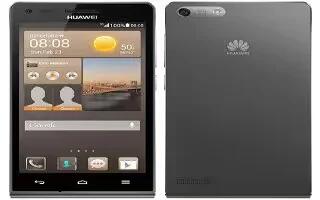
Learn how to improve battery life on your Huawei Ascend G6. TheHuawei Ascend P7 comes with a built-in ‘Power saving’ option, which is the logical first port of call.
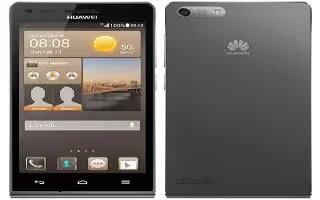
Learn how to factory data reset on your Huawei Ascend G6. Restoring your phone to its factory settings erases all your personal data from the phone.
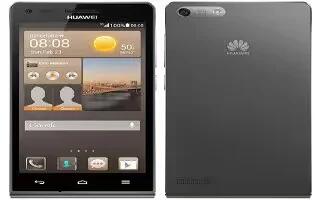
Learn how to configure DLNA on your Huawei Ascend G6. The DLNA aims to implement intercommunication between computers and other electronic products.
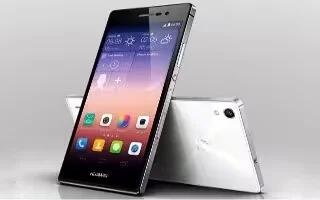
Learn how to factory data reset on your Huawei Ascend P7. Back up important data on your phone before you restore factory settings.
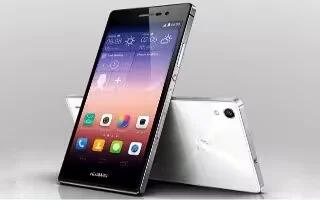
Learn how to configure DLNA on your Huawei Ascend P7. DLNA enables users on the same WiFi network to share multimedia files easily.
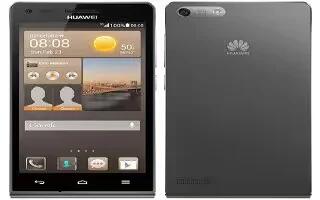
Learn how to update on your Huawei Ascend G6. Once in a while, new updates for your phone will be available online.
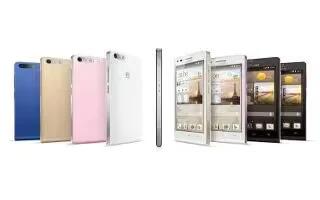
Learn how to take screenshot on your Huawei Ascend G6. Want to share an interesting scene in a movie or show off your new high score in a game.
Learn how to insert memory card on your Huawei Ascend G6. You can expand your phone’s storage capacity with a SD card.
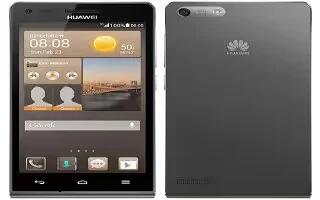
Learn how to Insert SIM card on your Huwei Ascend G6. Your phone supports only micro-SIM cards. Other sizes may not work properly.
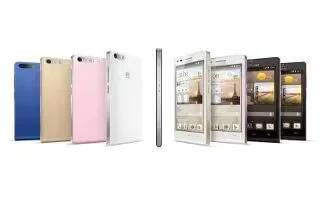
Learn how to customize location service settings on your Huawei Ascend G6. You can modify your phone’s location service settings for more convenient positioning and navigation services.
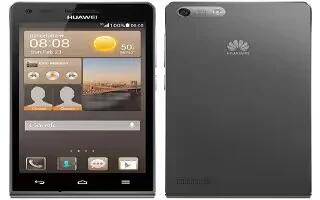
Learn how to change system language on your Huawei Ascend G6. You can change the system language on your device.
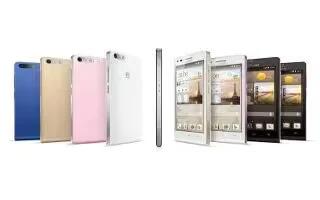
Learn how to use date and time settings on your Huawei Ascend G6. By default, your phone relies on the network-based date and time.
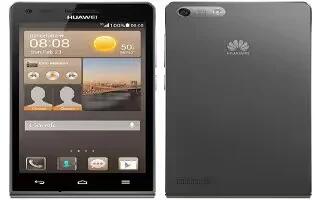
Learn how to use display settings on your Huawei Ascend G6. You can adjust the screen brightness, wallpapers, auto rotate screen, sleep, day dream, font size and more.
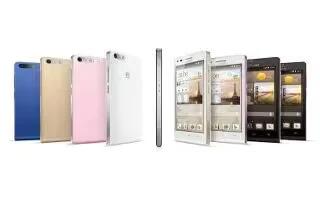
Learn how to use sound settings on your Huawei Ascend G6. You can change ringtone, notification tone and more.







