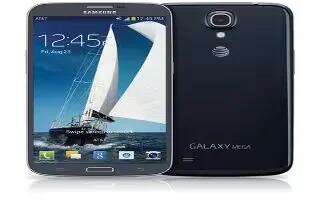
How To Call Duration – Samsung Galaxy Mega
Learn how to use call duration on your Samsung Galaxy Mega. Last call, dialed calls, received calls and all calls.
Apple, Gadgets, Android, Microsoft
Learn how to use call duration on your Samsung Galaxy Mega. Last call, dialed calls, received calls and all calls.
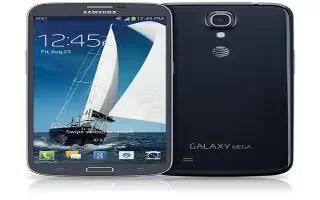
Learn how to answer calls on your Samsung Galaxy Mega. When a call is received the phone rings and displays callers phone number or name.
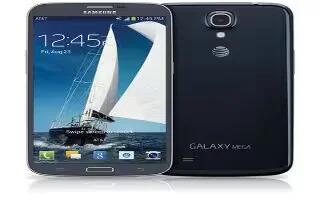
Learn how to create pages on your Samsung Galaxy Mega. You can add a new page to your application menu by following steps.
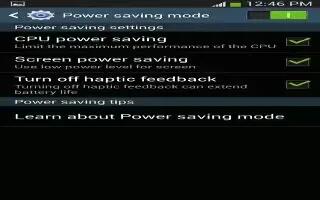
Learn how to improve battery life on your Samsung Galaxy S4 Active. You can also use power saving mode to extend the battery performance.
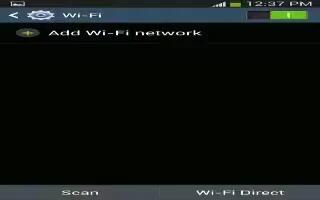
Learn how to use WiFi Settings on Samsung Galaxy S4 Active. This section describes the Wi-Fi settings. Wi-Fi Direct allow device-to-device.
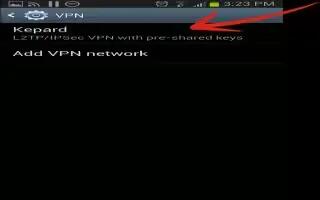
Learn how to use VPN Settings on Samsung Galaxy S4 Active. The VPN settings menu allows you to set up and manage Virtual Private Networks.

Learn how to use video camera on your Samsung Galaxy S4 Active. In addition to taking photos, the camera also doubles as a camcorder.
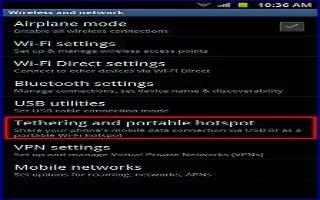
Learn how to use USB tethering on your Samsung Galaxy S4 Active. This option allows you to share your phoness mobile data connection.
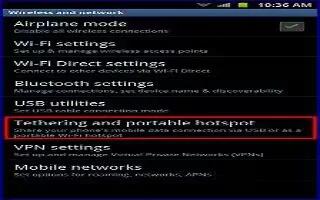
Learn how to use mobile hotspot on Samsung Galaxy S4 Active. This option allows you to share your phoness mobile data connection via USB.
Learn how to use messenger on your Samsung Galaxy S4 Active. Messenger allows you to bring groups of friends together into a simple group.
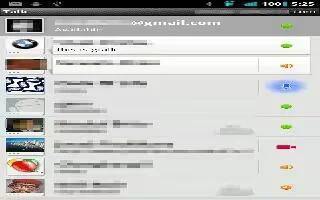
Learn how to use Google Talk on Samsung Galaxy S4 Active. Google Talk is a free Windows and web-based application for instant messages.

Learn how to use Google Plus on your Samsung Galaxy S4 Active. Google+ makes messaging and sharing with your friends a lot easier.
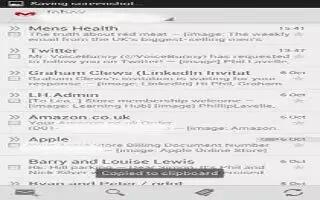
Learn how to use Gmail on Samsung Galaxy S4 Active. Gmail is Googles web-based email. When you first setup the phone, Gmail is configured.