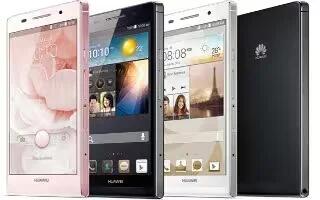
How To Use Gestures – Huawei Ascend P6
Learn how to use gestures on your Huawel Ascend P6. you can flick left or right across the notification panel to dismiss a notification.
Apple, Gadgets, Android, Microsoft
Learn how to use gestures on your Huawel Ascend P6. you can flick left or right across the notification panel to dismiss a notification.
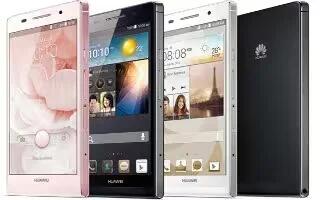
Learn how to take screenshot on your Huawei Ascend P6. To share an interesting scene in a movie or show off your new high score in a game.
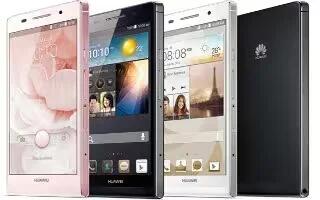
Learn how to setup on your Huawei Ascend P6. If errors occur and you cannot power off your phone, press and hold Power key for 10 seconds.
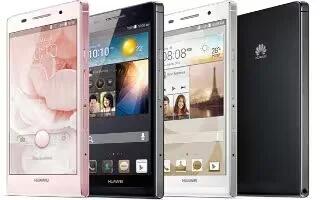
Learn how to manage profiles on your Huawei Ascend P6. You can also flick down from the status bar to open the notification panel.
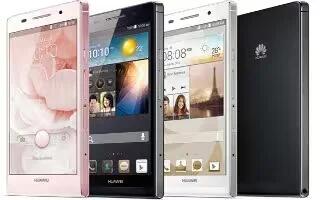
Learn how to lock and unlock screen on your Huawei Ascend P6. It not only prevents your phone from carrying out undesirable operations.
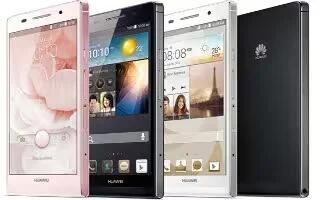
Learn how to enter text on your Huawei Ascend P6.It comes with multiple text input methods and enter text using the onscreen keyboard.
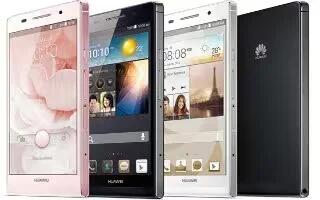
Learn how to edit text on your Huawei Ascend P6. You can use edit text for select, cut, copy, and paste text on your phone.
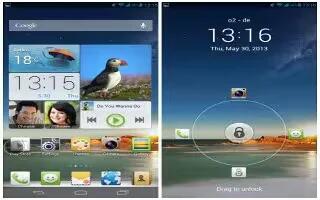
Learn how to switch shortcuts on you Huawei Ascend P6. You can rearrange your shortcuts and move those you use most to top the list.
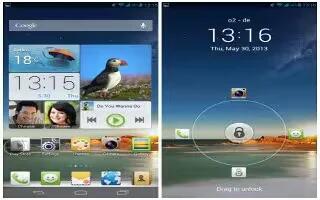
Learn how to customize Me widget on your Huawei Ascend P6. It is a collage of popular widget units that is displayed on your home screen.
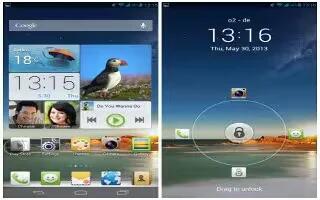
Learn how to use home screens on your Huawei Ascend P6. Re-arranging home screens, adding a home screen and deleting a home screen.
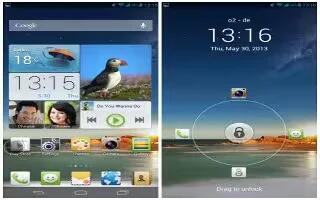
Learn how to create folder on your Huawei Ascend P6. It must contain at least two items, it will automatically disappear.
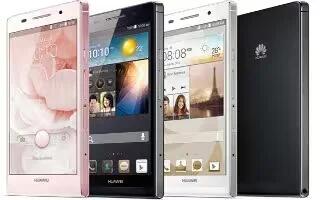
Learn how to charge battery on your Huawei Ascend P6. It is not user-removable. To replace the battery contact an authorized service center.
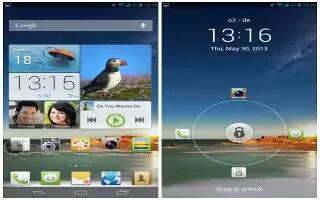
Learn how to change wallpaper on your Huawei Ascend P6. Shake change the home screen wallpapers by shaking your phone.
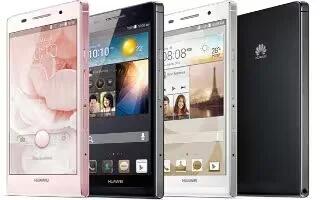
Learn how to change font size on your Huawei Ascend P6. Touch font size and select a font size.
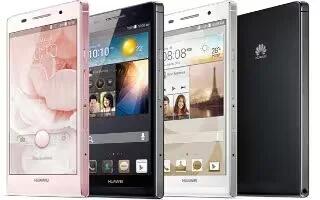
Learn how to configure Youtube on your Huawei Ascend P6. Google online video-sharing website, where you can search for, watch and upload.
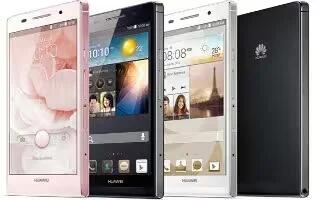
Learn how to use power manger on your Huawei Ascend P6. You can use the Power conservation modes are normal, smart and endurance.
Learn how to use play store on your Huawei Ascend P6. It is an application market provided by Google, where you can download games.
Learn how to use phone finder on your Huawei Ascend P6. It lets you locate your phone, and retrieve or erase data when your phone is lost.







