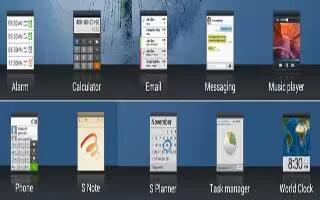
How To Use Alarms – Samsung Galaxy Note Pro
Learn how to use alarms on your Samsung Galaxy Note Pro. Set alarms for reminders or for wake-up times. You can set the time, delete, stop and etc.
Apple, Gadgets, Android, Microsoft
Learn how to use alarms on your Samsung Galaxy Note Pro. Set alarms for reminders or for wake-up times. You can set the time, delete, stop and etc.
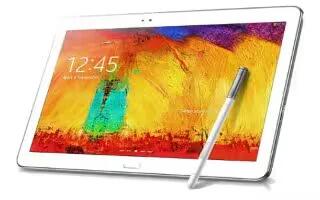
Learn how to use action memo on your Samsung Galaxy Note Pro. Use Action Memo to jot down or draw a note, and then select the memo to perform.
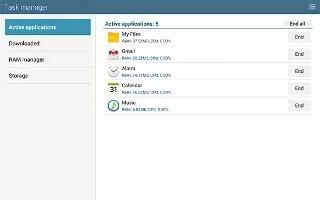
Learn how to use task manager on your Samsung Galaxy Note Pro. Your device can run applications simultaneously and some apps run in the background.
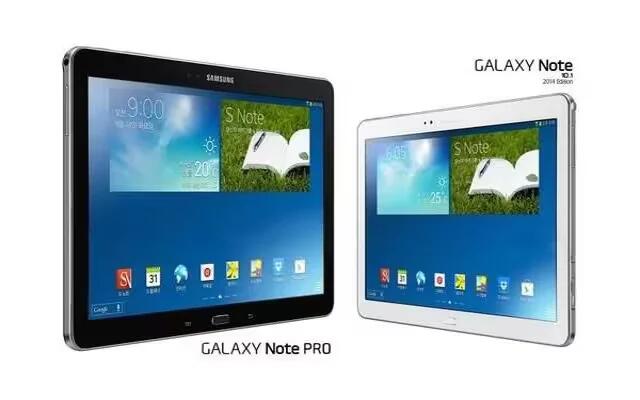
Learn how to update app on your Samsung Galaxy Note Pro. This section contains a description of each application that is available on the Apps screen.
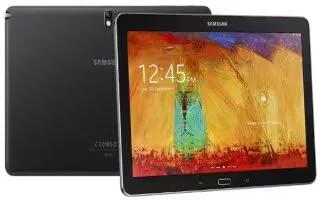
Learn how to Connect As Mass Storage Device on your Samsung Galaxy Note Pro. You can connect device to a PC as a removable disk and access the file.
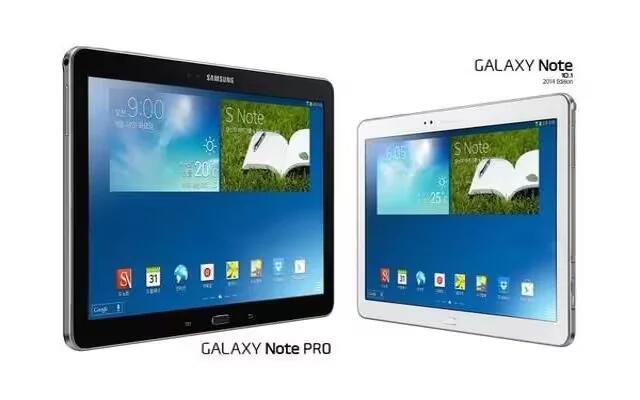
Learn how to Sync With Windows Media Player on your Samsung Galaxy Note Pro. Ensure that Windows Media Player is installed on your PC.
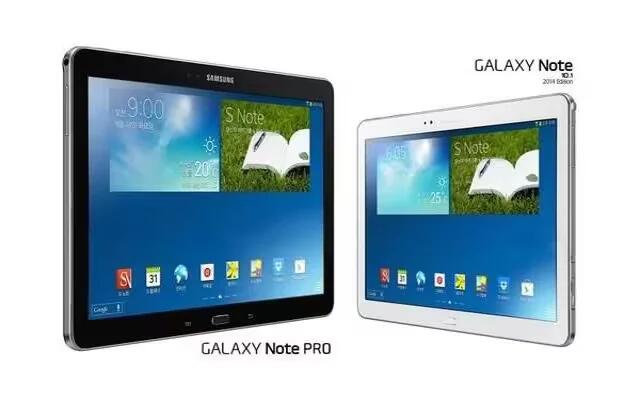
Learn how to use Bluetooth Tethering on your Samsung Galaxy Note Pro. Use Tethering to share your devices internet connection with a computer.
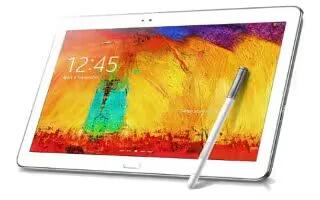
Learn how to Configure Mobile Hotspot Settings on your Samsung Galaxy Note Pro. Configure devices Mobile Hotspot settings, including your devices.
Learn how to use Mobile Hotspot on your Samsung Galaxy Note Pro. Use Mobile Hotspot to share tablets internet connection with a PC or other device.
Learn how to use Bluetooth settings on your Samsung Galaxy Note Pro. From a Home screen, touch Apps icon > Settings icon > Bluetooth.
Learn how to receive data from Bluetooth device on your Samsung Galaxy Note Pro. Your tablet is capable of receiving a wide variety of file types.
Learn how to send data from Bluetooth device on your Samsung Galaxy Note Pro. You can use Bluetooth to transfer information between your tablet.
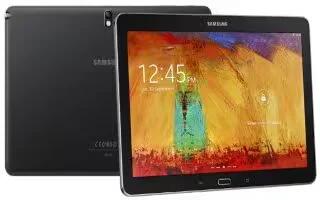
Learn how to pair Bluetooth device on your Samsung Galaxy Note Pro. Search for a Bluetooth device and pair with it, to exchange information.
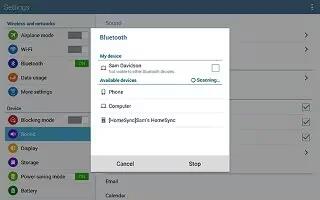
Learn how to use Bluetooth on your Samsung Galaxy Note Pro. Bluetooth is a short-range wireless communications technology for exchanging information.
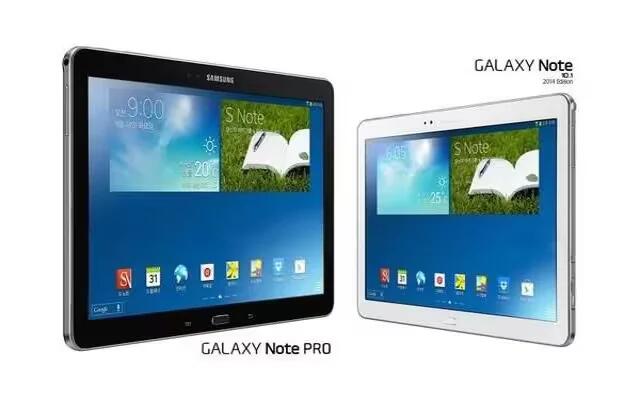
Learn how to use WiFi on your Samsung Galaxy Note Pro. Wi-Fi Direct allows device-to-device connections so you can transfer large amounts of data.
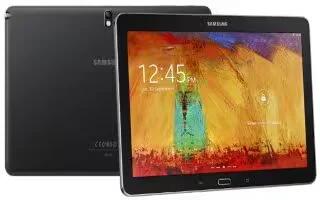
Learn how to use WiFi on your Samsung Galaxy Note Pro. Your device includes features to connect to the internet and to other devices.
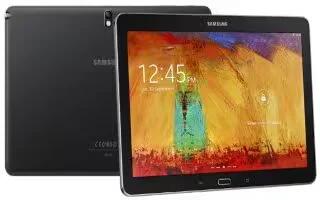
Learn how to configure YouTube on your Samsung Galaxy Note Pro. Use this application to watch videos from the YouTube website.
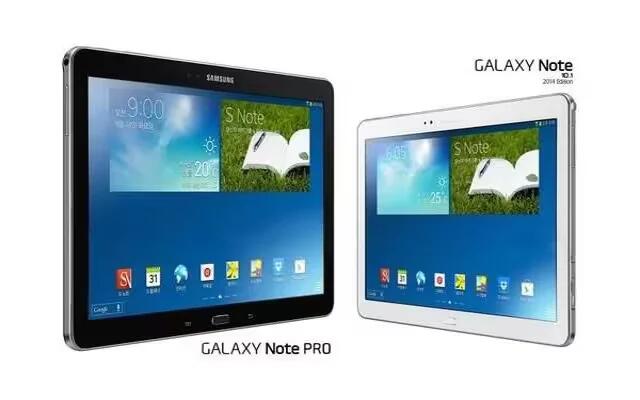
Learn how to use video player on your Samsung Galaxy Note Pro. Use this application to play video, delete video, share videos.







