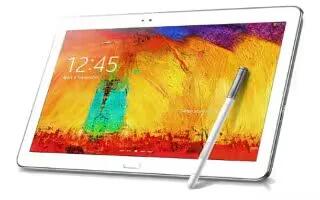
How To Use VPN – Samsung Galaxy Note Pro
Learn how to use VPN on your Samsung Galaxy Note Pro. Set up and manage Virtual Private Networks (VPNs). You must enable screen security.
Apple, Gadgets, Android, Microsoft
Learn how to use VPN on your Samsung Galaxy Note Pro. Set up and manage Virtual Private Networks (VPNs). You must enable screen security.
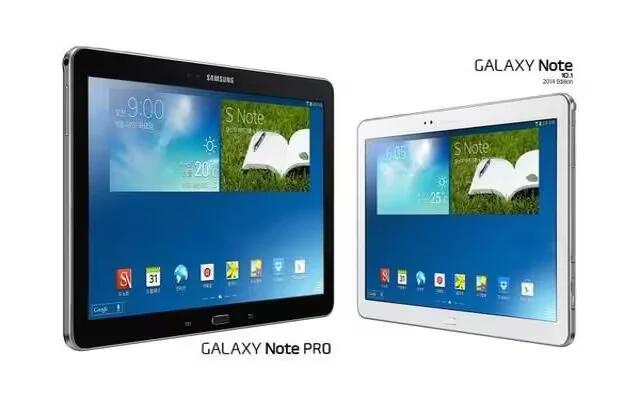
Learn how to use Mobile Networks on your Samsung Galaxy Note Pro. Set options for network selection and data service.
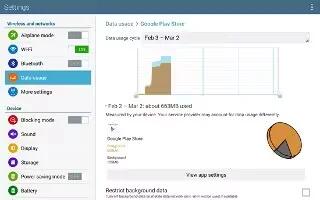
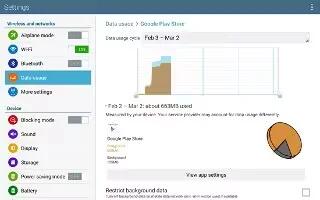
Learn how to use Data Usage on your Samsung Galaxy Note Pro. View your Wi-Fi data usage. The data usage displays as a visual chart.
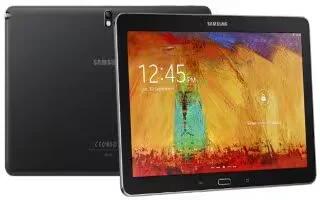
Learn how to use WiFi Settings on your Samsung Galaxy Note Pro. The advanced Wi-Fi settings allow you to set up and manage wireless access points.
Learn how to use Airplane Mode on your Samsung Galaxy Note Pro. Flight mode allows you to use many of your tablets features.
Learn how to use Screen Lock on your Samsung Galaxy Note Pro. On the locked screen, you can use various functions with preset wake-up commands.
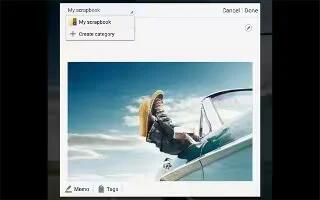
Learn how to use Scrapbook on your Samsung Galaxy Note Pro. Use this application to create your own digital scrapbook with content from web pages.
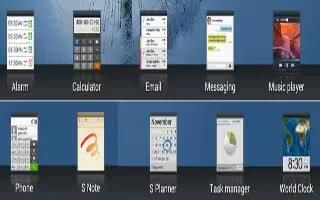
Learn how to use World Clock on your Samsung Galaxy Note Pro. Use this application to check the time of many major cities in the world.
Learn how to use S Voice App on your Samsung Galaxy Note Pro. Use this application to command the device by voice to perform various functions.
Learn how to use S Note app on your Samsung Galaxy Note Pro. Use this application to create notes with productivity tools that turn handwriting.
Learn how to use Play Store on your Samsung Galaxy Note Pro. Google Play Store provides access to downloadable applications and games to install.
Learn how to use Photos on your Samsung Galaxy Note Pro. Use this application to view and share images or videos via Googles social network services.
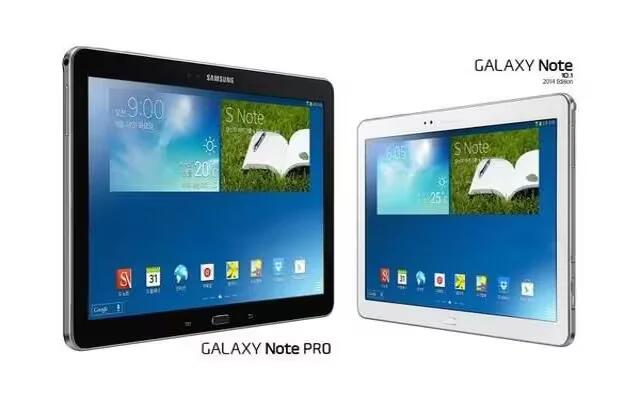
Learn how to use My Files on your Samsung Galaxy Note Pro. Use this application to access all kinds of files stored in the device.
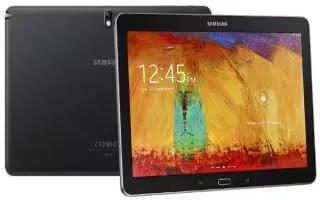
Learn how to use browser history on your Samsung Galaxy Note Pro. You can have multiple windows open at one time and easily switch between windows.
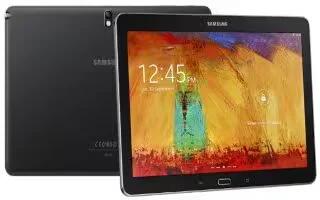
Learn how to use browser on your Samsung Galaxy Note Pro. Your device is equipped with a browser that gives you access to the Internet.
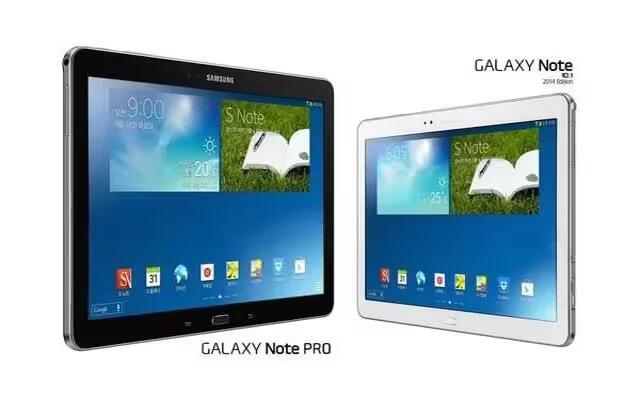
Learn how to use Google Drive on your Samsung Galaxy Note Pro.Use the Google Drive app to open, view, rename, and share your Google Docs and files.
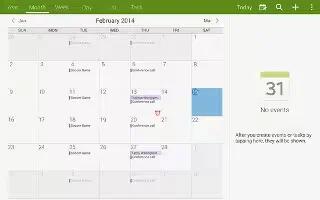
Learn how to use calendar on your Samsung Galaxy Note Pro. Use this application to manage events and tasks. Touch a date on the calendar.
Learn how to use Amazon on your Samsung Galaxy Note Pro. Browse and download applications, games and more from the Amazon application store.







