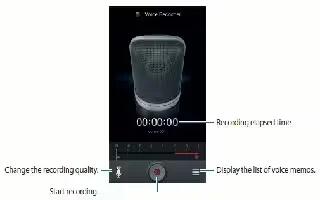
How To Configure Voice Recorder -Samsung Galaxy Note 3
Learn how to configure voice recorder on your Samsung Galaxy Note 3. This allows you to record an audio file up to one minute long.
Apple, Gadgets, Android, Microsoft
Learn how to configure voice recorder on your Samsung Galaxy Note 3. This allows you to record an audio file up to one minute long.
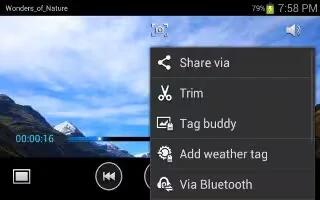
Learn how to configure video player on you Samsung Galaxy Note 3. The Video Player application plays video files stored your microSD card.

Learn how to configure TripAdvisor on your Samsung Galaxy Note 3. With the TripAdvisor, you can plan and have your perfect trip.

Learn how to configure story album on your Samsung Galaxy on tour Samsung Galaxy Note 3. You can create a digital Album of story in media.
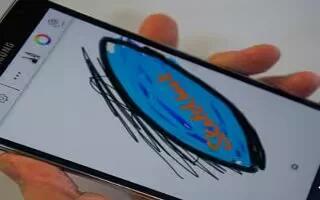
Learn how to configure sketchbook on your Samsung Galaxy Note 3. This apps allows explore imagination through sketches using the Sketchbook.
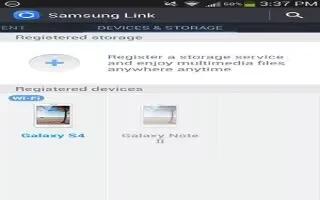
Learn how to use Samsung link on your Samsung Galaxy Note 3. This application wirelessly synchronizes Samsung mobile phone with your TV.
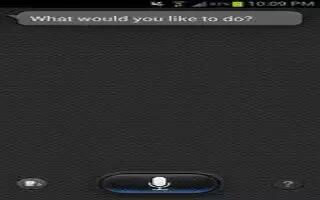
Learn how to use S Voice app on Samsung Galaxy Note 3. With the S Voice apps can use hand such as dialing a phone number, text message etc.
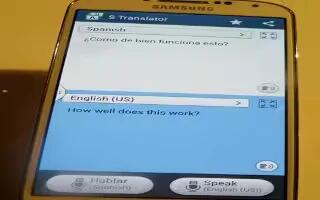
Learn how to use S Translator App on your Samsung Galaxy Note 3. With the S Translator you can easily translate words and phrases

Learn how to use S Health app on Samsung Galaxy Note 3. It is a wellness apps that manage health providing you with relevant information.

Learn how to use Samsung Hub on Samsung Galaxy Note 3. It makes it easy to find, sample, purchase movies, TV shows, books, games, and music.
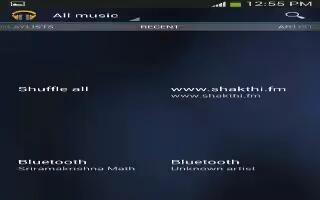
Learn how to use Play Music app on Samsung Galaxy Note 3. With Google Play Music, you can play music that you have added to your music file
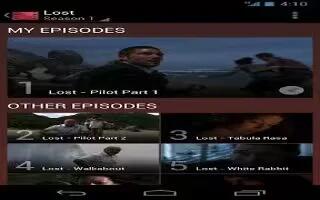
Learn how to use play movies on your Samsung Galaxy Note 3. With Google Play Movies & TV, you can rent thousands of different movies.
Learn how to use playlists in music app on your Samsung Galaxy Note 3. Playlists are used to assign songs to a list of preferred media.
Learn how to use play games app on Samsung Galaxy Note 3. This application takes you directly to the Play Store Games area download games.
Learn how to use my files apps on your Samsung Galaxy Note 3. My Files allows you to manage your sounds, images, videos, bluetooth files.
Learn how to use Music Player App on Samsung Galaxy Note 3. This apps play music files.It supports files with extensions AAC, AAC+, eAAC+.
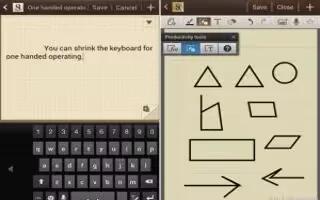
Learn how to customize S Note app on Samsung Galaxy Note 3. Use this application to create notes with productivity tool.
Learn how to configure Samsung app on Samsung Galaxy Note 3. With Samsung Apps, you can download hundreds of applications from a variety







