
How To Use Contacts On Samsung Galaxy Tab 2
Store contact information for your friends, family, and colleagues to quickly access information or to send a message on your Samsung Galaxy Tab 2.
Apple, Gadgets, Android, Microsoft
Store contact information for your friends, family, and colleagues to quickly access information or to send a message on your Samsung Galaxy Tab 2.
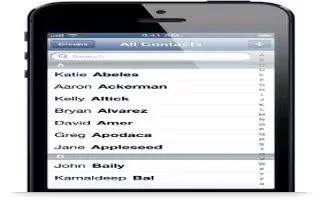
Learn how to use Contacts on your iPhone 5. iPhone lets you easily access and edit your contact lists from personal, business, and organizational accounts.
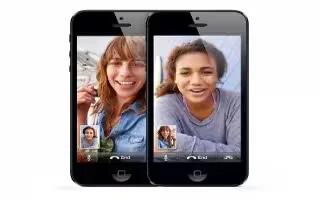
Learn how to use FaceTime on iPhone 5. With iPhone 4 or later, you can make a video call to someone with a Mac or other iOS device that supports FaceTime.
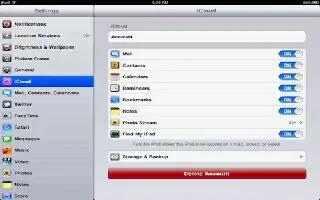
Learn how to use contacts on iPad. Contacts lets you easily access and edit your contact lists from personal, business, and organizational

FaceTime lets you make video calls over Wi-Fi. Use the front camera to talk face-to-face, or the back camera to share what you see around you.
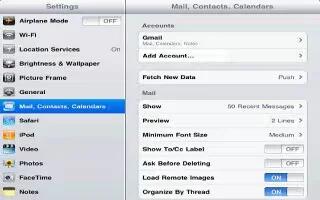
You can setup the mail accounts and customize settings of your mail accounts on your iPad. Continue reading the article on how to use it.
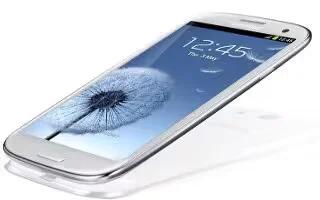
Learn how to import or expert contacts on Samsung Galaxy S3. You can import or export files (in vcf format) to or from your devices USB storage.







