
How To Change Wallpaper – iPad Air
Learn how to change wallpaper on your iPad Air. It let you set an image or photo as wallpaper for the Lock screen or Home screen.
Apple, Gadgets, Android, Microsoft
Learn how to change wallpaper on your iPad Air. It let you set an image or photo as wallpaper for the Lock screen or Home screen.

Learn how to charge your battery Nokia Lumia 1020. Your battery has been partially charged at the factory but you may need to recharge.
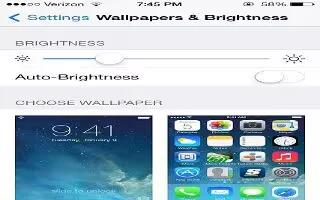
Learn how to adjust brightness on your iPad Air. If Auto-Brightness is on, iPad adjusts the screen rightness for current light conditions.
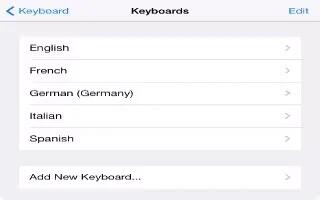
Learn how to add keyboard on your iPad Air. You can turn typing features, such as spell checking, on or off; add keyboards for writing.

Learn how to charge your battery Nokia Lumia 925. Your battery has been partially charged at the factory but you may need to recharge.
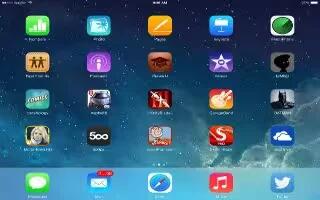
Learn how to use folders on your iPad Air. You can create folders on your home screen for arranging apps and can have multiples of them.

Learn how to use apps on your iPad Air. Apps that come with iPad as well as the apps you download from the App Storeare on the Home screen.
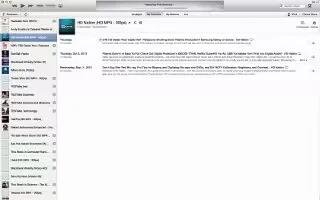
Learn how to sync with iTunes on your iPad Air. Syncing with iTunes copies information from your computer to iPad, and vice versa.

Learn how to setup mail and other accounts your iPad Air. it works with iCloud, Microsoft Exchange and many of the most popular Internet.
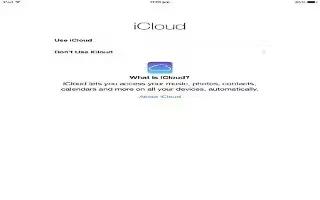
Learn how to setup iCloud your iPad Air. iCloud stores your content, including music, photos, contacts, calendars, and supported documents.
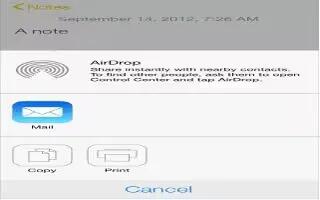
Learn how to use Airdrop on iPhone 5c. Share content such as photos and links using AirDrop on iOS 7. Here’s what need to know get started.

Learn how to set date and time on your iPad Air. It set for you based on your locationtake a look at the Lock screen to see.
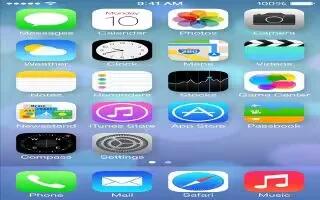
Learn how to take a screenshot on your iPhone 5c. One of the best features of the iOS 7-powered iPhone 5c is built-in screenshot capability.
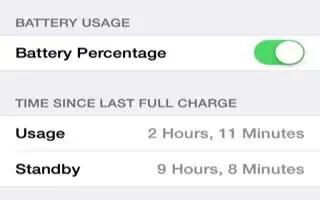
Learn how to improve Battery Life on your iPhone 5c. You might have noticed that iPhone 5c battery life falls short based usage pattern.
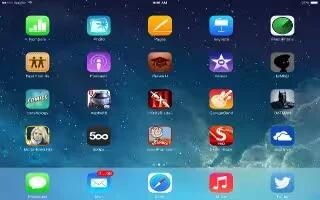
Learn how to customize on your iPad Air. Touch and hold any app on the Home screen until it jiggles, then drag apps around.
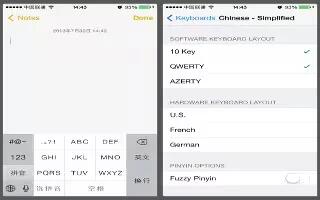
Learn how to use Special input methods on your iPhone 5c. keyboards to enter some languages in different ways. examples are Chinese Cangjie.
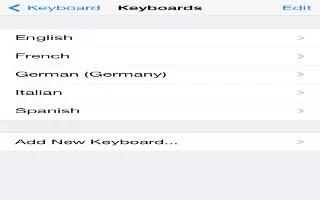
Learn how to use International Keyboards on iPhone 5c. Type text many different languages, including Asian languages written right to left.
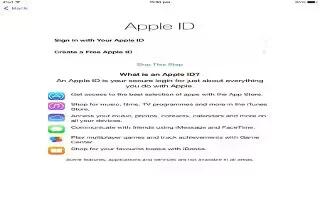
Learn how to create Apple ID on your iPad Air. Your Apple ID is the user name for a free account that lets you access Apple services.







