
How To Share Contacts – Huawei Ascend G6
Learn how to share contacts on your Huawei Ascend G6. You can share contacts in .vcf format in many ways.
Apple, Gadgets, Android, Microsoft
Learn how to share contacts on your Huawei Ascend G6. You can share contacts in .vcf format in many ways.
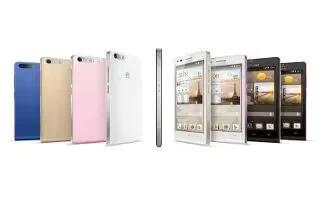
Learn how to import and export contacts on your Huawei Ascend G6. Your phone supports contact files in .vcf format only.

Learn how to use contacts on your Huawei Ascend G6. Forget about lugging around business card holders.

Learn how to setup voicemail on your Huawei Ascend G6. Voicemail is your personal storage for missed calls, including the calls missed when you are in another call
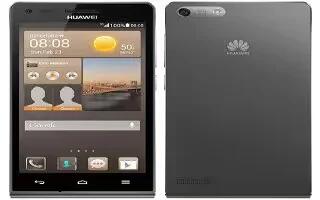
Learn how to use call options on your Huawei Ascend G6.Your phone also supports other call functions, such as call forwarding, call waiting, and voicemail.
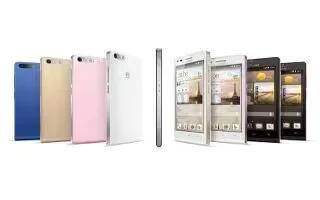
Learn how to make emergency calls on your Huawei Ascend G6. In the event of an emergency, you will still be able to make emergency calls without the use of a SIM card.
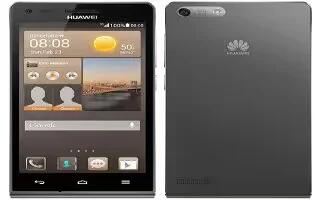
Learn how to make calls on your Huawei Ascend G6. In addition to standard call procedures, smart dialing lets you quickly find contacts.
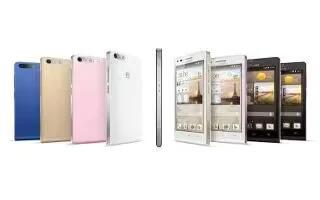
Learn how to use unlock password on your Huawei Ascend G6. Follow the onscreen instructions to set a screen unlock password.
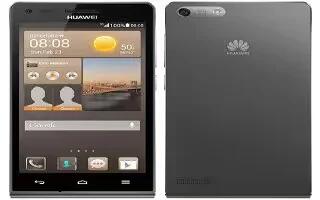
Learn how to PIN lock on your Huawei Ascend G6. Follow the onscreen instructions to set a screen unlock PIN.
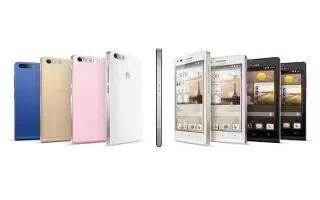
Learn how to use unlock pattern on your Huawei Ascend G6. Follow the onscreen instructions to set a screen unlock pattern.
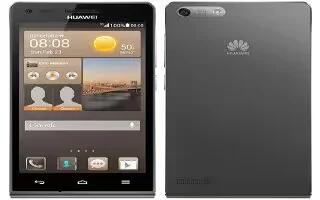
Learn how to use face unlock on your Huawei Ascend G6. Your phone will use face unlock as the primary unlock method.
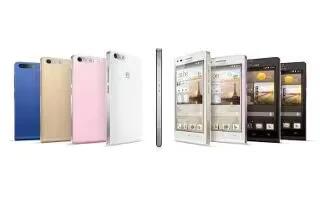
Learn how to change ringtones on your Huawei Ascend G6. You can change the ringtones and set the notification tones on your device.
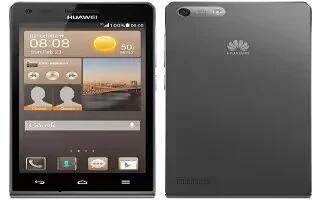
Learn how to create folders on your Huawei Ascend G6. A folder must contain at least two items; otherwise, the folder will automatically disappear.
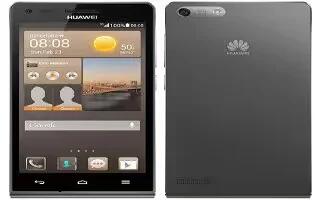
Learn how to use home screen on your Huawei Ascend G6. Your home screens are where you’ll find all of your favorite widgets and applications.
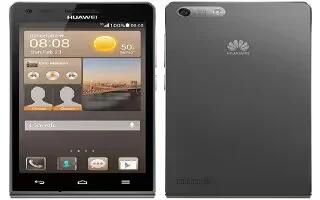
Learn how to change wallpapers on your Huawei Ascend G6. On the home screen, touch and hold a blank area to display the Set home screen dialog box.
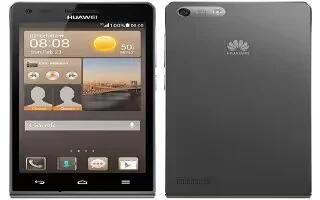
Learn how to use theme on your Huawei Ascend G6. Your phone comes with a variety of themes.
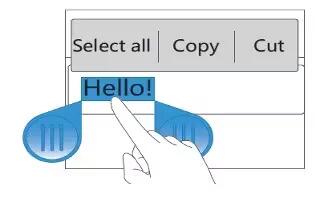
Learn how to edit text on your Huawei Ascend G6. Learn how to select, cut, copy, and paste text on your phone.
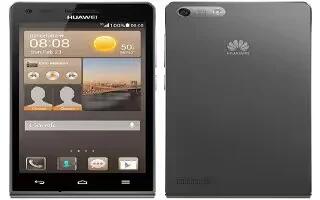
Learn how to enter text on your Huawei Ascend G6. Your phone comes with multiple text input methods. You can quickly enter text using the onscreen keyboard.







