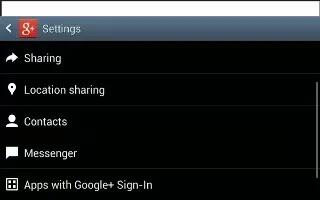
How To Use Messenger App – Samsung Galaxy Tab 3
Learn how to use Messenger App on your Samsung Galaxy Tab 3. With Google Messenger, you can bring groups of friends together into a group.
Apple, Gadgets, Android, Microsoft
Learn how to use Messenger App on your Samsung Galaxy Tab 3. With Google Messenger, you can bring groups of friends together into a group.
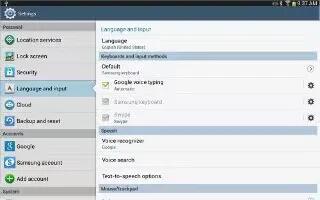
Learn how to use Google Plus app on your Samsung Galaxy Tab 3. Google+ makes messaging and sharing with your friends a lot easier.
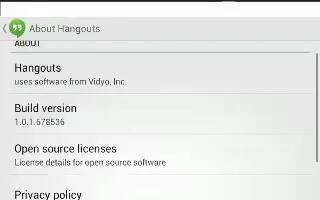
Learn how to use Google talk app on Samsung Galaxy Tab 3. Talk is Googles instant message and audio and video chat service to communicate.
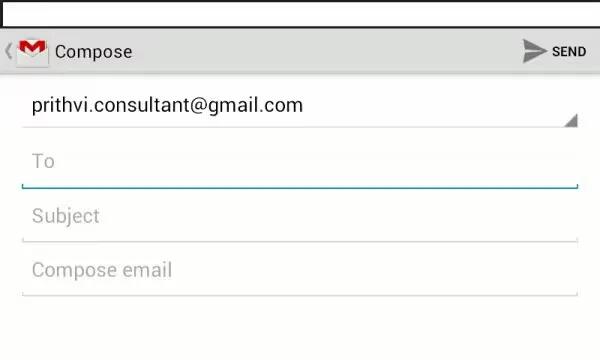
Learn how to compose and send Email on your Samsung Galaxy Tab 3. You can compose an Email message and it your recipients and save them.
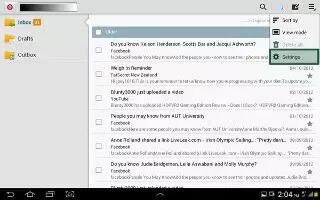
Learn how to use Email Settings on Samsung Galaxy Tab 3. Use Email Settings to configure your Email preferences. You can change settings.
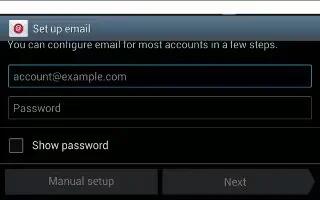
Learn how to use Email on your Samsung Galaxy Tab 3. Use Email to view and manage all email accounts in one apps. Configure mail account.
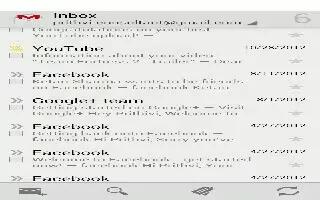
Learn how to use Gmail on your Samsung Galaxy Tab 3. Send and receive email with Gmail, Googles web-based email. Setup your Google account.
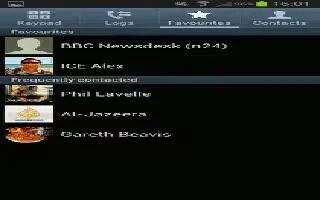
Learn how to use Favorites in contacts on your Samsung Galaxy Tab 3. Mark contact records with a gold star to identify them as favorites.
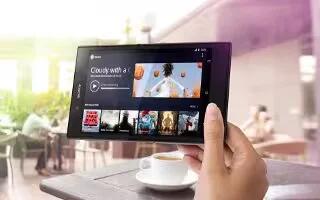
Learn how to use USB tethering on your Sony Xperia Z Ultra. Sharing device’s mobile data connection with a single computer using USB cable.
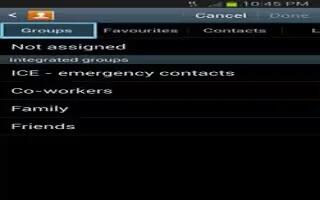
Learn how to use Groups in Contacts on your Samsung Galaxy Tab 3. Assign contacts to Groups to make searching for contacts faster or to quickly.
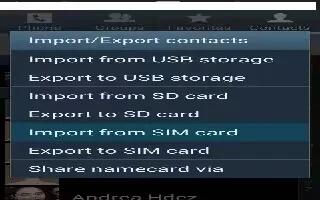
Learn how to import and export contacts on your Samsung Galaxy Tab 3. To back up and restore your contacts information, you can export contacts.
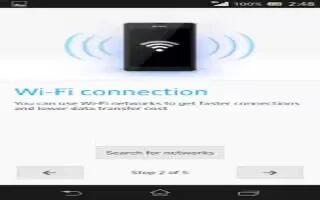
Learn how to use WiFi on your Sony Xperia Z Ultra. Use Wi-Fi connections to surf the Internet, download apps, or send and receive emails.
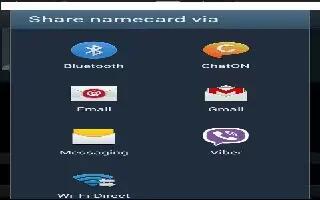
Learn how to share contacts information on your Samsung Galaxy Tab 3. You can send a contacts information by way of Bluetooth, email, Gmail.
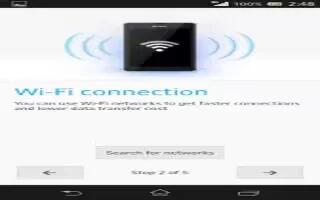
Learn how to use WiFi settings on Sony Xperia Z Ultra. You can also enable device to notify you whenever an open Wi-Fi network is detected.
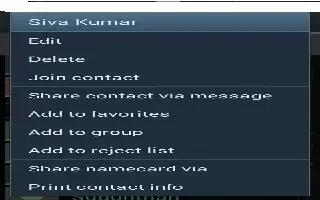
Learn how to join contacts on your Samsung Galaxy Tab 3. Your device can synchronize with multiple accounts, including Google, Corporate.
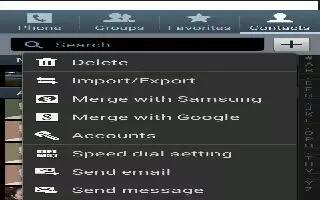
Learn how to use Contacts Display Options on your Samsung Galaxy Tab 3. There are various ways to display your Contacts and general.
Learn how to use browser on your Sony Xperia Z Ultra. The Google Chrome web browser for Android devices comes pre-installed.
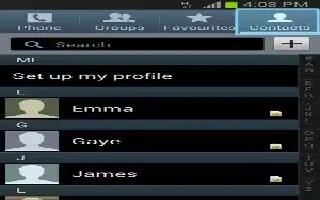
Learn how to use contacts on your Samsung Galaxy Tab 3. Store contact information for your friends, family, colleagues to quickly access.







