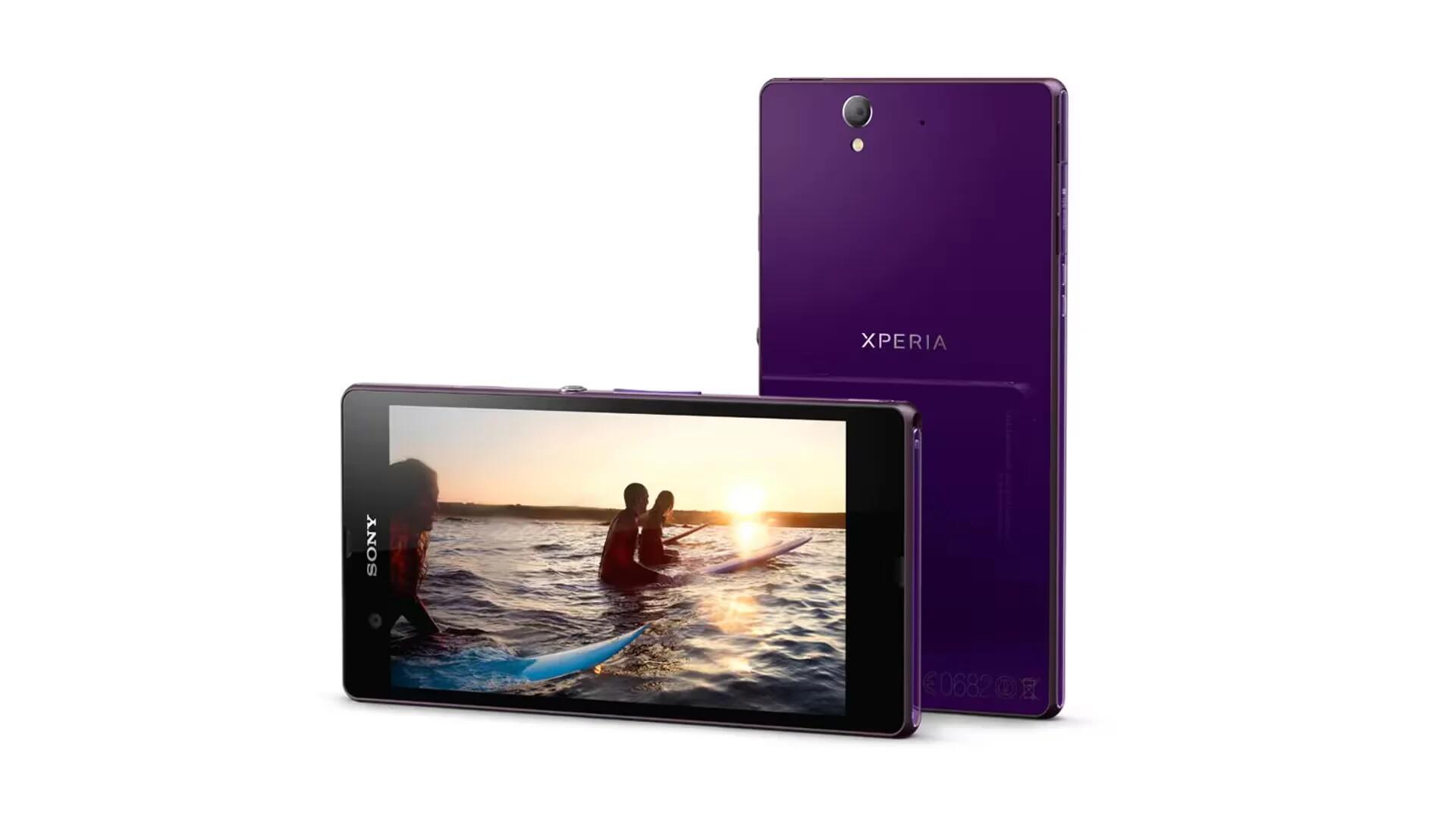
Sony Xperia Z Android Lollipop Update Coming Next Week
Sony Philippines has tweeted that Sony Xperia Z Android Lollipop update will come sometime next week.
Apple, Gadgets, Android, Microsoft
Sony Philippines has tweeted that Sony Xperia Z Android Lollipop update will come sometime next week.
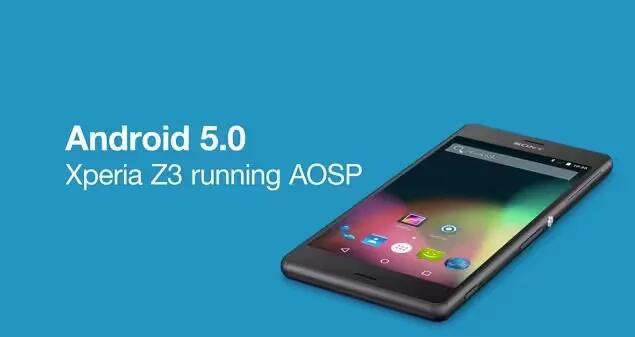
The Android 5.0 Lollipop source code hit AOSP earlier this week and Sony has moved fast to get the latest version of Android up and running on its flagship Xperia Z3.
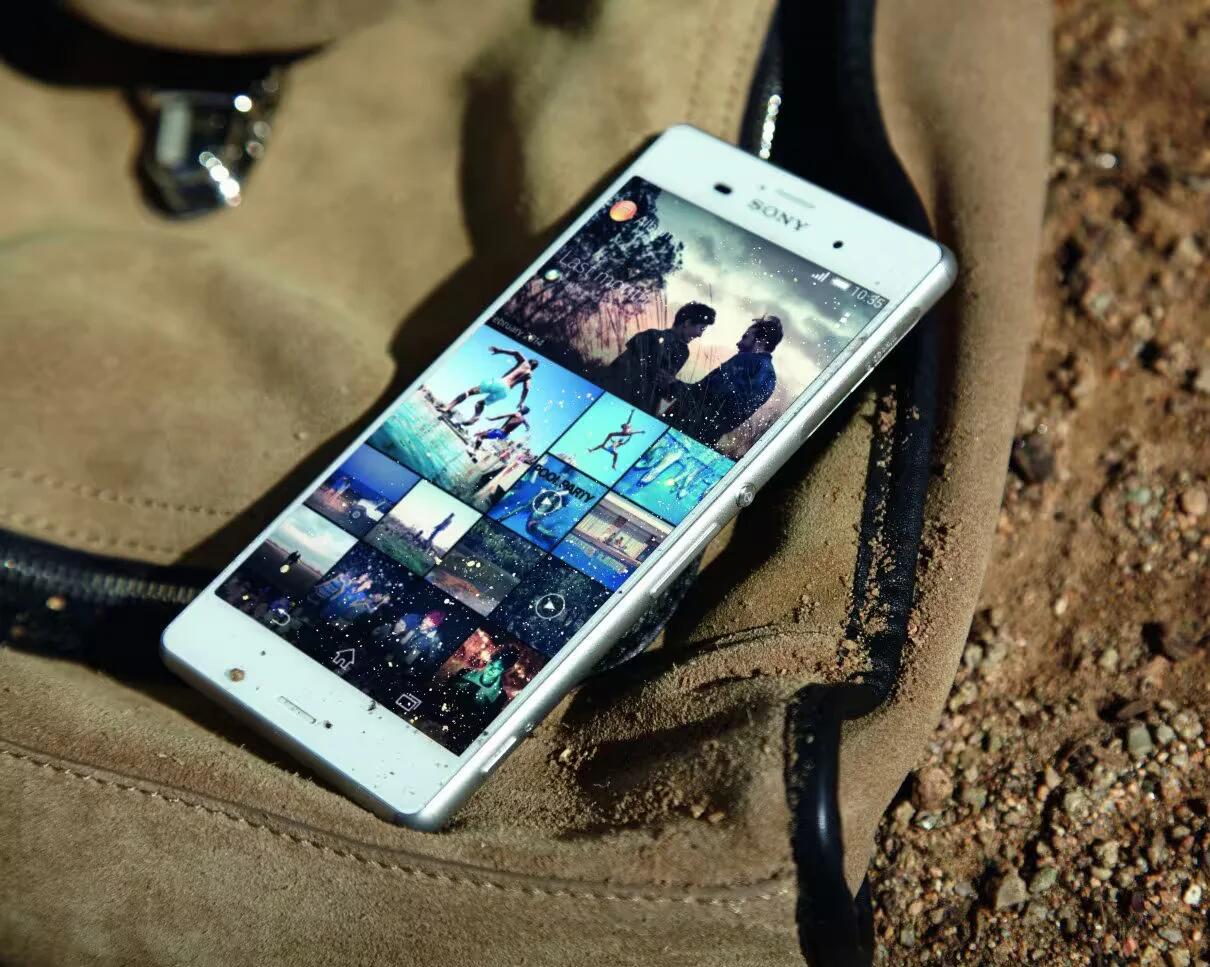
Sony has officially announced that they will be making the Android 5.0 Lollipop upgrade available for the entire Xperia Z devices including Smartphones, tablets, and Google edition devices.
Learn how to use widgets on your Sony Xperia C3 Dual. Widgets are small applications that you can use directly on your Home screen.

Learn how to transfer files using Media Transfer Mode via WiFi on your Sony Xperia Tablet Z. You can transfer files between a device and other MTP
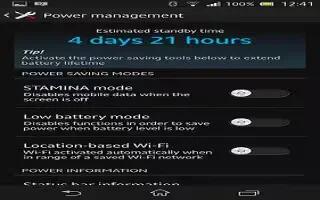
Learn how to improve battery life and Stamina mode for performance of your Sony Xperia Z. The following tips can help you improve battery performance
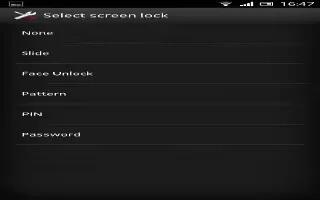
Learn how to use screen lock to protect your Sony Xperia Z. There are several ways to lock phone screen. For example, use the Face Unlock feature,
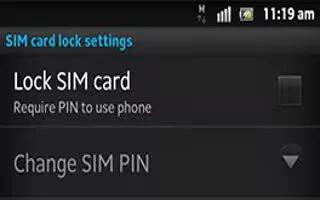
Learn how to use SIM lock to protect your Sony Xperia Z. The SIM card lock only protects your subscription. Device will still work with new SIM card.
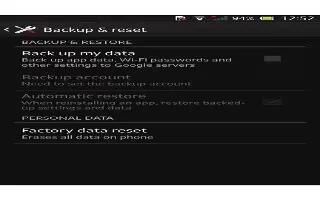
Learn how to manage your backup records on Sony Xperia Z. You can delete or rename records of backups that make using the Backup & restore function.
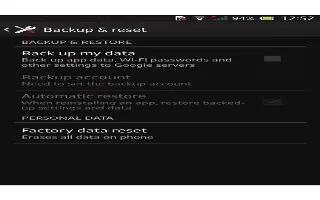
Learn how to restore the backup taken on your Sony Xperia Z. When you restore backed up content, you must select a backup record to restore from.
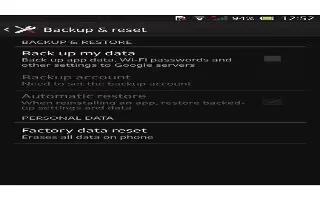
Learn how to backup and restore on your Sony Xperia Z. Use the Backup and restore to make backups of content to memory card or USB storage device.
Learn how to update your Sony Xperia Z using a USB cable connection. Notifications appear in the status bar to inform of such updates. To download
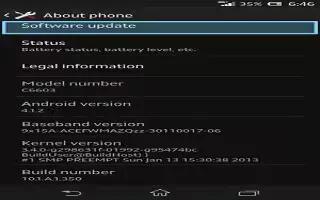
Learn how to update your Sony Xperia Z. Update your device to the most recent software version to get optimal performance and the latest enhancements
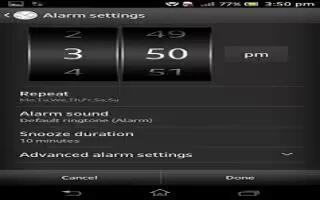
Learn how to sue alarm clock and its settings on your Sony Xperia Z. Use device as an alarm clock and select sound saved on device as alarm signal.
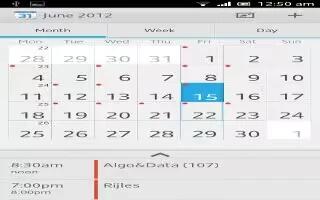
Learn how to use calendar on your Sony Xperia Z. Your device has a calendar application for managing time schedule. If you have a Google account,
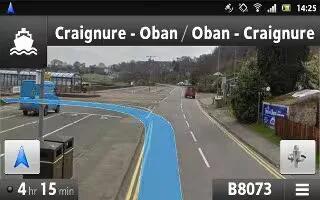
Learn how to use Navigation on your Sony Xperia Z. Use the Navigation application in device to get turn-by-turn instructions on how to get places.
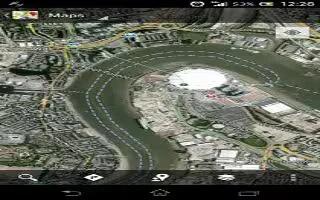
Learn how to use Google Maps on your Sony Xperia Z. Track your current location, view real-time traffic situations and receive detailed directions
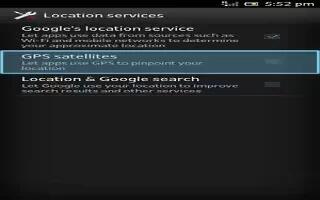
Learn how to use Location services and GPS on your Sony Xperia Z. Use your phone to find out where you are. There are two methods: GPS and wireless







